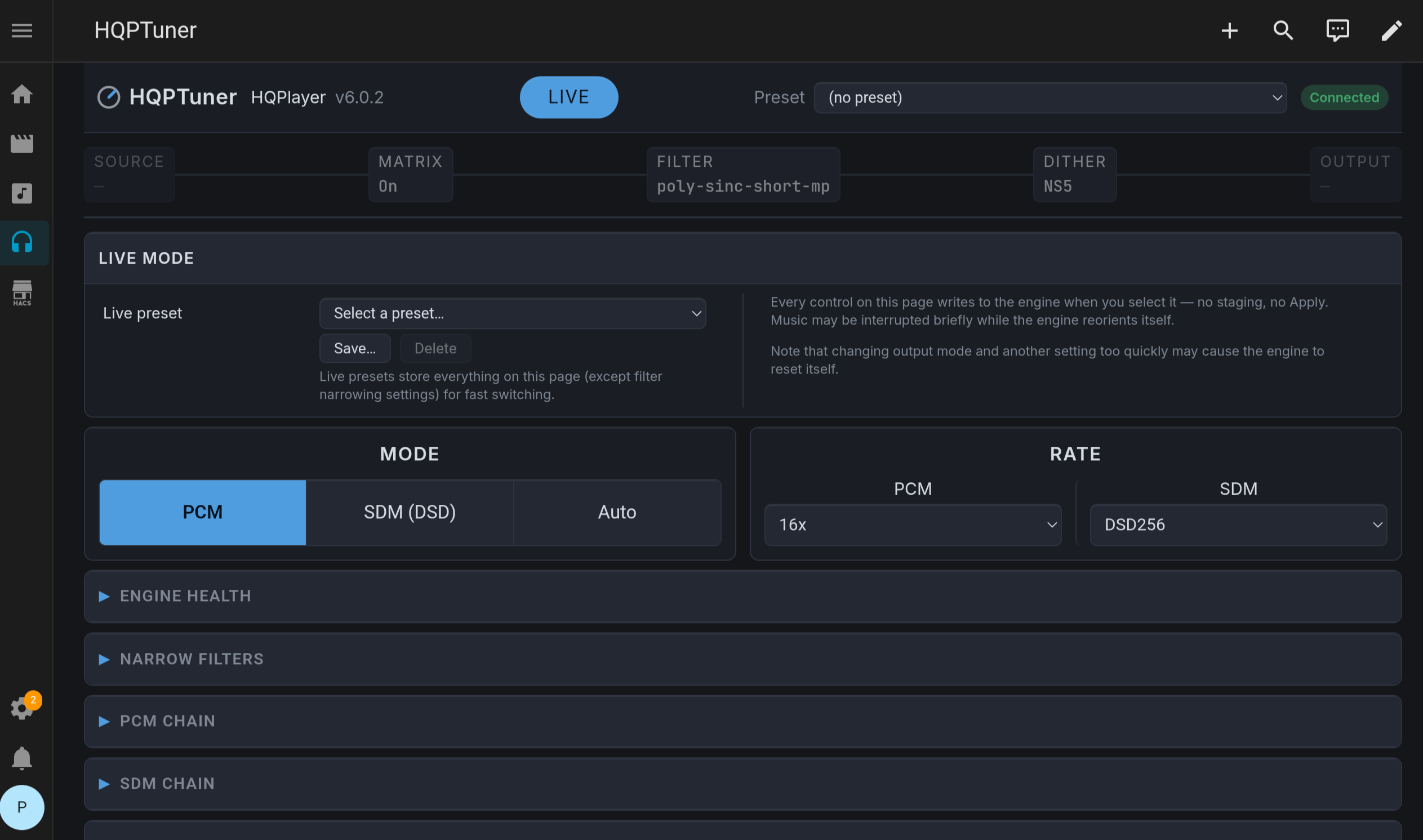
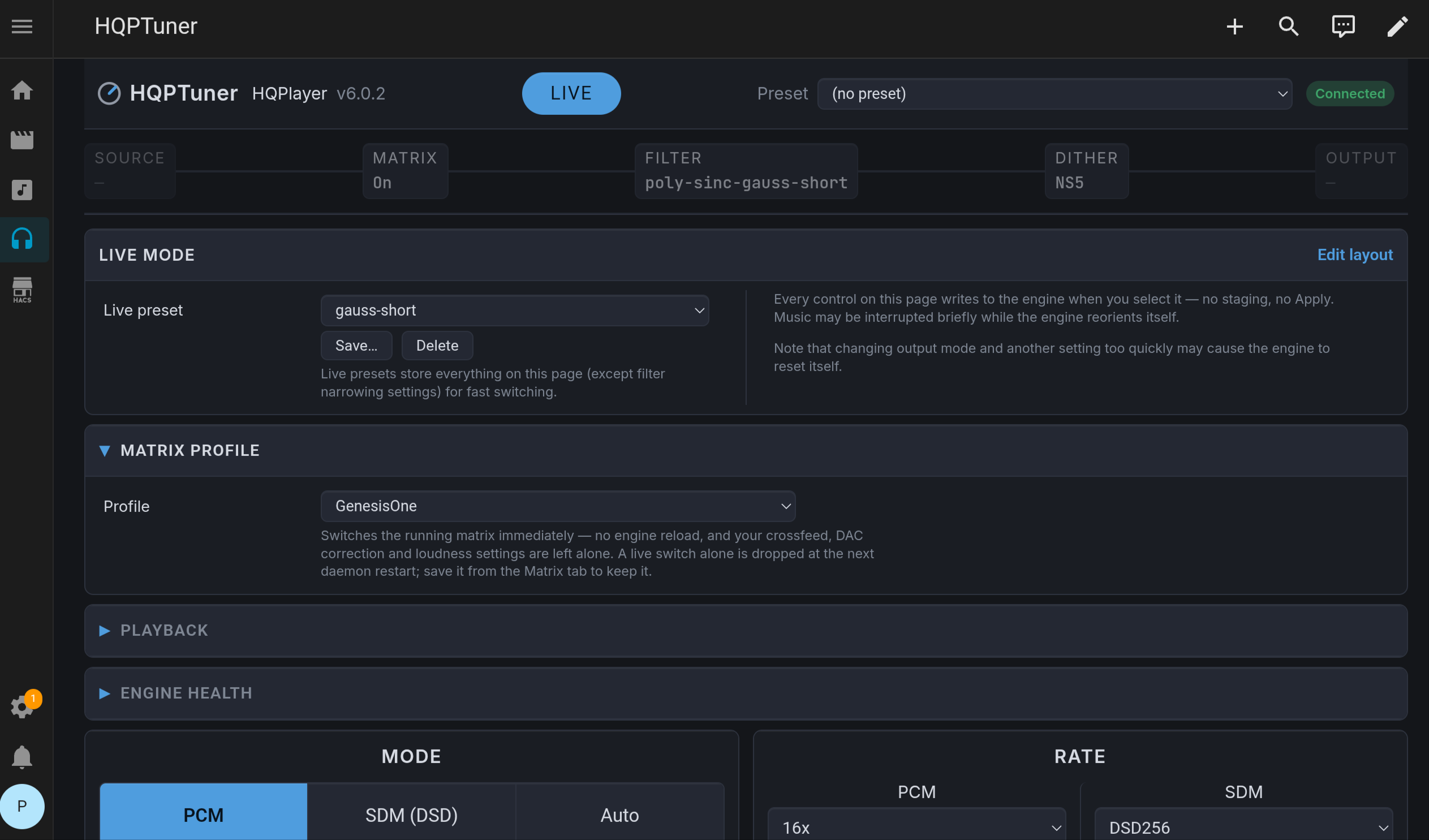
I’m very, very excited to announce a very cool new feature that I’ve started work on.
Most of you already in this thread won’t care… but I think there are a lot of people out there that need it:
A SETUP WIZARD!
Someone from here in the Roon community reached out to me last week about expanding HQPTuner into something capable of not just making the HQPlayer experience easier for those who already know the ropes, but also making it easier on those who don’t.
The original idea was “can I just give you my hardware and have HQPTuner spit out the best settings possible?” to which the answer is no, there are no such thing as “the best” settings. But after a little back-and-forth, we’ve arrived at a concept that both simplifies the initial setup without pretending to provide anything optimized or ideal.
It’s been a while since many of us have had to set HQPlayer up, and most of us have probably blocked out the trauma of getting it to work to the point where we just say “oh, yeah, it’s easy.” Sure, for us, because we know what we’re doing. We already know the half dozen settings we actually need and where to find them, and know to ignore the other 300 that we don’t.
To the uninitiated, though, all of that blends together. They don’t know that it only really takes 4-5 different settings to get good sound output. All they see is a ton of different settings with no explanations and no arrow or pointer that says “start here.” I know for a fact that the setup phase alone has driven away many, many a potential user.
And HQPTuner can change that relatively easily: a wizard that walks you through from a fresh HQPlayer installation to the point at which you are ready to press play isn’t difficult. It’s a big feature, but it’s not a hard feature.
The outline would look something like:
- How many setups do you have? That is, how many presets are you going to need?
- For each preset, you’re walked through backend selection, device identification, rate limits, fixed vs adaptive volume, etc.
- Load any EQ profiles per preset
- Does your hardware have an Nvidia GPU and/or a CPU with E-cores?
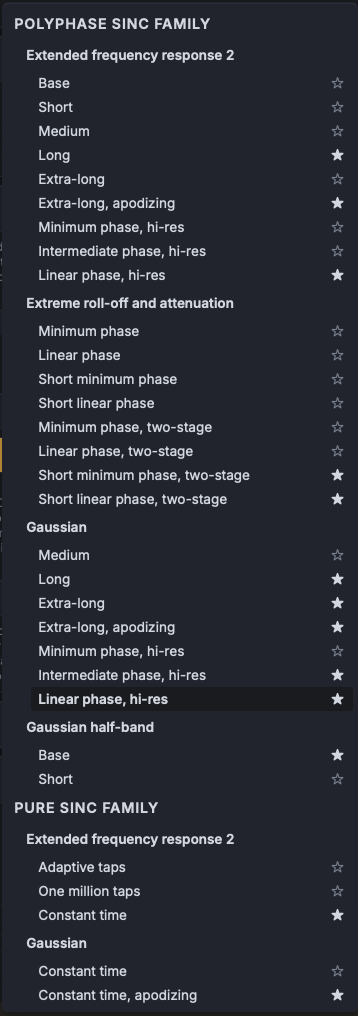
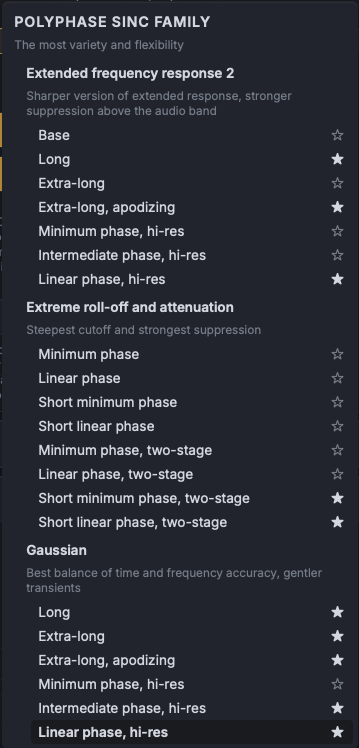
- A tour of the HQPTuner interface including how to use the filter narrowing system
…ending with the simple message “You can hit Play now. Enjoy the tunes :)”.
The person who reached out is willing to contribute resources and ideas, so hopefully this is something I can roll out in the next few weeks. They’re also willing to contribute greatly to the EQ Assistant, a fully optional, opt-in only AI bot capable of EQ tweaks and filter recommendations† based on qualitative complaints. It would also explain the reasoning behind each decision, ideally leaving the user better informed and ensuring that the concept acts more as training wheels than a crutch.
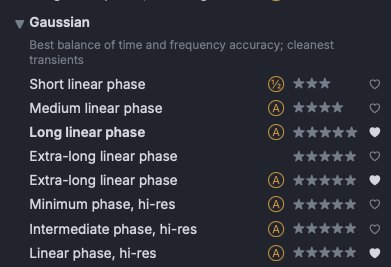
†Yes, filter recommendations are a minefield. The EQ Assistant would NOT work like “recommend the best classical filter”, it should just ask you to clarify what you consider “best”. Rather, you might say “This filter is too incisive, give me something smoother and more analog” and it would change a single axis, or prefer something that has “timbre” instead of “transients” as one of its qualities.
So, yeah, big things on the horizon. In the meantime, I’ll continue to patch bugs as I stumble over them and let people know how the feature’s development is coming along.

 this is v1.3.4: