Good afternoon, I am using ROON with a Mac computer. Since some days de Meridian 218 endpoint comes and goes from the available speakers list every 3 seconds.
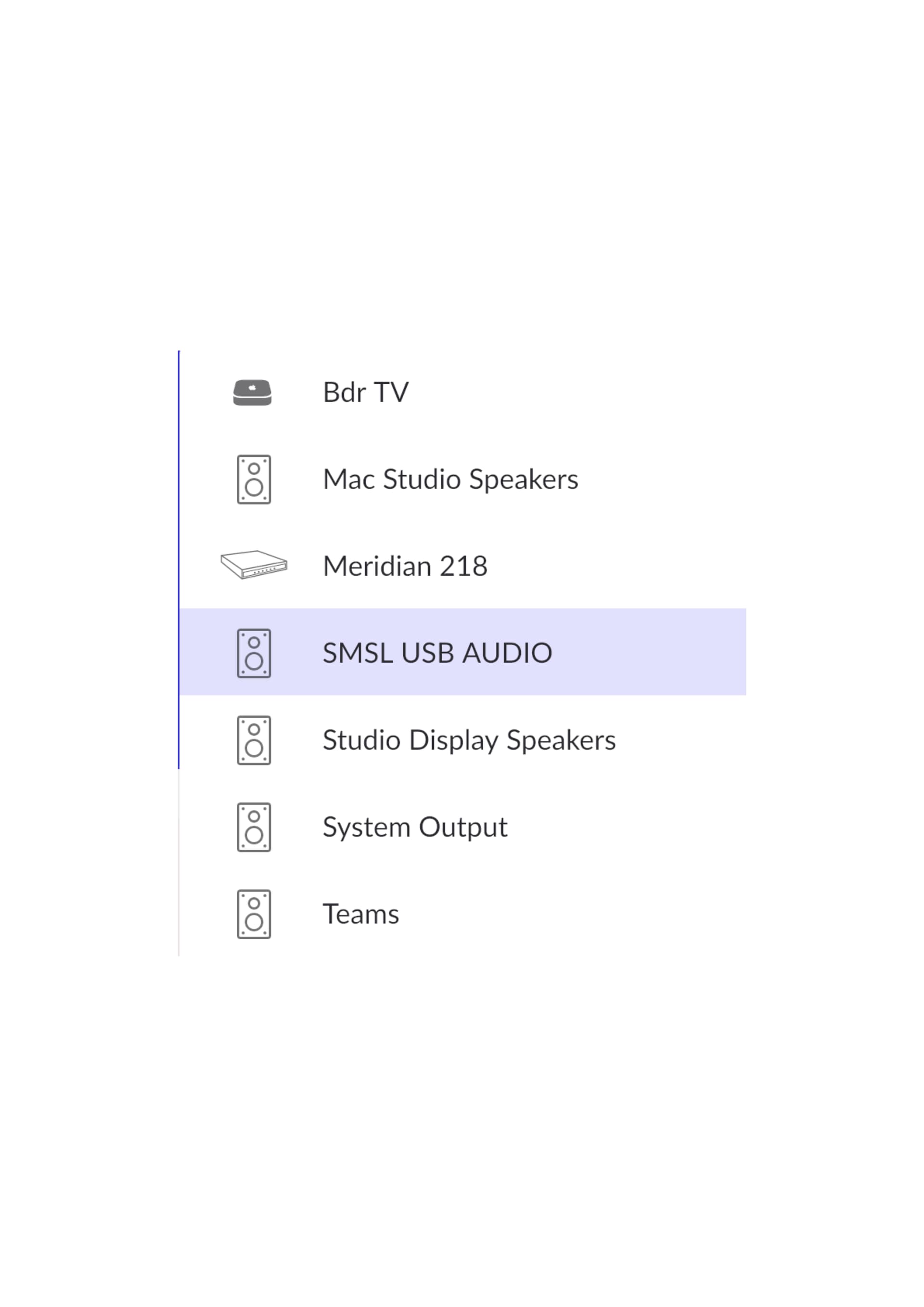
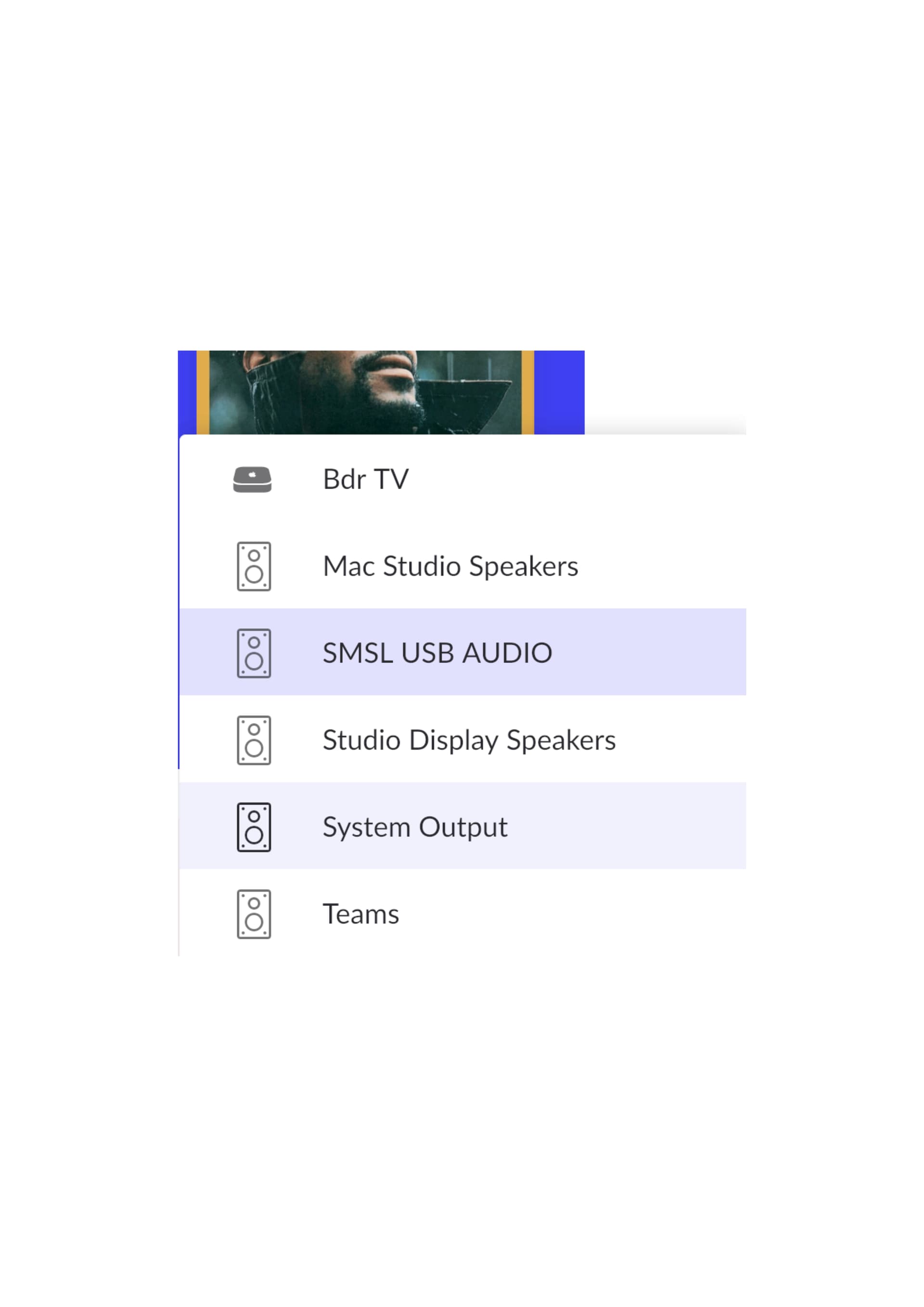
I attach two captures, one with the M218 and other without the M218.
Some help please ?
Good afternoon, I am using ROON with a Mac computer. Since some days de Meridian 218 endpoint comes and goes from the available speakers list every 3 seconds.
I attach two captures, one with the M218 and other without the M218.
Some help please ?
Have you rebooted the Meridian 218?
If that does not help, reboot router followed by Roon Server and then the 218.
Thank you Carl for your advice.
I tried the first alternative with no result. Then I tried the second one but the M218 continues going on and off every 3 seconds.
Hi @jagoras,
Sorry to hear that did not work … I’d recommend seeking the assistance from Roon technical support.
To equip the Roon Technical Support team to assist you directly, please follow this link to provide the details of your case to Technical Support: Technical Support Request
Respond to the prompts there to ensure that you’ve performed basic troubleshooting and to ensure Technical Support has the full details necessary to expedite Technical Support’s investigation into the case.
Your responses will auto-generate a Community thread in the appropriate section.
Because this Community thread will be in a public forum, please do not include any personal information, such as your email address, postal address or telephone number in your submission.
Is the M218 connected directly to your Mac or over a network?
If networked, I had a similar problem to you - but still different (see below). What is the topography of your network (wired or wifi/Mesh or hybrid)? You may need to experiment with settings on your router: the UPnP (on), IGMP Proxy (on) and Snooping (Enable: Forwards multicast traffic only to ports that are members of that group.)
Hope this helps, Adrian
I had a similar problem several years ago. I didn’t know about the slow speed of UDP then. I was told that using a wireless network connection was not recommended. After some trial and error and adjusting IGMP Proxy and Snooping settings on my Router, it has been running without a problem (#jinx).
My QNAP is wired into the same network as a Sooloos MC600 (feeding 4 zones) and 861v8 with ID41 card. Roon could always see the MC600’s endpoints, just not the ID41. I could see the ID41 over the network but it would not play or would stop playing quickly.
I use a Draytek router 2927 and a series of Draytek AP903 access point/range extenders with an unmanaged Cisco switch. The router and access points form a Mesh network. All my wired ethernet is connect to the Cisco Switch with one jumper to the Router.
In my Meridian ID41 connection case, I have a wired jump to an AP903 in my ID41 zone room and then a wireless jump in the same room (with a fixed connection to the wired AP903 in the same room - it used to try to connect to the Router directly which produced a poor result). I have changed the Router/Mesh settings so that the wireless AP903 links only to the wired AP903 in the same room. It now works like a dream. Sadly the ethernet location in that room would otherwise need to be moved or run surface mounted cable - both unlikely to be allowed!!
If you have a really long ethernet cable try connecting it directly - it will probably work - you can then work out how the rest of your network is impacting thereafter.
Thank you Carl, I did it.
Is networked. The thing is it has been working fine for years and I am not aware of having changing the configuration. Thanks.