No I can’t find any reason in the standard log files. It just restarts the Rock / NUC completely without any error message in the log file so it looks like it OS 3.0 just crashes and reboots completely. Not very well for the NUC, SSD and databases if this happens every two minutes. We need support ASAP!
That kind of repeated reboot is genuinely rough, especially when it leaves ROCK unusable.
We have enabled diagnostics on your account and reviewed the latest log set, but it does not give us much to work with yet, beyond networking errors. Please send us the newest logs you have through the Secure Uploader, and let us know once they are uploaded.
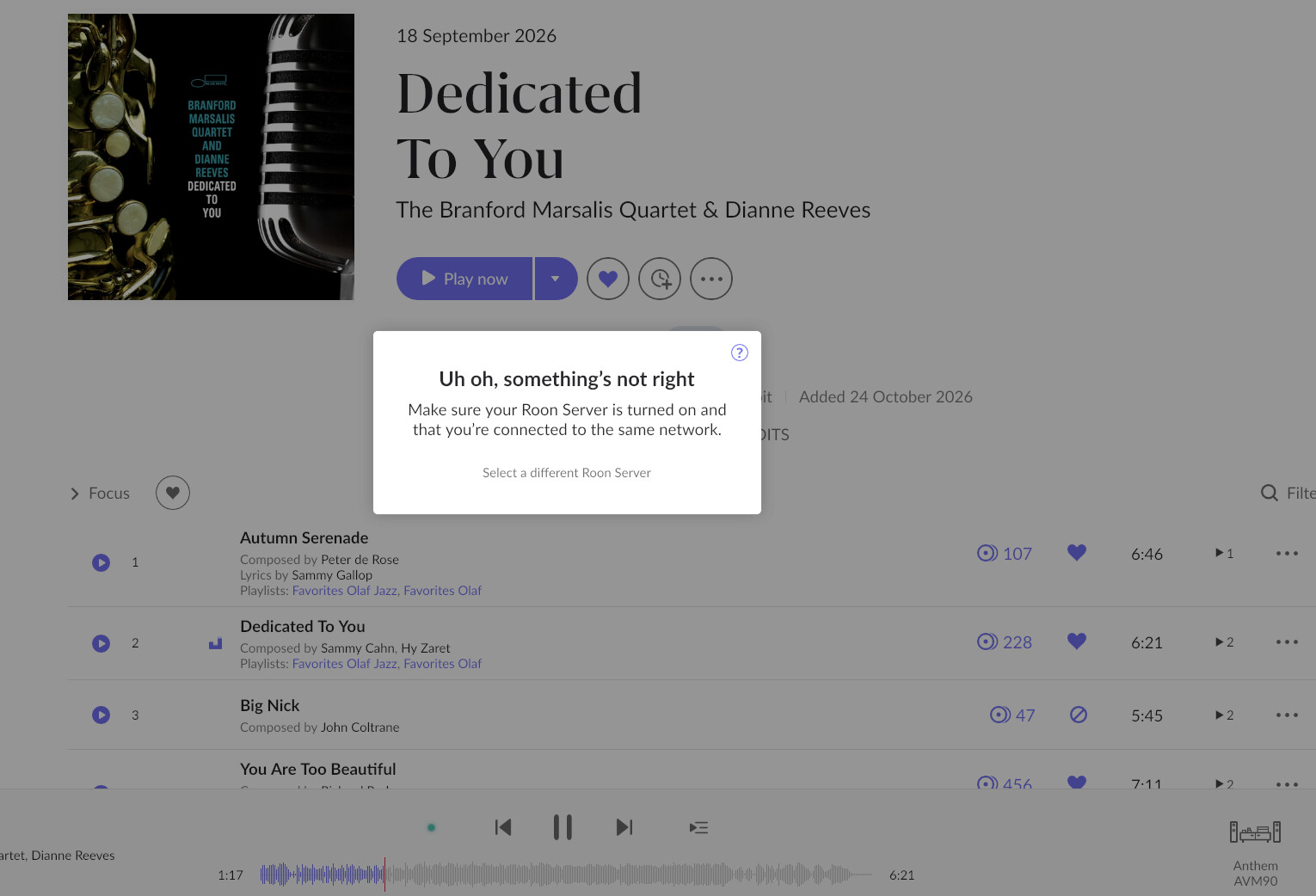
I also see the library repeatedly analyzing two items, “Liquid Spirit - Liquid Spirit” and “Liquid Spirit - Lonesome Lover.” It is rare, but the crash could be related to the media files, so please move those two tracks or albums to a location Roon is not scanning, and let us know whether that stops the crashes. Note: please do not delete these files as if they are the root cause of the issue, we will kindly request that you send them to us via the Secure Uploader linked above.
Once we have the newer logs and the result for the media files aspect, we can narrow this down further.
Thank you for the reply. I have shut down the NUC at 15.24 CET, so the logs are a bit old you got. I have checked the logs myself but there is no clear cause in them. The OS fails instantly without logging any error.
I will move the files and start the NUC and let you know, upload the logs in a few minutes.
These files aren’t from a local album, but from Qobuz. These are the songs I try to play, but it fails after some time. I will try to play another album. But even if I don’t play music ROCK fails. The ROCK / Nuc is on, so you can look into my configuration.
Playing another song voor 1.17 min and it fails, Qobuz again. I will start a local album and see what happens.
I have uploaded log files. It isn’t caused by local or Qobuz files. It is the OS 3.0 or Roon release which is causing issues. You can check my configuration, it’s active at this moment. But I will shut it down around 1100 CET time because I don’t want to reboot it every two minutes for to long.
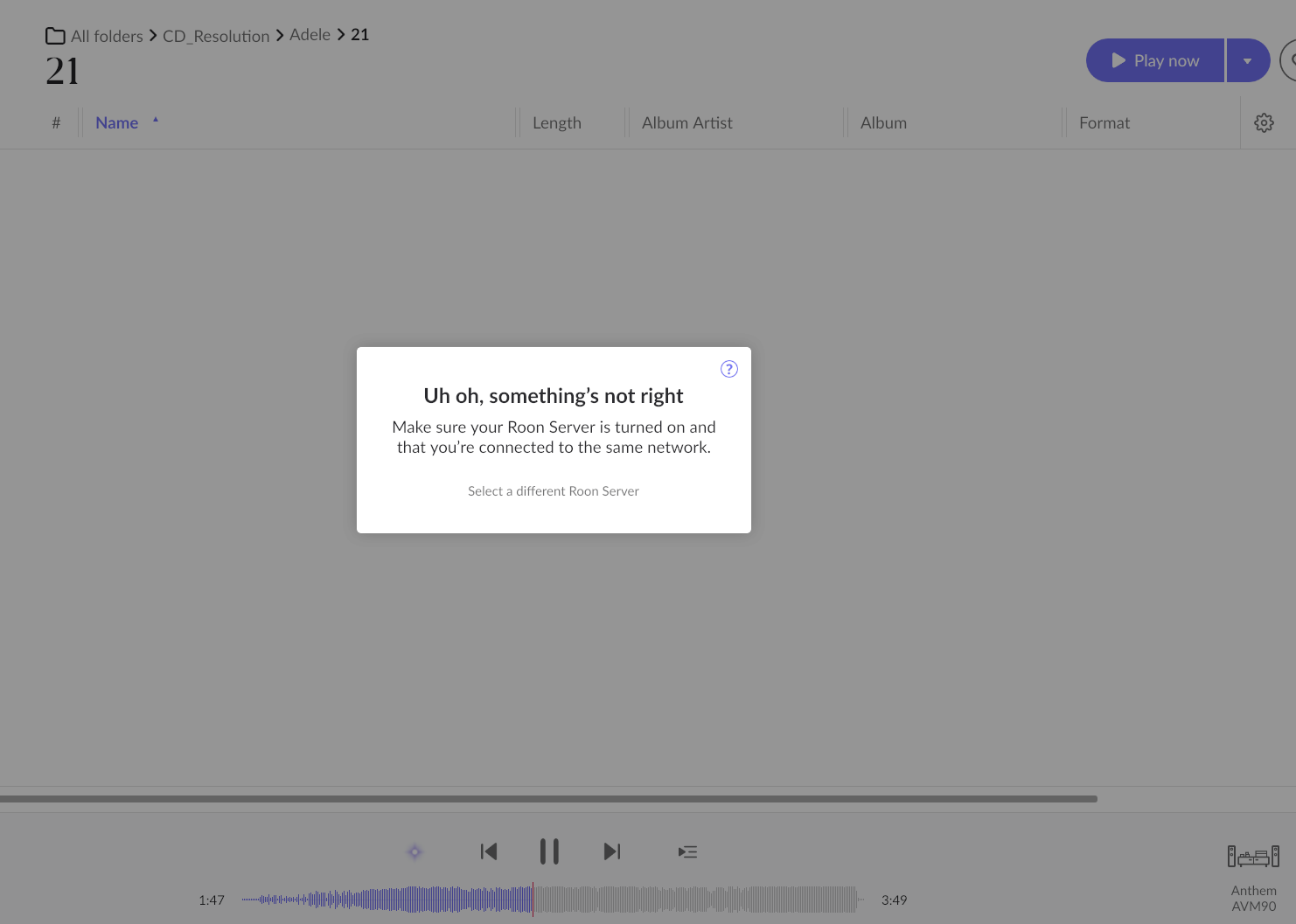
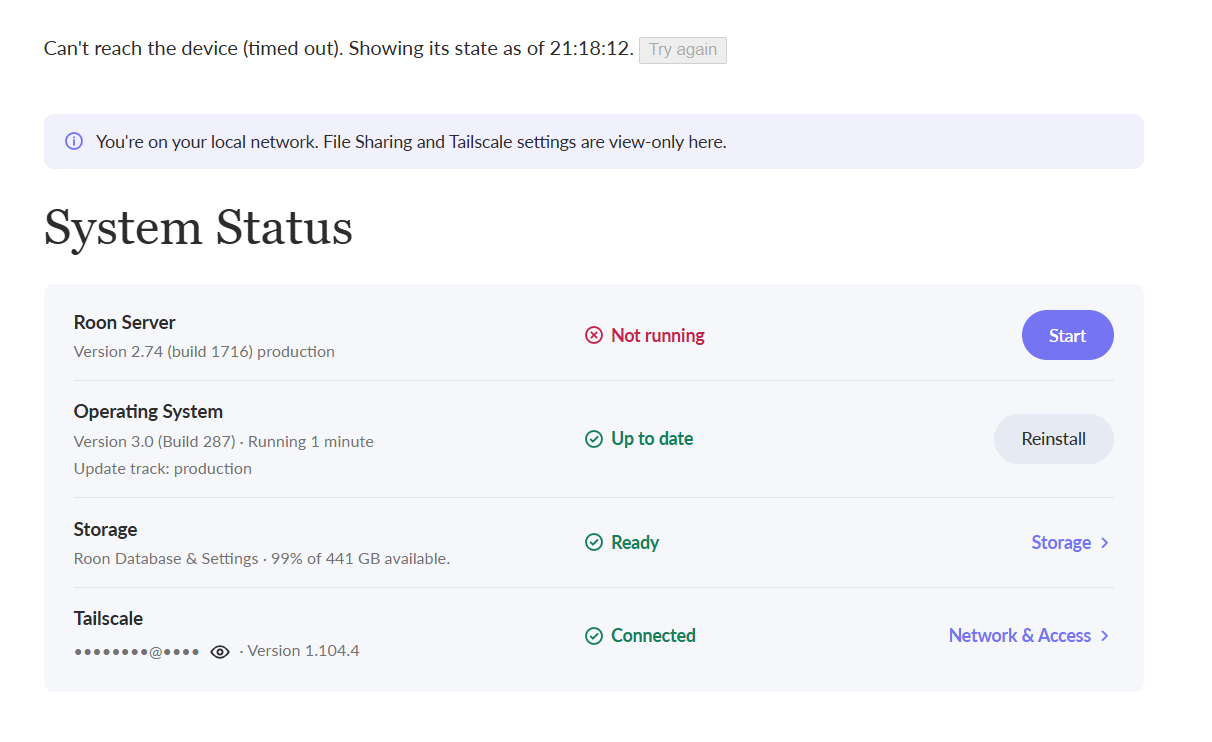
If I disable Roon Server, the NUC still crashes and reboots. See screen below. Interface isn’t responding anymore and after about 30 seconds it has been reboot again.
· Roon Server keeps restarting after update to Version 2.74 (build 1716) and OS 3.0
I have been running ROCK on my Intel NUC flawlessly for three years or so, and have installed every upgrade along the way. As soon as this update was installed, my OS reboots every couple of minutes if I am not playing any music. So far, it only seems stable if audio is going to a zone (but time will tell).
Tell us about your home network
· My NUC has an Ethernet connection to an eero 7 Pro router using Frontier (Verizon) Fiber internet. Not that this appears to be network related.
· Roon OS/Server crashes every few minutes after update to OS 3.0 / Server 2.74 (Build 1716)
Tell us about your home network
· Asus zenwifi BT8, Rock wired via ethernet
Updated to Version 2.74 (build 1716) and OS 3.0 30 minutes ago. Since that I can no longer use Roon. Rock on NUC 8i5 just looses connection / reboots every 1 minute. System now useless. Was 100% OK for years prior to this. The update has clearly broken something here. Am shutting ROCK down as reboot every 1 minute cannot be good for the NUC. What do you advise here?
From my thread: It seems that streaming to a DAC connected via USB to my NUC “prevents” the reboot, but playing music over the Ethernet to other zones does not (NUC still reboots every couple of minutes). Not sure if the other folks suffering from the OS 3.0 reboot cycle are in a position to try that, to see if it’s a consistent clue?
Another experiment: with a monitor attached to the NUC’s HDMI port – and with no music streaming anywhere – the server has not rebooted after 26 minutes. So thus far, it seems I can suppress the two-minute reboot cycle by either (a) streaming out a USB to a DAC, or (b) attaching something to the HDMI port.
We understand how disruptive these RoonOS restarts are, and resolving them is our top priority. Our team is actively investigating the cause and working on this issue.
While we work on getting to the bottom of this issue, you can try to roll your NUC back to RoonOS 2.1 so you can keep listening in the meantime. In most cases, the previous RoonOS version is still stored on the device.
Please read the procedure and the notes towards the end in their entirety before attempting.
Step 1: Stop the 3.0 update from reinstalling:
While your NUC is still on 3.0 and Roon Server is up, open any Roon Remote, go to Settings > About, and set the update option for your Roon OS core to “Ask before downloading any updates”.
Step 2: Roll back:
You don’t need a keyboard or screen for this.
Unplug the power cable, or hold the power button for at least 4 seconds until the NUC turns off.
Plug the power back in. Wait about 10 seconds (or until the Roon logo appears if you have a screen attached), then unplug it again.
Repeat step 2 two more times, for a total of three power cuts.
Plug the power back in and leave it alone. The RoonOS device should start RoonOS 2.1.
To confirm, open Roon and go to Settings > About. You should see RoonOS 2.1 (build 271).
Please keep in mind the following:
A short press of the power button won’t work. It shuts the NUC down cleanly, which doesn’t count. Unplug the cable or hold the button.
Timing matters. Cut the power about 10 seconds after plugging it in. If you wait longer than about 25 seconds, the count resets and you’ll need to start over from step 1.
If you already reinstalled RoonOS 3.0 from the web interface, the previous RoonOS version is no longer on your device, and this procedure won’t help. Let us know here, and we’ll advise.
Note that cutting power abruptly can potentially damage library data that’s being written to the database at that moment. Since your NUC is already restarting on its own, the added risk is small, but we want you to be aware of it.
Thank you for your patience while we work on this, and we’ll update the thread as soon as we have more news to share.
 Staff Note