Hi! What’s not quite right with Roon?
· None of the above quite fits
None of the above quite fits
· None of these quite match
Tell us what's going on
· I can see Roon anymore, it doesn't connect
Tell us about your home network
· ZTE F6645P
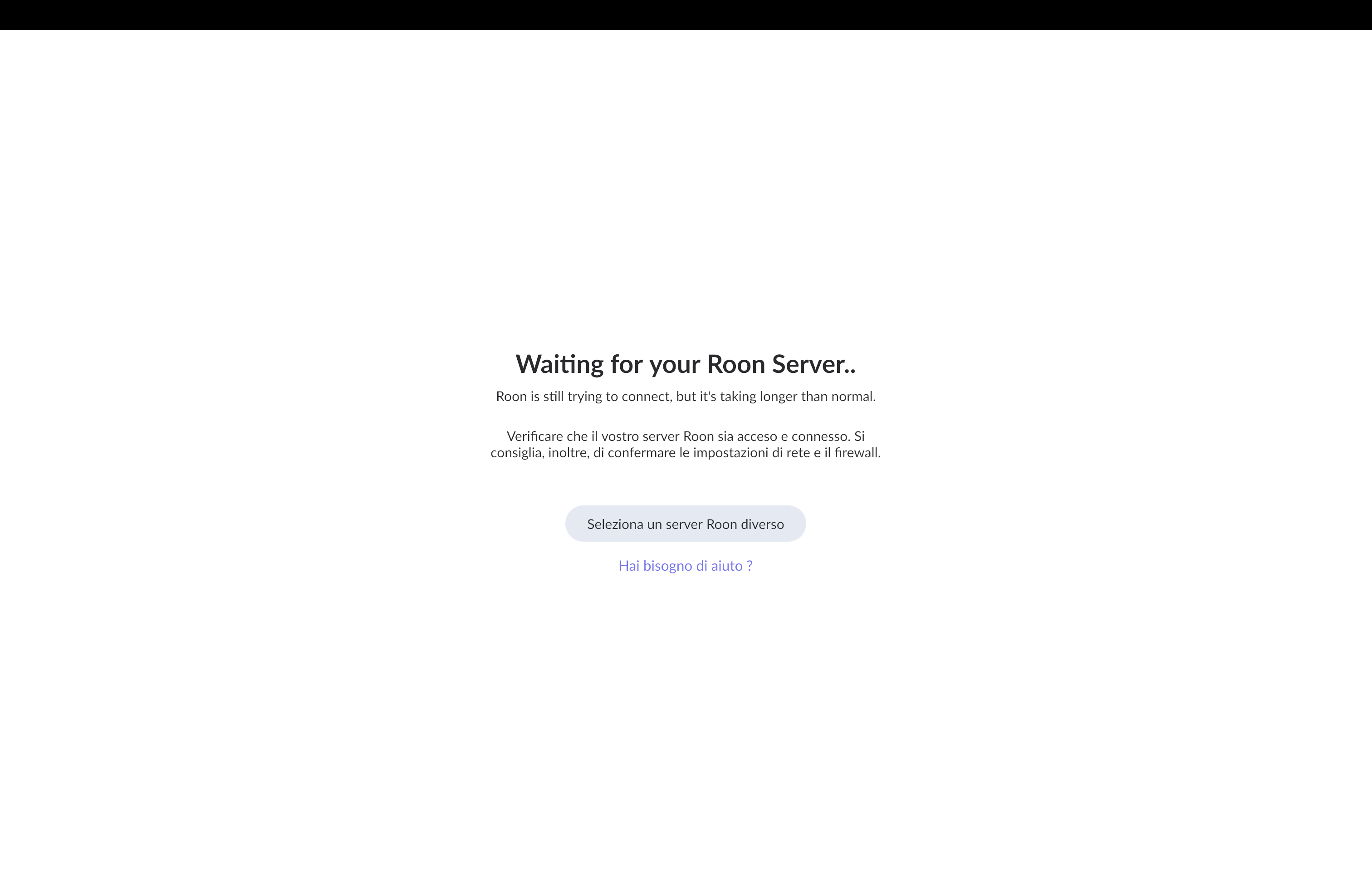
· None of the above quite fits
· None of these quite match
· I can see Roon anymore, it doesn't connect
· ZTE F6645P
Which type of Roon Server are you using?
Hello, the audio system is a Linn Klimax Organik and Roon runs on a Kinoserver
I have a hard time finding anything about Kinoserver. This?
Has this issue started to occur after you installed the Roon update to 2.65 from April 27?
If yes, be aware that it has new requirements for some operating system libraries. Some outdated systems don’t meet them. Do you know if your server does?
If not, you may want to reach out to the manufacturer.
That is another model of server, but is the same factory https://kinostore.it my model is older and not appear on the new price list.
I think it was the 27th that I saw that there was a new release, but I loose a bit of time before I had the time to download it (10min) that disappear, probably it download automatically.
I hope I don’t loose my settings, I have a playlist of more then 3.000 tracks!! apart all the rest.
Your settings, play history, playlists etc. are included in Roon backups.
another time happen and I loose a lot of items
You should always have a Roon backup. Things can go wrong at any time for any reason
can I add my Roon backup on Google Drive instead of Dropbox?
Not directly. Of course you can make a backup to some local drive (built-in on the server, or a USB drive that you plug into the server, or a shared folder on the local network), and then upload this backup folder to Google Drive.
However, when restoring a backup (including from Dropbox) you should always download it locally first. Cloud storage is too slow and restoring directly from the cloud causes problems.
Thanks for the details on the Kinoserver. Based on what we have so far, it is not clear whether that machine meets the newer requirements for running Roon Server.
Please reach out to the manufacturer to confirm that your Kinoserver is supported. If it is not, that would explain why Roon is no longer connecting as expected.
Let us know what they say, and we can take it from there.
ok, I will contact them and let you know.
I was looking in the server when was the last backup, it says the 26th April.
Saw also that the backup are from 2022 every 4 days and weights 32GB!
Is it useful to have al those backups, or would be fine to have just the last ones?
The backups are incremental, so they only record changed files. (As long as you make automated backups into the same folder). You can delete some, but it probably won’t make much of a difference.
In principle, more backups are better. If at any time there is latent corruption discovered in your database, you will be happy if you can go back to a state that is as close as possible to a time before the problem started, instead of losing 2 years of metadata because you deleted all the backups in-between.
Personally, I occasionally create a new manual backup into a separate folder, to ensure I have a clean one (just in case there is a problem with the incremental backup system). I also create occasional backups to a different disk to protect against failure of the backup disk. (Storing some backups on a cloud server gives additional protection)
Ok, thank you very much
Hello @Roberto_Pappalardo,
Just checking in to see if you were able to contact Kinostore and get the operating system updated on your Kinoserver? Let us know if they were able to help you get it back online.
Regarding your question about the 32GB backup folder: as Suedkiez mentioned, these backups are incremental and it is good to have a history. However, if you want to limit how much hard drive space they take up, you can control this directly in Roon.
Once your core is connected again, go to Settings > Backups, edit your scheduled backup, and lower the Number of backups to keep. Roon will automatically manage the folder size and prune the oldest backups so the folder doesn’t grow indefinitely.
Keep us posted on the Kinoserver OS update!
Hello, I check with the developer of Kinoserver, he advise me that your last migration to a new software version is no more supported by my 24TB Kinoserver!!
Big problem!! Especially since it’s a machine with excellent features with customized Linux-Ubuntu operating system.
The only option now would be to try installing Windows, assuming Roon can run on it.
Hello, sorry, but no one answer to my last May 11th message. Can someone help me with my problems?
Thank you
It would appear that the developer of Kinserver isn’t maintaining the OS since the minimum requirements introduced by Roon do not require particularly recent versions of glibc and SSL.
Their website seems to be offline, so it is difficult to make any recommendations. However, installing Ubuntu would make more sense than Windows.
You may have to consider using it as a storage device and purchase new equipment for Roon Server.
Hello, yes the problem is that they finish on producing servers, so they are not maintaining any of the models, that had a customized Linux-Ubuntu operating system.
While the server is still a nice with good performance machine, he suggest me to install Windows.
I can try to speak with local assistance to re-install Ubuntu and assist me in future, if you say that could be better than Windows.
Just have to check if they can do it.
Thank you
Roberto
Because Linux is the current OS, and you have 24 TB of storage, I very much doubt that Windows will support the current storage configuration. Moreover, Windows 11 is unlikely to install because the server probably does include a TPM module.
Moreover, if Windows was suggested for ease, I think you’ll find Ubuntu both quicker and easier to install than Windows. It’ll certainly perform much better*.
Nonetheless, if you have command line access on the server, it may be possible to install Docker (or Podman), so you may continue to use the server and run the latest version of Roon.
I, and others, can guide you through this if you’d like to try.
*You may even try Ubuntu on the server without installing anything.