For Roon connectivity to work properly, both Roon Server and Roon Remote need to be turned on.
· I can't turn on Roon Server, I need help.
Describe the issue
Roon cannot connect to my Server. Has basically worked perfectly for years. Something has changed. I suspect an update has hit some sort of compatibility issue. The server is running on a Synology NAS and I have a Windows10 laptop (+Android phone). I've checked my firewall. Everything looks fine, but I am struggling with your help guide with regard to logging on to server via browser. It just keeps circling me back to the same (help) pages. Very frustrating. Already spent too much time on this. Can someone assist please? Many thanks, Gareth.
Describe your network setup
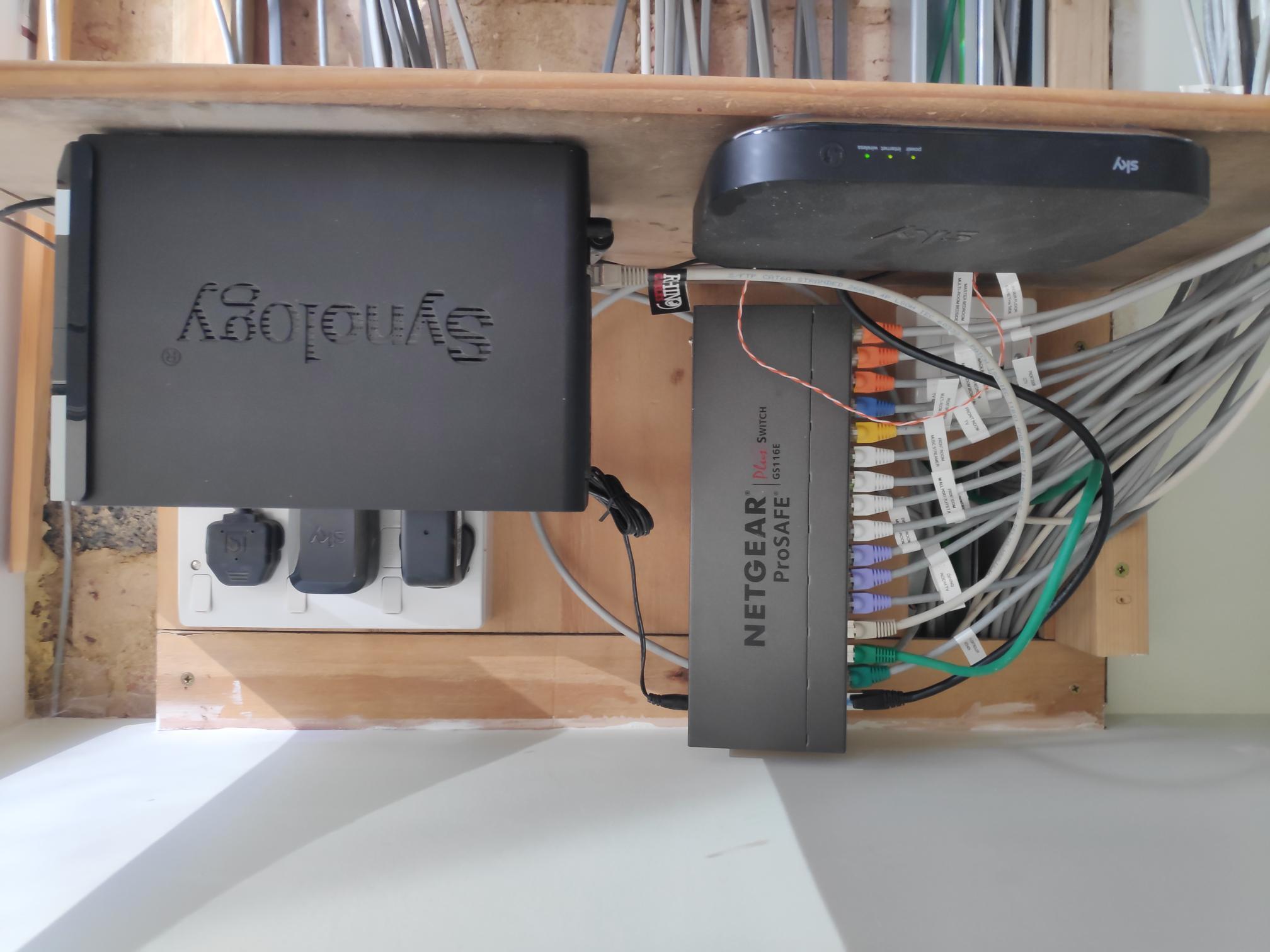
I have installed a wired cat6 network throughout our home. The Router is a standard item provided by Sky, our broadband provider. The Synology NAS is connected to a NETGEAR ProSAFE GS116E Switch along with all SIX streamer devices.
The Roon Server package no longer works on older DSM versions. Please update to a current DSM version or switch to the official Docker image to run Roon Server on your NAS. See also:
You can use the forum search to find answers to questions that arise when switching to the Docker installation as already some time has passed since the change so most of the questions have already been asked and answered since then.
As BlackJack correctly explained, the native Synology package is no longer supported. To get Roon Server running again you will need to migrate to the Docker-based installation — the guide linked above covers everything you need.
If you run into any issues during the migration, feel free to reply here and we will help.
Wanted to follow up on this and see if you’ve had a chance to migrate your Roon Server to the Docker-based setup on Synology. If you ran into any trouble with the Installing RoonServer on Synology with Docker guide, let us know what part got stuck and we can help from there. Thanks, and please reply with any updates or questions.
Thank you for your responses. Much appreciated. In summary, I downloaded Synology Assistant and managed to log into the NAS. I found an update available. I have to be honest, I can’t recall exactly what or where it was for, i.e. not sure if it was to do with Docker, etc. Nevertheless, I installed it, and sure enough, Roon started working again! So all good now thank you