What’s happening?
· Other
How can we help?
· None of the above
Other options
· Other
Describe the issue
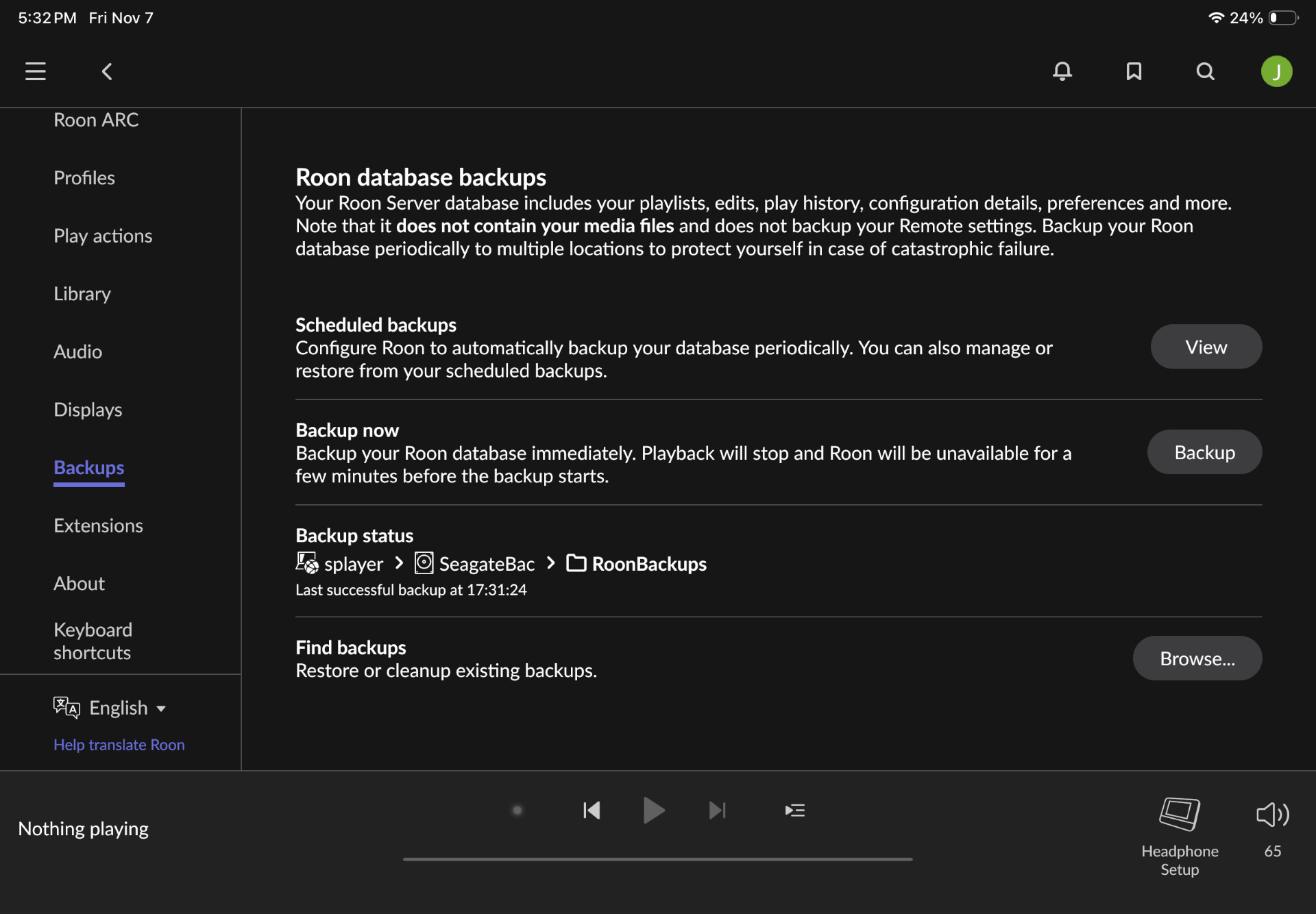
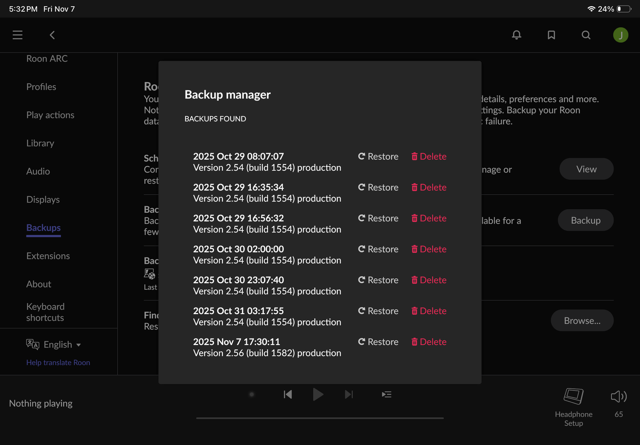
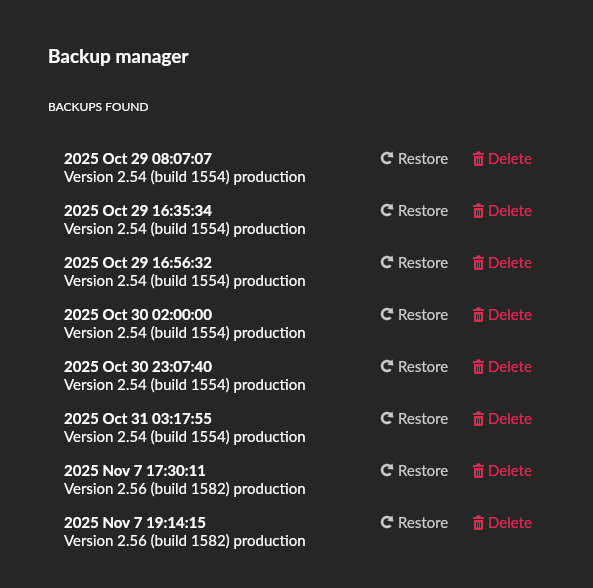
Roon database backups not found
Describe your network setup
Salkstream III streamer, Asus router, all connected by ethernet cables, running the latest production build
EDIT Nov 8, 2025:
My experiments seem to confirm that “Scheduled Backups” and “Force Backup Now” no longer place backups in the RoonBackups folder unless specifically selected. I don’t believe this is normal behavior, and certainly isn’t what I previously experienced for over 9 years.
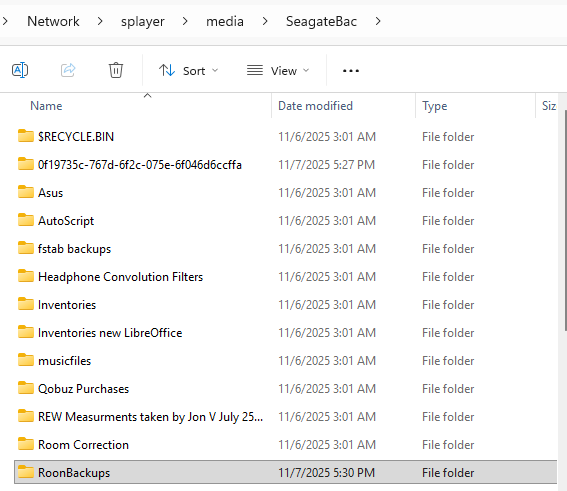
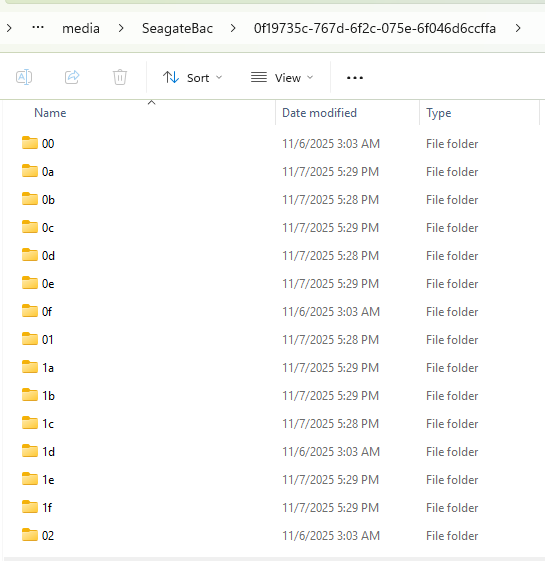
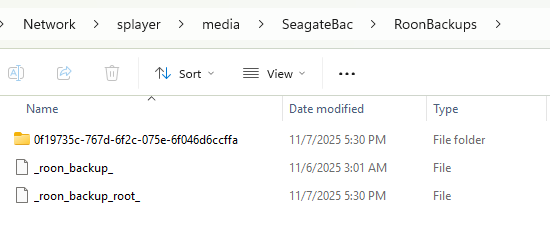
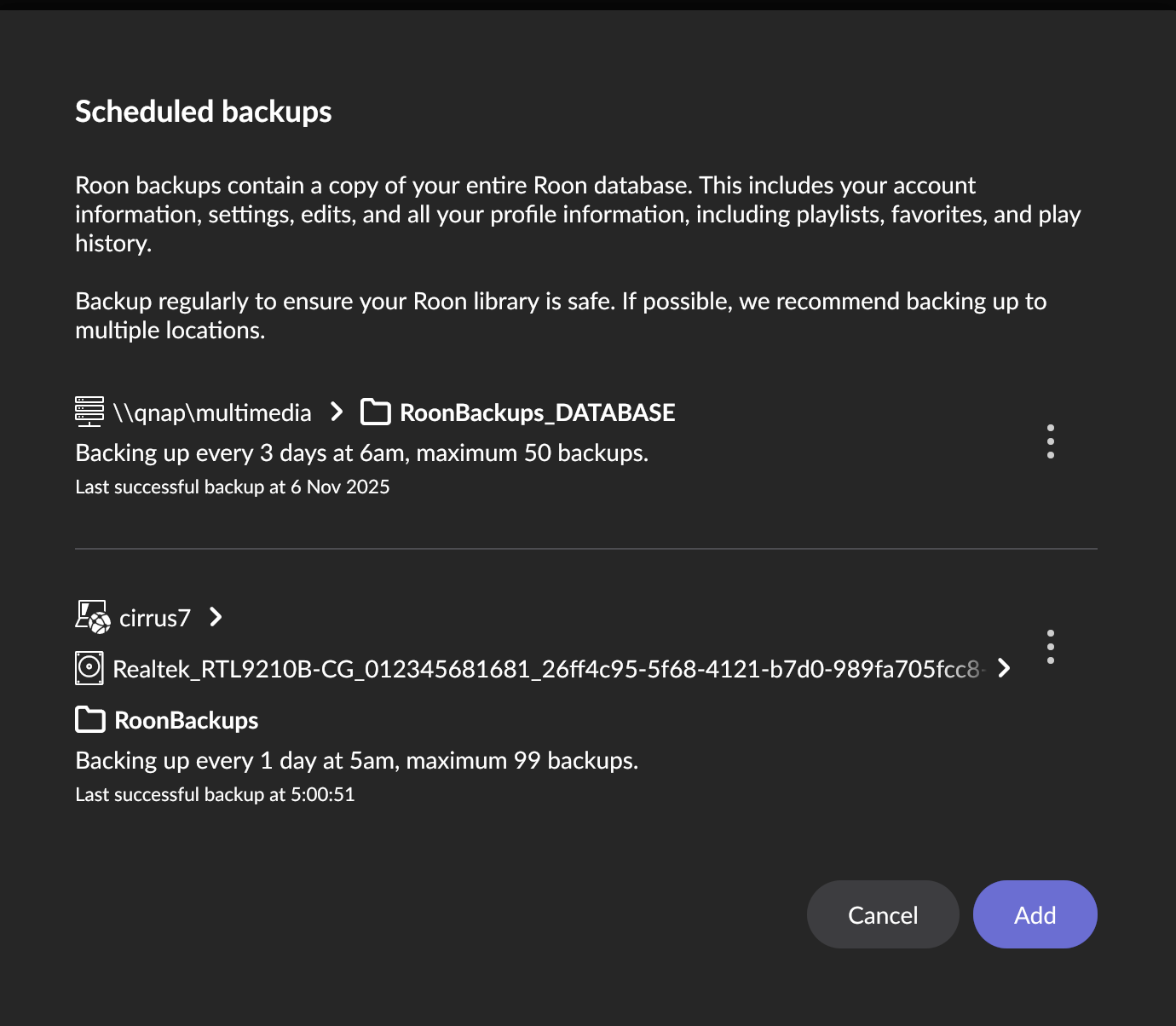
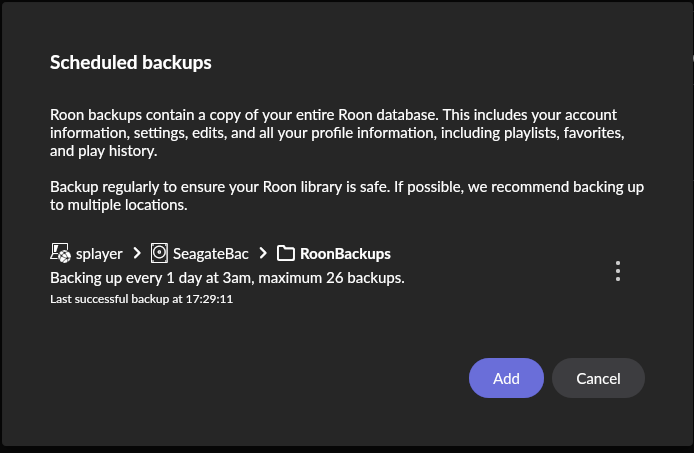
Experiment 1: In Scheduled Backups, just select the drive (splayer > drive, as I’ve always done since 2016). Run Scheduled Backups and Force Backup Now. Roon doesn’t place the backups in the RoonBackups folder, so they can’t be found by Find Backups.
Experiment 2: Changed the path in Scheduled Backups to specifically select the RoonBackups folder (splayer > drive > RoonBackups). Run Scheduled Backups and Force Backups Now. Roon correctly places the backups in the RoonBackups folder and now they are found by Find Backups.
In the past, I only had to select the drive in Scheduled Backups and Roon would automatically place backups in the existing RoonBackups folder or create a new RoonBackups folder if none existed and place all backups in that folder.
If I just run Backup Now, with just the drive selected as I normally have, Roon will place the backup in the RoonBackups folder as it should, and it can be seen by Find Backups (just selecting the drive in Find Backups). This is how Scheduled Backups/Force Backup Now should work (and did work for many years).
I’m pretty convinced this is a bug introduced in Roon, though I don’t know exactly when it reared its ugly head. Post #21 by @Wade_Oram has great information on when the bug may have been introduced (appears to have occurred about March 2025). Wade Oram also confirmed he is also experiencing the same incorrect Scheduled Backups behavior as me.
There are much more detail and screenshots in the below posts if you want to read through them.
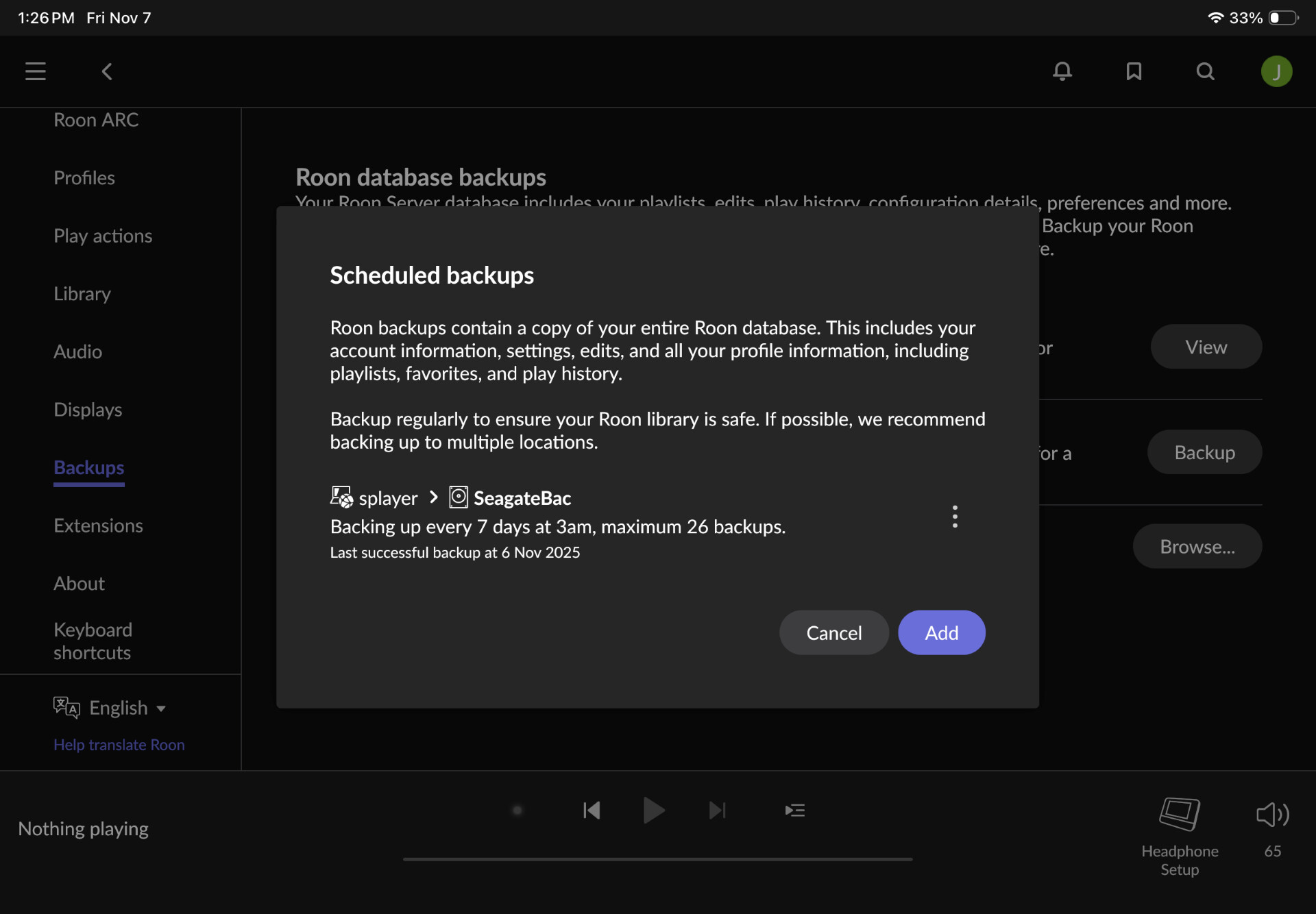
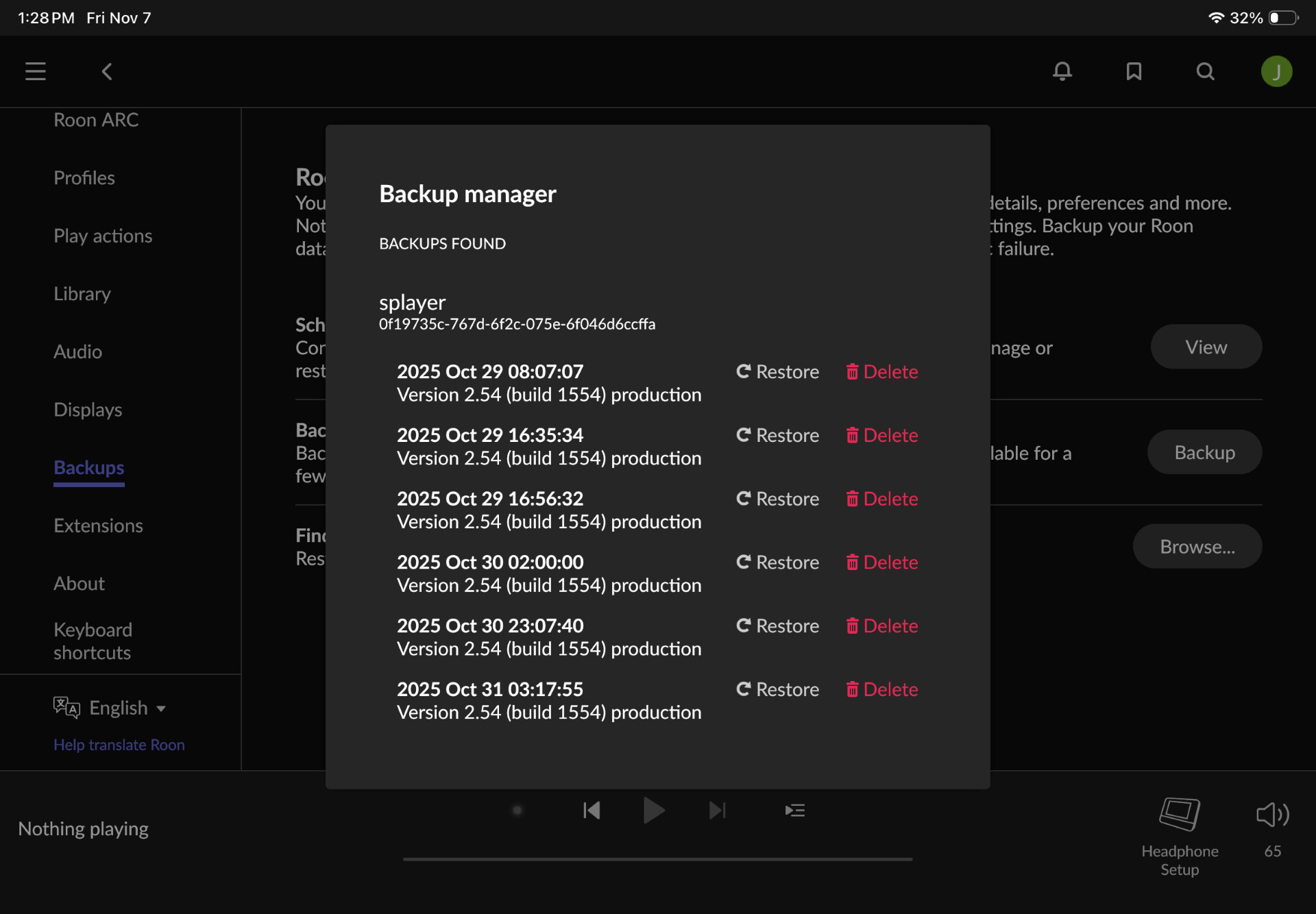
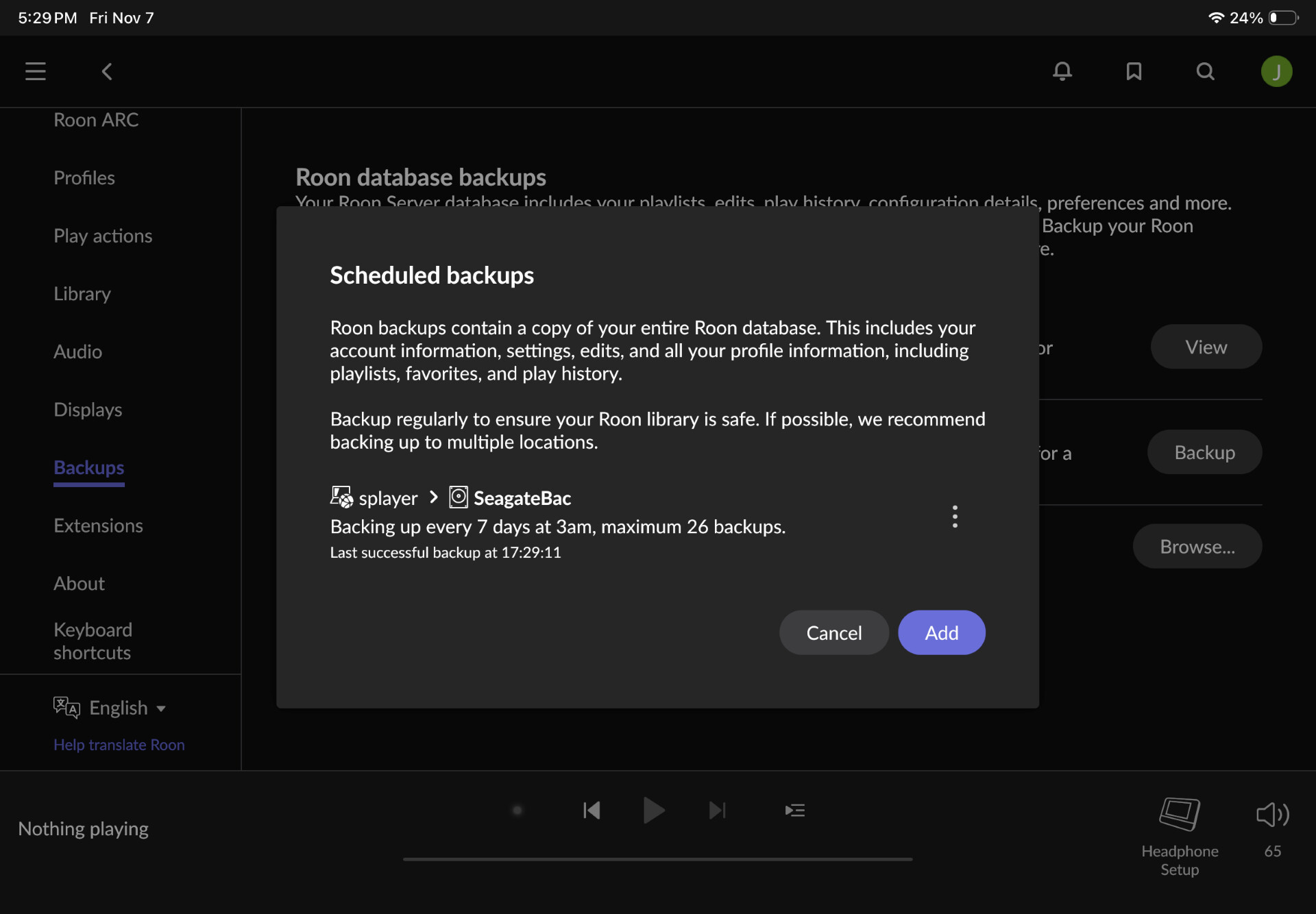
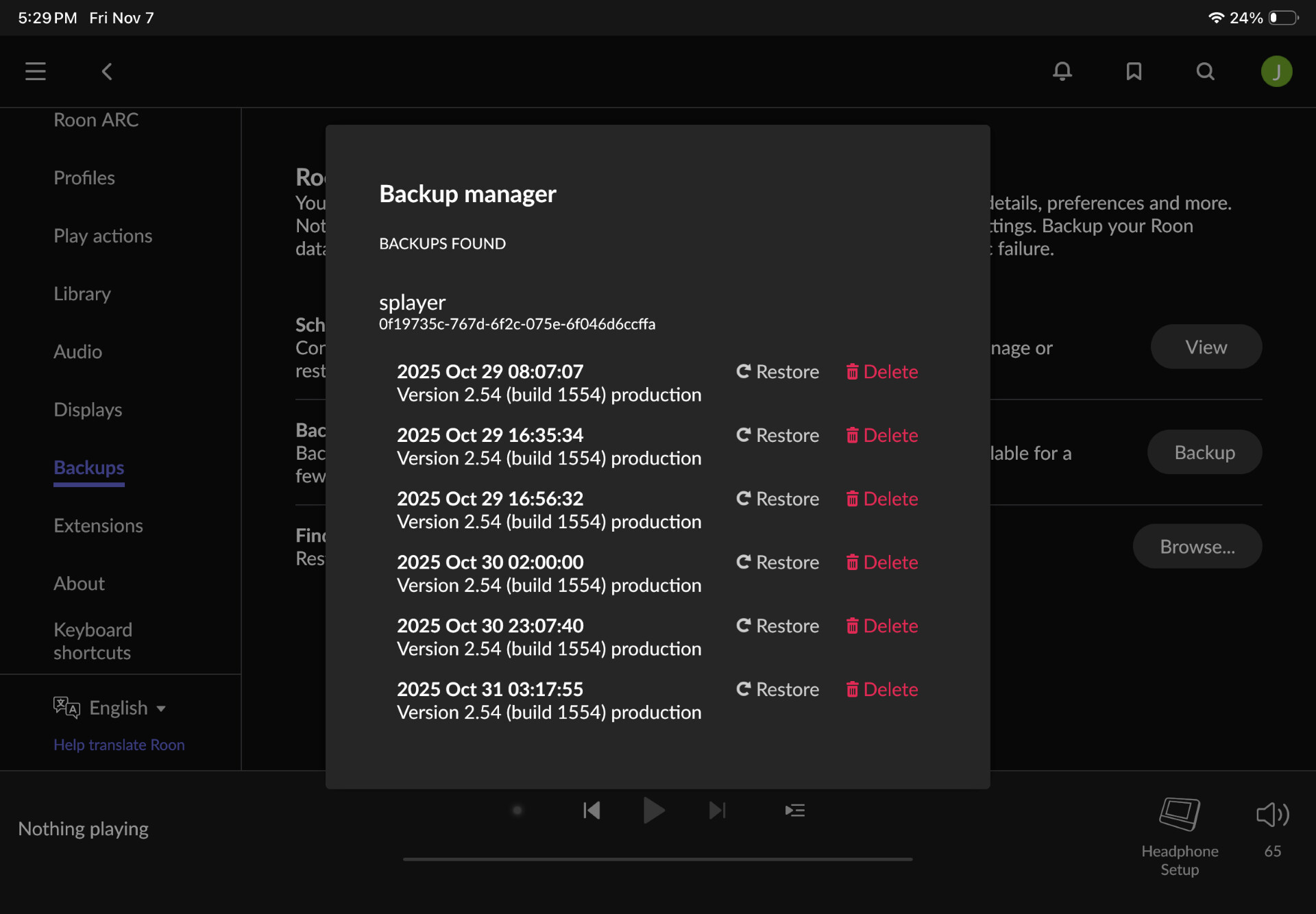
 ) using Backup Now.

 I look forward to whenever you get a chance to look at my above post describing what I discovered.

