Hey Benjamin,
Quick update,
Overnight my computer updated itself and yes you guessed it,Roon now tells me “there was an issue loading my library”.
Same old problem.
Will let you know when my tech completes your requests.
Please retain this thread,thanks.
dale
Hi @Dale_Rowney,
Sounds good! We’ll be monitoring for your reply and results.
Hey Benjamin,
Finally had my tech complete all your instructions.
Here’s hoping for success.
Obviously I’ll keep you up to date of any changes,good or bad.
Thanks for hanging in there with me.
Hi @Dale_Rowney ,
I have an update from our technical team regarding your case.
After reviewing the critical traces in your logs, our R&D team suspects that the issue might be tied to a specific local track that is corrupt. Even a single damaged file can sometimes cause the database process to hang or crash when Roon attempts to read it, leading to the degradation you are seeing.
To confirm this, could you please perform the following two steps?
- Test with a fresh install (No Local Content) Please perform a fresh install of Roon Server one more time. However, for this test, do not add your local watched folders/storage.
- Please run Roon for the usual period (a few days) using only streaming services (Tidal/Qobuz).
- If the system remains stable without the local files, we will know for sure that the root cause lies within the local content.
- The team suggests using a tool like dBpoweramp (or any similar batch converter/validator) to batch-scan your tracks. This can often identify files with corrupted headers that might be choking the Roon scanner.
Thanks,
Regards!
Hey Alex,
Thanks for your email.
I won’t be able to get to the computer store for a few days to do as you suggest.
However a couple of things to point out.
I don’t use a streaming service,never have and never will.I have 9 terabytes of my own music.
I don’t know how you view my library,but my ROON home page tells me I currently have 165,790 tracks.
As for dBpoweramp I have no idea what you’re talking about,as I’ve said previously as an old man my computer skills are extremely limited.
And each trip to the computer store costs me $.
So before I go to the computer store again can you please confirm
you still want me to carry out these instructions.
Thanks again
Hi @Dale_Rowney,
This is something you can absolutely do yourself at home!
This is interesting - 9TB of music should be more than 166k tracks, unless maybe every track is high-res FLAC and around 150 MB each. Is this the case?
dbpoweramp is a third-party software that can scan your local tracks for any issues or corruption. Here is their website:
It’s quite popular among Roon users, and with such a large library, it could very well be useful for you.
Thanks for the confirmation - we can still test the above scenario, but instead, let’s just use a very small portion of your local library, a few hundred tracks, and see if the same issues occur.
So if you could: test a fresh install of Roon, and this time, only had a handful of local tracks (temporarily) to see how things perform.
Thank you!
Thanks for your reply,
Being able to download dBpoweramp and knowing how to use it are two completely different things.
Why do I need it all ?
After all it’s more $ I never anticipated.
I was introduced to Roon by my local hi-fi dealer whom I dealt with for years.
He suggested it because of my large library.
Yes my library is 99% flac along with quite a few videos of gigs.
As for using a few tracks,we have tried that as per email from Connor on November 7.
We put a few folders on my desktop without success.
I was also asked to delete a file which made no difference,(which I paid for).
I am loathe to get another new install of Roon whilst things are still running ok (fingers crossed)
I’ll need to see what happens when Microsoft does an update.
This is when Roon disappears.
Can you please this thread open.
Obviously I’ll let you know of any future developments.
I’m keeping my fingers crossed.
Thanks for staying in touch.
Hi @Dale_Rowney,
Understood, we’ll keep the thread open until you’ve had more time to test. 
Hey Benjamin
Woke up this morning to find Roon has disappeared again.
It has lasted nearly 3 weeks this time,(best for last 6 months).
No Roon updates done,(too scared).
What I had noticed the last few days was when skipping to the next song the timing length bar at the bottom of the page would dance across the screen for a few seconds.
It started doing it for 1 second but progressively got to about 5 seconds yesterday,so obviously deteriorating as time goes by.
So another damn visit to the computer store.
Any thoughtful hints.
Thanks
Dale
Hey Benjamin
Microsoft did updates Tuesday night,now my Roon library has disappeared again
Hey @Benjamin
It has been over 10 ten days and no-one has replied to my email.
As stated,once Microsoft did updates Roon was lost again.
So off to the computer store (again)
After uninstalling then reinstalling,an roon pop up advised there was an update,so my tech said “let’s do it and see what happens”.
Sure enough,after update was completed,Roon advised me there was nothing in my library.(same old problem).
Yet another uninstall/install.
So it seems a link is broken every time an update is done whether by Roon or Microsoft.
Any thoughts.
Would really like to get to the bottom of this,as it’s been over 6 months and numerous attempts to solve this never ending problem.
I eagerly await your reply
Dale
Hi @Dale_Rowney,
Apologies for the delay here - unfortunately, from reviewing a fresh diagnostic report of your Roon Server, it appears your suffeirng from a known service outage caused by upstream DNS servers, here is the tracking thread around the issue:
This is something our team is actively investigating.
Can you please share another screenshot of your Roon Settings > Storage? Do you still only have a single Music folder added?
And my apologies if this has already been discussed, but where specifically is your local music folder located? Is it still is hosted on the Intel RAID (S: drive)? Have you tried using a different location to host your library yet?
From a fresh diagnostic report, we’re also seeing: 166,511 - Total local tracks, with only 56,585 tracks being identified. This would tell us Roon is attempting to digest and identify over 100k tracks, which is a rather intensive process.
Are these primarily bootlegs, various artist content, or content not associated with official distribution?
With that - Action: Have your technician check for the latest Intel RST drivers and BIOS updates for the motherboard.
- Why: RAID controllers often have "sleep" or "power-saving" modes that can disconnect the drive from Roon without the user knowing, especially after several days of uptime.
And, worth mentioning again: Use the “Tray Icon” instead of Reinstalling
The technician has been charging $50 to uninstall/reinstall. Instead, you can:
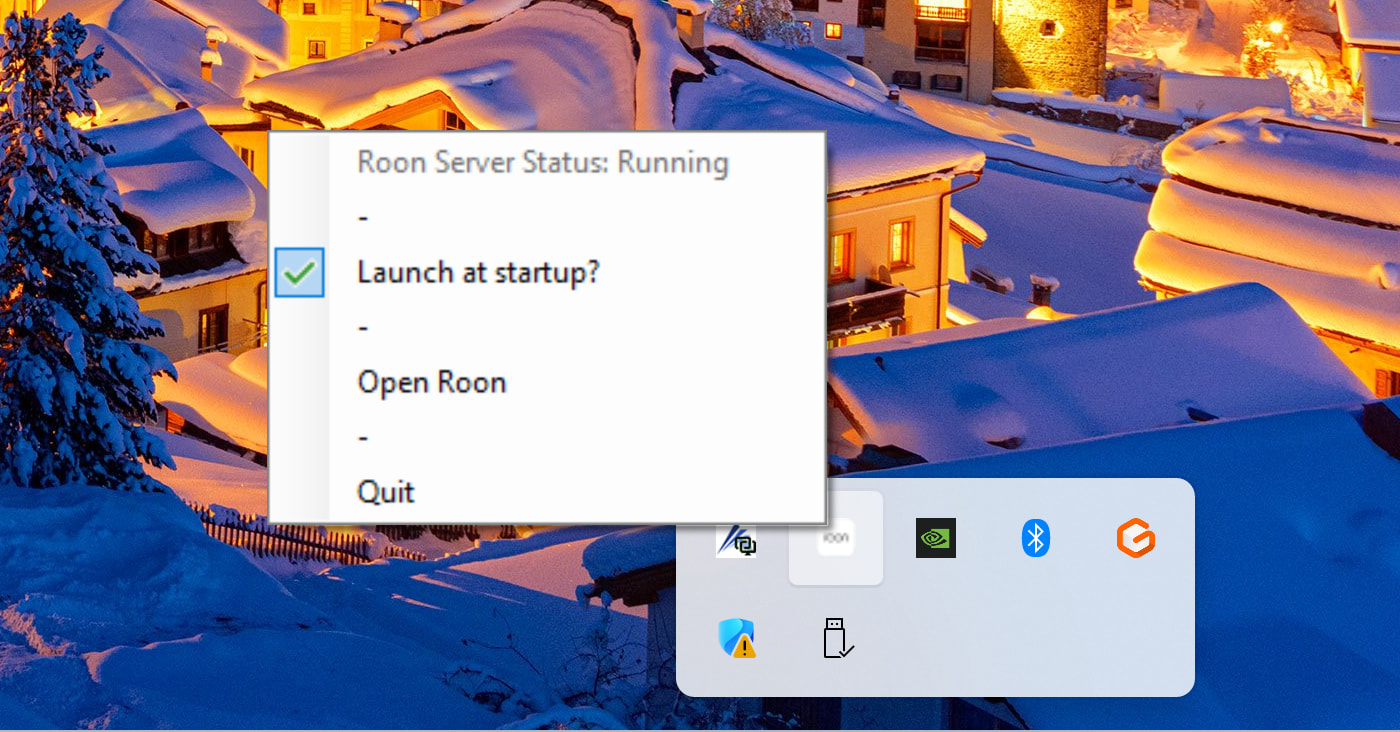
- Action: When the music disappears, find the small Roon icon in the bottom-right corner of your Windows taskbar (near the clock).
- Step: Right-click it and select "Restart Roon Server."
- Why: This often resets the connection to the audio devices without needing a full (and expensive) reinstallation.

Hi Benjamin, Roon crashed again i tried your suggestion in the task bar for the Roon server the restart option was not available. I did quit the server and re started the server with no change. When uninstalling we have to select the tick box to remove settings or it does not fix the issue. Is there a work around for the Cloudflare issue e.g.
DNS settings.
Hello @Dale_Rowney,
Looking through your recent diagnostics, I noticed that your Roon Server is continuously analyzing your library in the background. This constant processing load over several days might be contributing to the server eventually locking up and losing track of your audio devices and local music.
We recently introduced a new feature in our latest update that allows you to control exactly when Roon runs these maintenance tasks. You can read more about it here:
Please try scheduling the background library analysis to run only during your non-listening hours.
Let us know if pausing these background processes while you use Roon helps stabilize your system over the next few days!
Hey Vadim,
And how do we do what you suggested ? (that is scheduling background library analysis)
Remember I have no computerskills,so another visit to the tech.
You click one button and choose a suitable time window.
Hi @Dale_Rowney,
The scheduling is available in Settings → Library, but Background Work should be scheduled to take place between 01:00 - 05:00 in the morning by default on the latest Roon build.
Hey Connor,
When I go to background audio analysis speed mine says throttled,pressing the down tab reveals Fast (1 core) to Fast (11 cores)
Underneath is a continuously spinning circle next to analyzing; 14631/166817 which I’m guessing is my library.
Can’t see anywhere regarding times of the day.
Also I noticed a Roon pop up regarding nugs,this is where my bootlegs come from.
Thanks
 > Library screen, you should see a screen like this (I’ve highlighted the changes from earlier versions, which just had a setting for the on-demand audio analysis speed):