Synology DS918+
8TB/17.5TB 45% used
(1.5gHz, 4 CPU Core, Phys RAM 4096MB)
(no port forwarding rules enabled…)
Connected Audio Devices
Cocktail Audio x45
Samsung Galaxy 9 Roon Remote 2.0 (build 1292) this is beta… see below
Number of Tracks in Library
85,296 tracks, 5094 albums
Tidal HD subscription
Description of Issue
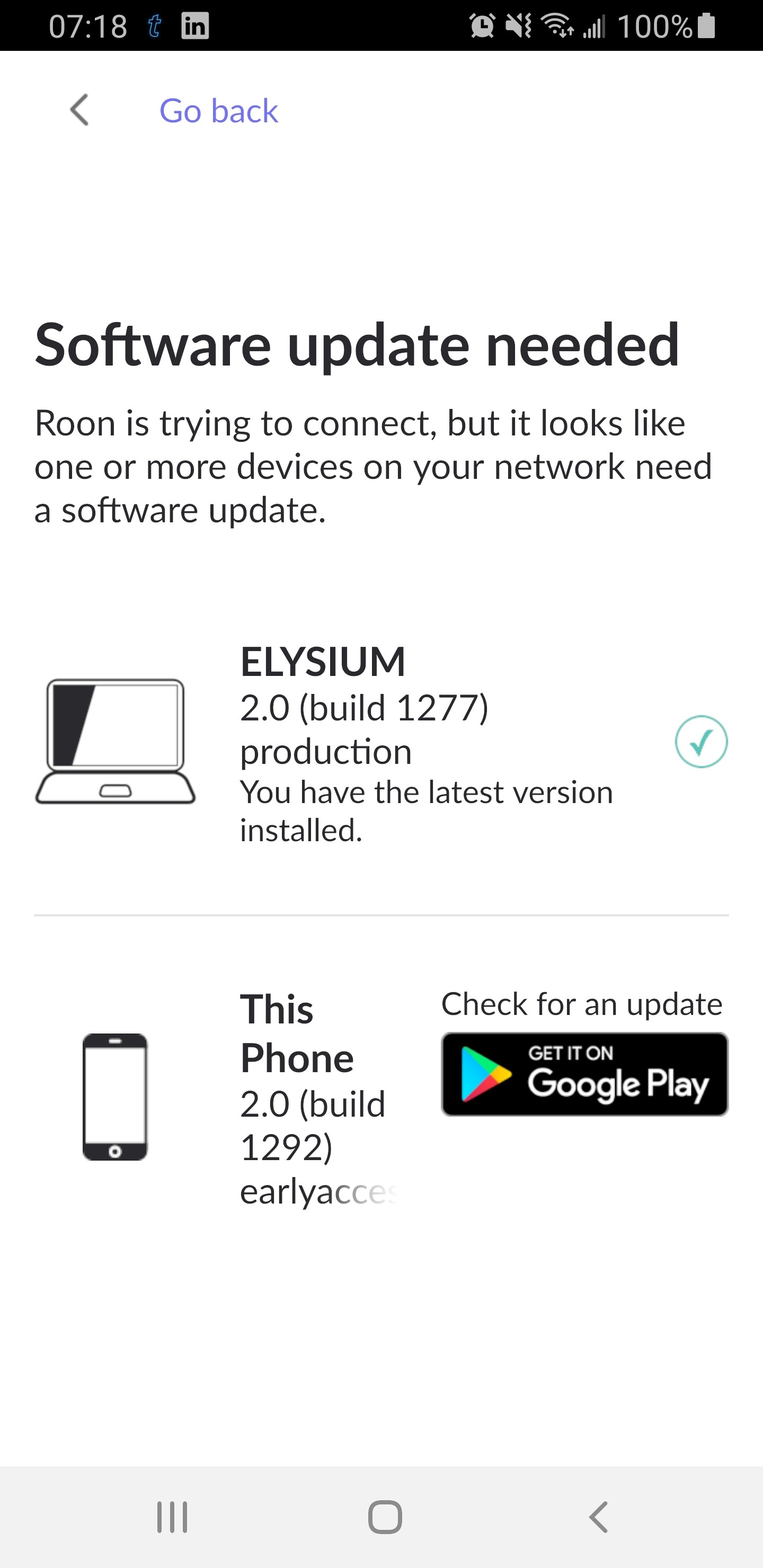
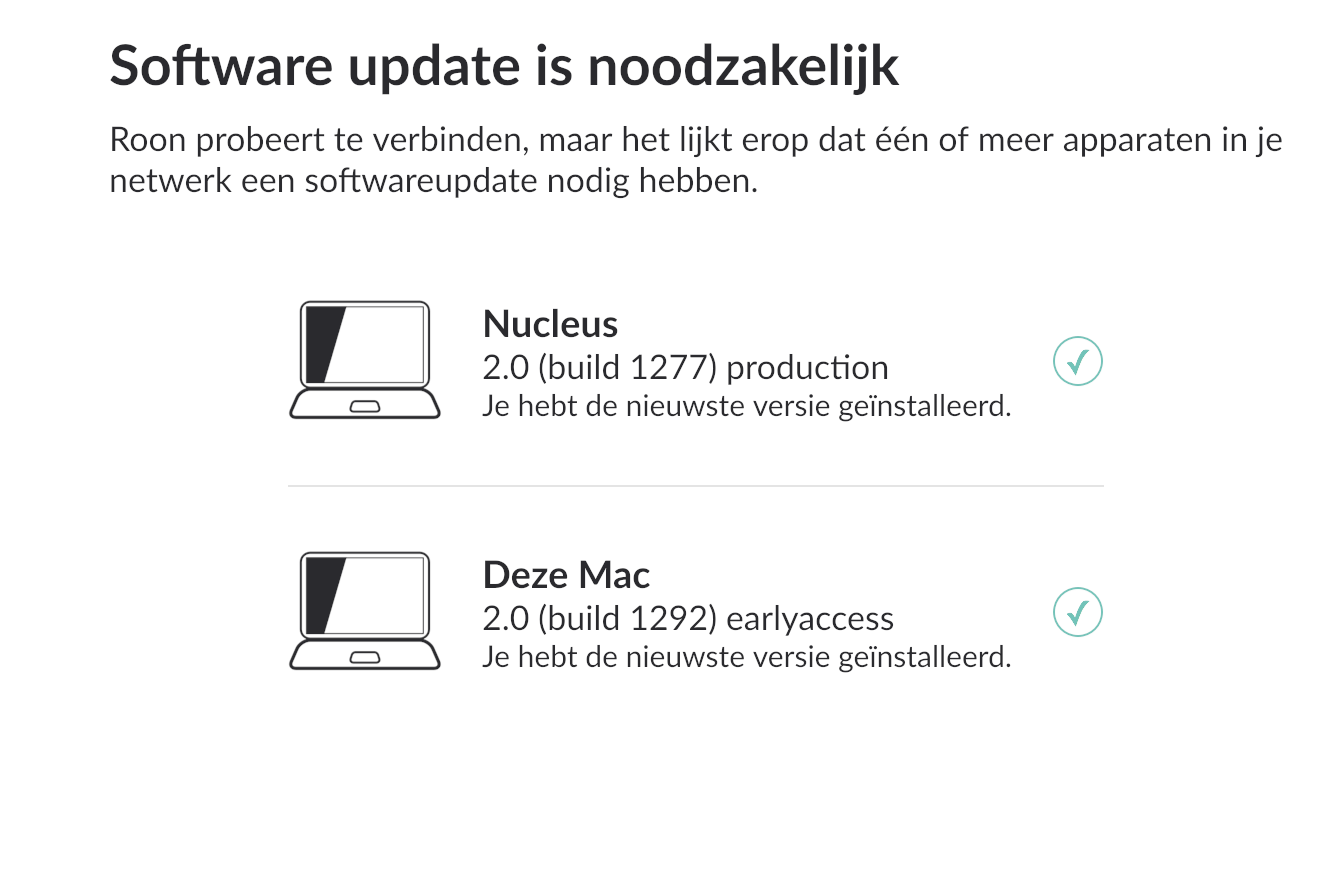
For the last two days now my Android Roon Remote says that a software update is needed for the phone (PC says Core is up to date). Google Play says the andriod Remote version is up to date. Last night I uninstalled and reinstalled Roon Remote and I get the same message that I need to update the software.
I did sign up for beta testing so the Remote software is beta, as I stated, I reinstalled but I don’t know how to roll back to non beta release.
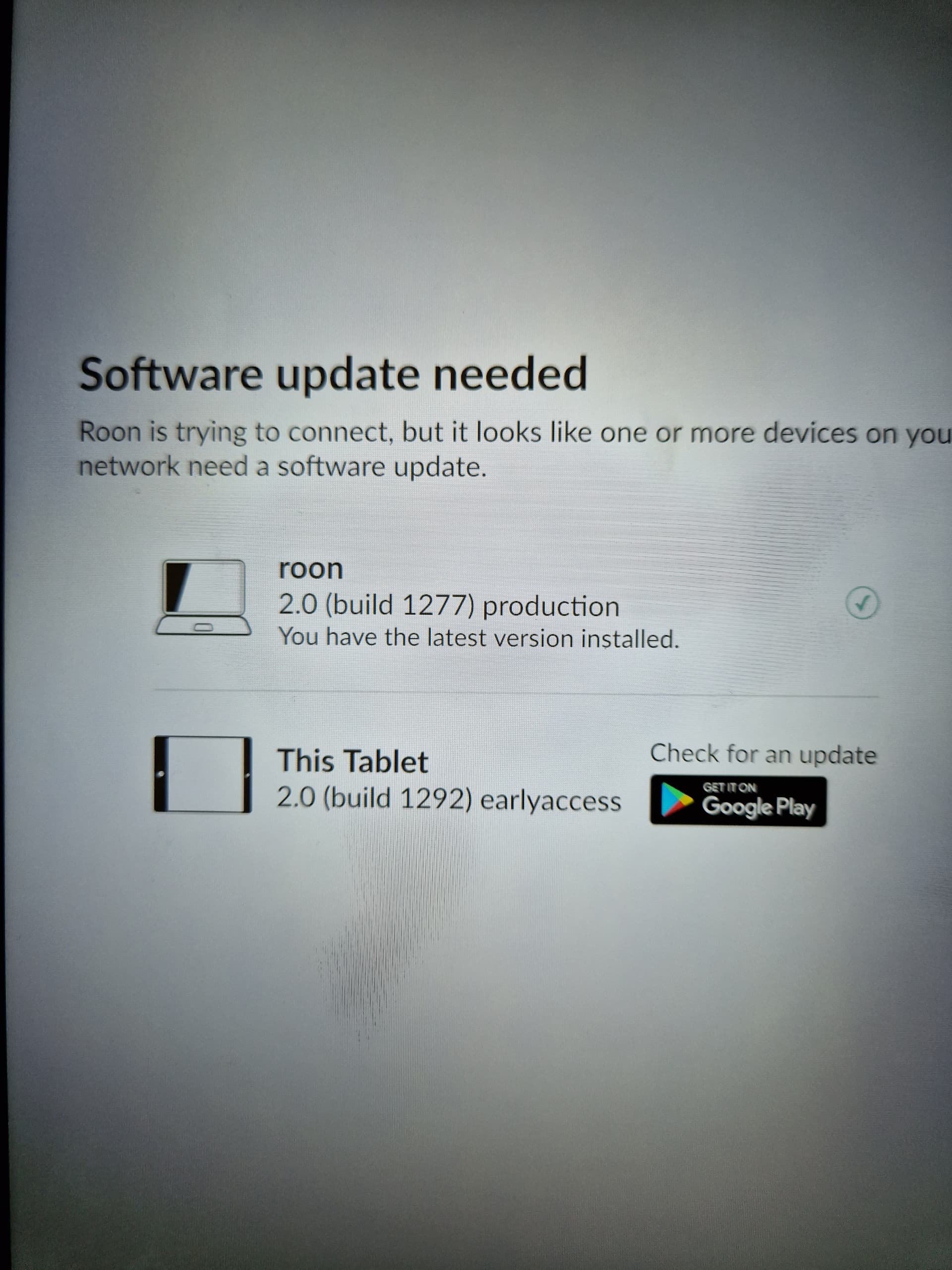
You are running production on the PC and earlyaccess on the phone. That’s not a supported configuration and can break. In fact, it says so right there in the release notes for the earlyaccess build 1292 that you had on the PC:
You need to make sure that you are running consistent versions on Core, any other control PCs, and mobiles - either earlyaccess or production.
Thank for the replies. Fair enough about the versions needing to be compatible, I’ve had the beta for 2yrs and I missed the requirement because it’s always worked.
I’ve opted out of the beta testing on Roon Remote, uninstalled and then reinstalled (the store does not say early access beta). Now the build is the same on my phone is the same 1292 early access.
very worried about updating the core and having it stop working all together. Not having Remote is one thing but losing Roon Core is another altogether. That said, I don’t know how to update the core to a different version.
The store will probably only install the next production build when the next production build is released and has a higher build number than the 1292 from earlyaccess that you have now. Or uninstall and reinstall to switch immediately.
If the “ELYSIUM” PC is your core, then it is already on production anyway, according to your screenshot
when I said “now the build i s the same” what I ment I unselected beta, uninstalled and then reinstalled (early access is unselected) the build number is the same even tho I am not toggled to beta anymore.
Oh OK, I misunderstood. No idea, I’ve never seen it do that, but then I also never tried to revert earlyaccess to production, so maybe that’s why
If you can’t wait for the next update to come through the store, which hopefully will be production, you could temporarily install the production remote version from the APK file manually.
However, that will disable further updates through the store, so to get them back you then have to uninstall the APK again later, and install the remote through the store one again. It’s a hassle, but maybe you want to use it as a workaround for now
Surely logic says that the remote should always work with the core? So currently the Android Beta is behind the Core and is unable to work with it? Confused as to why that would be?
Early Access (i.e. Beta) builds are ahead of Production and for the latest Early Access build for Roon Remotes, Roon Labs have specifically said that these are not compatible with the Production build of the Core.
The moral of the story is to keep everything on Production builds, or if you want to participate in beta testing, keep everything on Early Access builds - just don’t mix them…
Yeah, now I know better. But after uninstalling and reinstalling three times it finally recognized the production release and then worked for 10hrs and now it says I have the beta again.
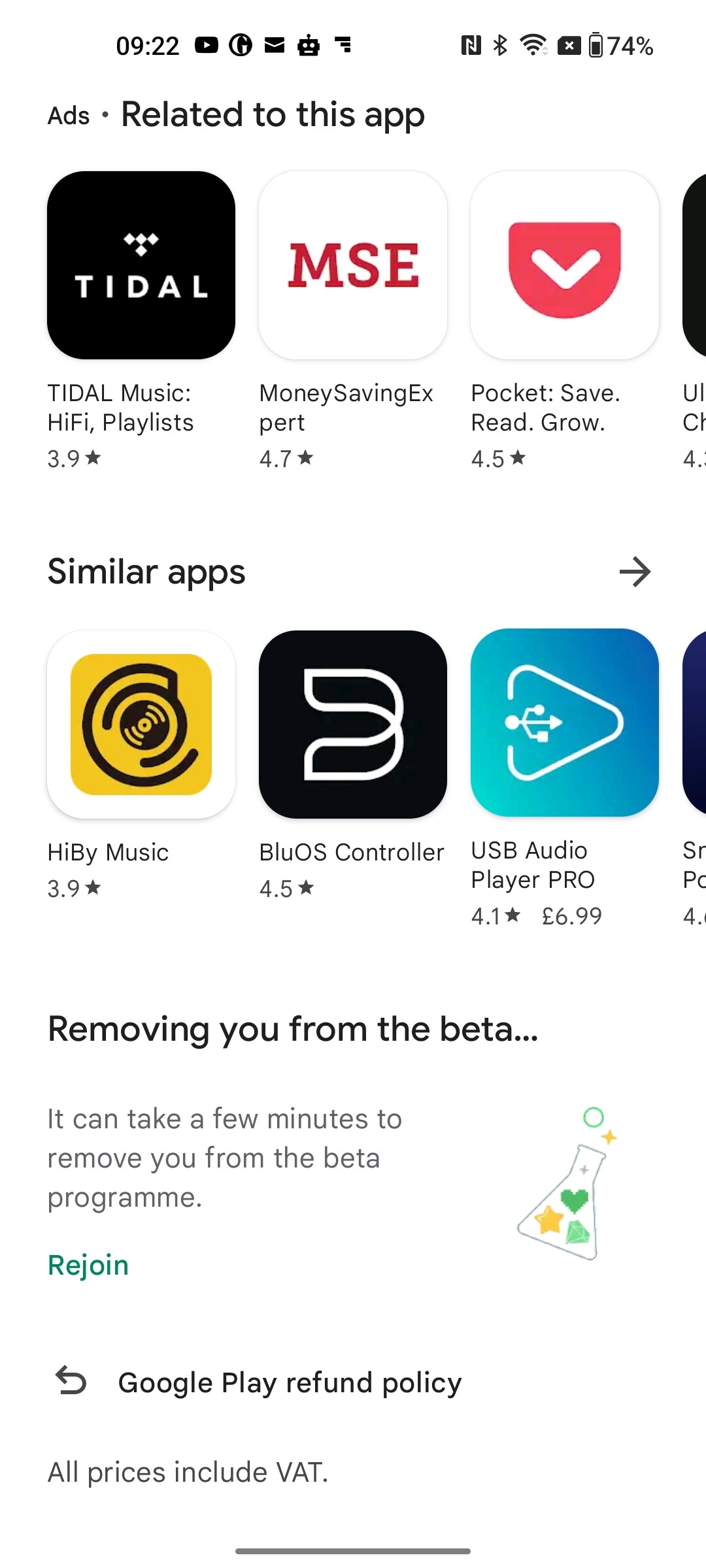
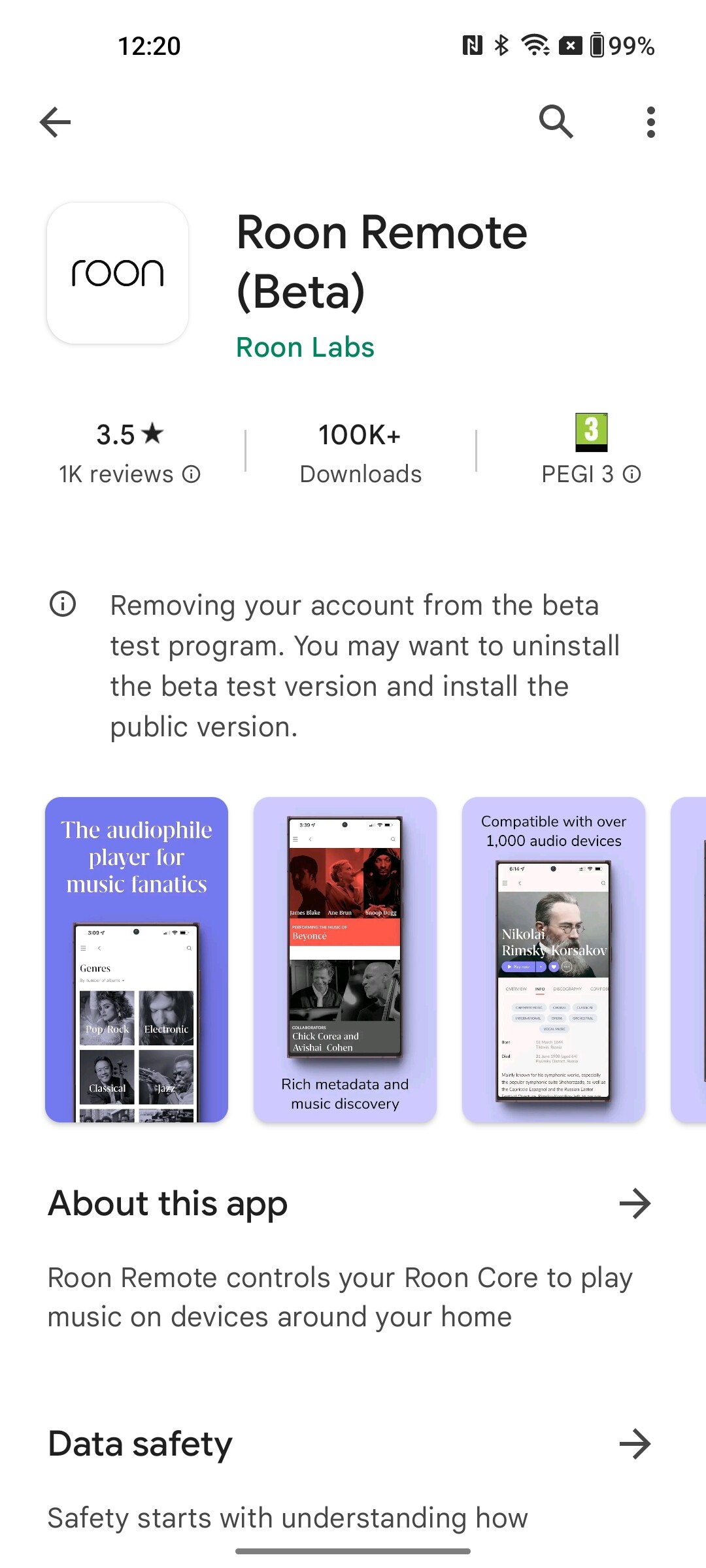
Yes, my android phone has decided to use beta again for no apparent reason, and now stuck in a loop. The app in play store suggests I’m being removed from the beta version,but never updates.
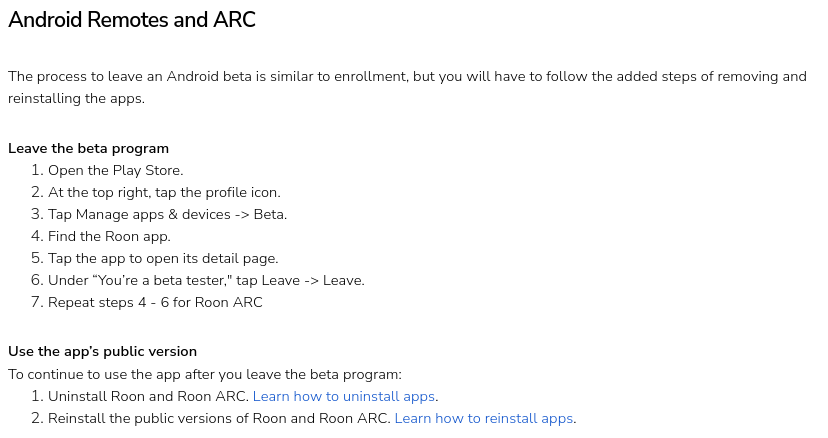
For Android users, not being able to get back to the production version, just try and open Roon remote in play store, scroll down, exit the beta program from there and wait for the regular version to be installed - then report back to this thread…
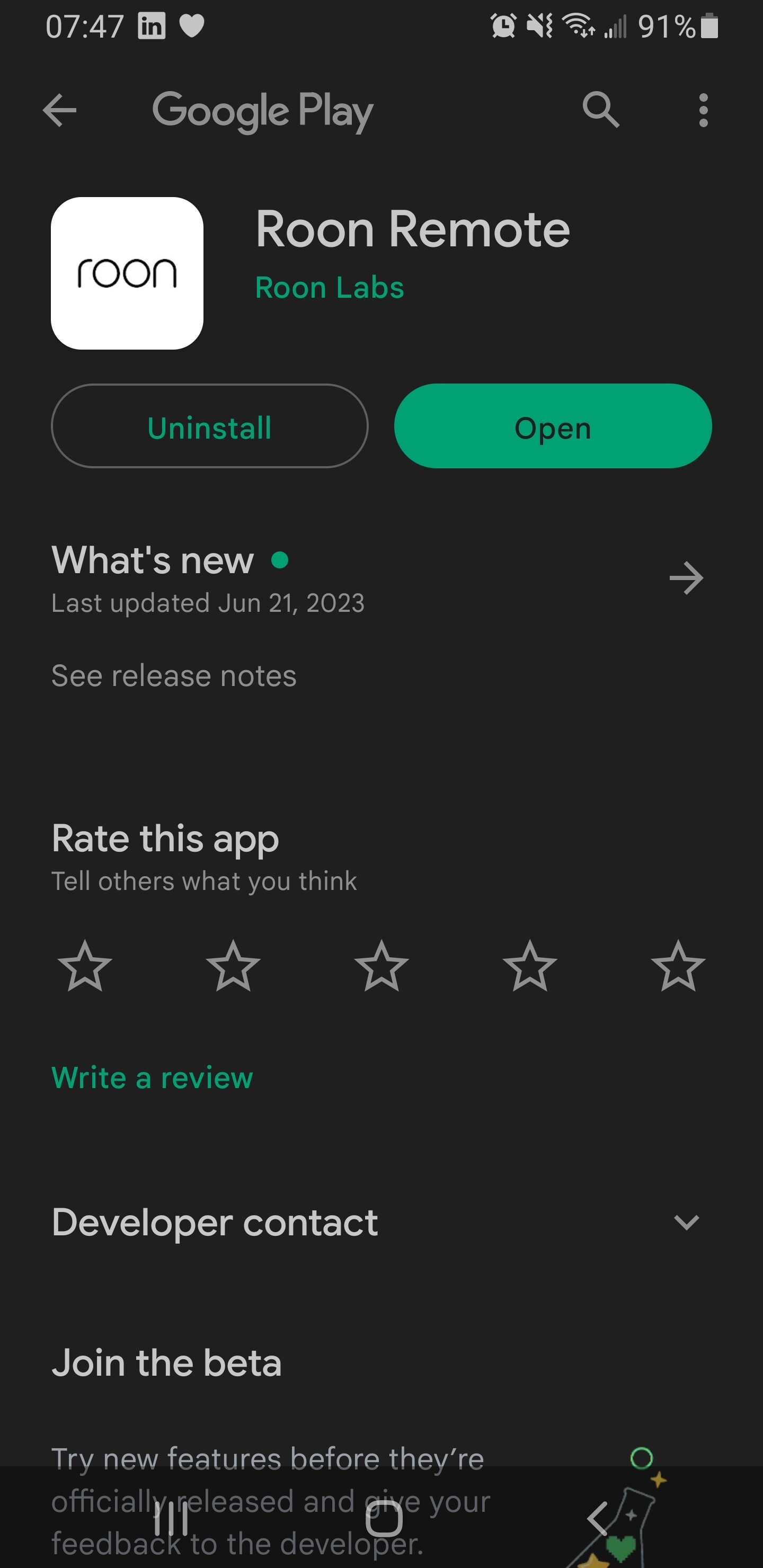
This doesn’t work as the Google Play store page isn’t functional at the moment. The page sticks at updating off beta. I have a support ticket for this which, hopefully, will be dealt with Monday.
I’ve had the following screen for more than 12 hours, and problem remains 26/6.
I’ve added screen grab of the top of the play store page to show that I can’t reinstall Roon at all to try and clear the problem.
OnePlus9 Android 13 OxygenOS
Roon Arc works fine on android and Roon remote and Arc works on iPhone.
Tried installing Roon Remote on my android phone using Windows 11 and Google Play store. Installation possible. but was of beta 1292. Tried again to uninstall beta and stuck at the removing beta screen.
I don’t believe that I was ever on the early access program. The only possibility was the core on my mac which I haven’t used for a long time. Core now ROCK - Roon version 2.0 (build 1277) production on Nuc 10.
Successfully installed production APK as advised below. Roon app works fine, but Play store screen locked to the update screen as above.
As of 13:40 UK time I can now use my Android phone Roon Remote app, wildly delete the app in Play store, with complete abandon, and re-install it using Play store. Thanks Roon, Giggle or whoever fixed things xx
I’d very much appreciate some information on this one!