Pretty new to Roon and Tidal, but everything was working fine. Now I get Tidal Login Fail from Roon. I can log into Tidal through their app without a problem and play through BluOS. But I get login fail from any device running Roon (iphone, iPad, Roon server, Window 10 PC running Roon, Samsung S9).
Setup:
Windows 10 desktop running Roon multi function (incl. server) - hard wired to router.
BlueSound Node 2i hard wired to router, analog to Hegal amp.
Tidal is only app. Music database is also on the Roon server and playlists from local files play fine.
I have tried deleting the cache folders for both Roon and Roon Server, then restarting Roon. It did not help.
Another user recently had a very similar problem. They changed their DNS setting in their router.
Have you tried using CloudFlare (1.1.1.1) or Google (8.8.8.8) DNS settings?
@nuwriy@grossmsj Thank you for the suggestion. Tidal seems to be working “OK” now. Sometimes I still lose connection with Tidal and need to log out, then log in again. But at least it is accepting the credentials now.
Unfortunately, the DNS suggestion has not helped. Everyday I still get Tidal login failures. Not only is there a failure, but even after re-entering the credentials, Roon STILL fails to log onto Tidal. At this point, I’m considering … do I want Roon or do I want Tidal. One has to go, since they just don’t work together for me. I can play all my local music through UPNP, so sorry Roon, but it looks like we are going to part ways when my 3 month subscription expires.
Hello @Brian_McGregor, and thanks for your patience while we work to resolve this issue. Our team has investigated reports similar to this and is actively working to release some changes to this area of the program in the future. I can’t provide any specific timelines just yet, but improvements are coming!
Stuck with a subscription for a full year of Roon, and it’s severely crippled due to this lack of Tidal accessibility. Roon support has acknowledged the problem, but still no resolution.
Unfortunately, not. Just can’t get Tidal login to work through Roon. I can log out of Tidal, reset credentials and it looks good until it tries to launch Tidal inside Roon. Then it fails again. Tidal alone works just fine.
Hello @Brian_McGregor, and my apologies for the troubles here. So you’ve updated everything to 610 and rebooted? Have you tried another browser as your default for the machine you’re using to log into TIDAL via Roon?
Hello @nuwriy - Yes all devices are updated to 1.7 build 610. All devices have been rebooted. As of yesterday, I was successful logging into Tidal through Roon, and it did stay connected for a while. But the connection still drops within a few hours. Usually, now selecting “retry” is successful in connecting. So, things have improved somewhat, but it is still not stable enough to be reliable all day long.
To control Roon, we are using multiple devices: Android (Samsung S9) with Roon app, iPhone 8S with Roon app, iPad Mini 4 with Roon app. Windows 10 Pro with Roon app. The core is running on Windows 10 Pro machine hardwired to network.
I don’t understand your question about default browser for Tidal login. Doesn’t that process happen from Roon, Settings, Services, Tidal. That setup can happen from any machine with Roon, so browser could be any of many, depending on the device. But result is the same, regardless of device.
Hello @Brian_McGregor, so when you sign into TIDAL, we’re using your default browser to make the connection. We’ve seen some luck with changing the default browser and trying the login process again. If you could please do this and let me know what browser you had, what you moved to, and provide a timestamp and the type of device you do this on, I’d like to enable diagnostics and get a report over to our team to take a look.
@nuwriy thank you for continuing to look into this.
As of now, I have changed the following:
Roon Server: Default changed from Microsoft Edge to Chrome (and restarted Roon Server)
Samsung S9: Default changed from Chrome to Samsung Internet
iPad Mini: Had Chrome installed. Can’t figure out how to change default, so deleted Chrome.
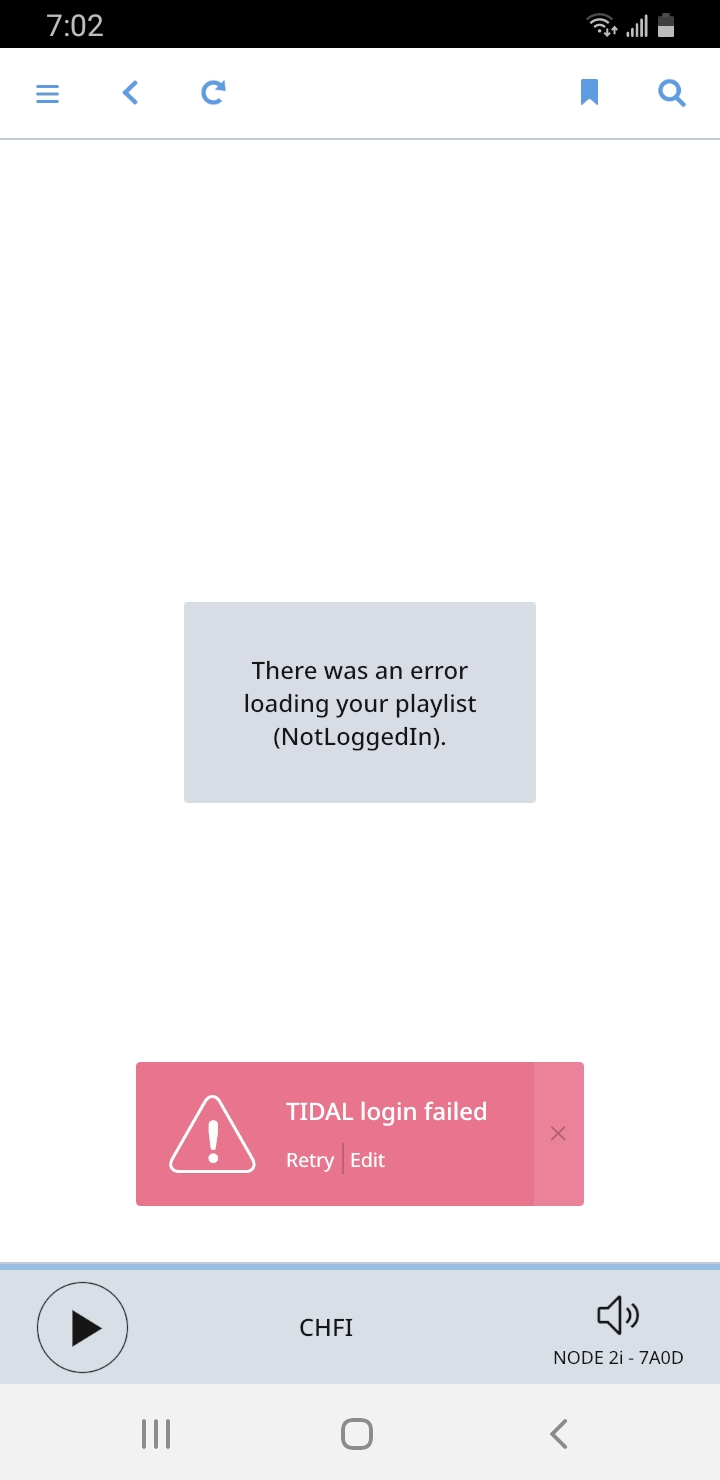
Windows Laptop: Default changed from Microsoft Edge to Chrome.Screenshot_20200827-190249_Roon|243x500
Screen shot is from Samsung phone. When I select “Retry” is works for a little while, then comes up again. At least it lets me get something playing. But, then if I want to change and need to “Retry” to connect again before selecting different music.
Thanks again.
EDIT: Tidal login failed was back on the screen in the morning.
Hello @Brian_McGregor, I spoke to our team about this and I’m going to send a ticket to our QA team to investigate for you. So we can get that ticket submitted, I wanted to clarify some details and collect diagnostics.
Could you please fill out this template and I’ll enable diagnostics for your account so we can submit the ticket? Thanks! The most important thing is telling us how the core is connected to the router.
So we can better assist you, please provide a brief description of your current setup using this link as a guide.
Make sure to describe your network configuration/topology, including any networking hardware currently in use, so we can have a clear understanding of how your devices are communicating.
@nuwriy - Thank you for your continued work with this issue. Here is the detailed configuration of my environment.
CORE (Roon Version 1.7 (Build 610 stable (64bit))
HP Desktop, Intel i3 540 @ 3.07 GHz, 2 core, Windows 10 Pro-64 and ExpressVPN in Peer mode (so only uTorrent goes through VPN).
Hard wired CAT-7 to TP-LINK TLSG100GBD Gigabit (8-port switch).
TP-LINK Switch is hard wired CAT-7 to HITRON CODA-4582 Modem/Router supplied by ISP. A speed test shows 274 Mbps (down) and 16 Mbps (up).
Libraries exist on USB-3.0 external 8TB Seagate (new in June 2020) sitting on the same desktop, but libraries are working fine anyway.
Even the core machine drops the Tidal connection, selecting “Retry” is necessary to reconnect (until next time).
Remote 1:
Samsung S9 (SM-960W) - 32 GB with 200 GB MicroSD Card, Android 10, Roon 1.7 (build 610)
Remote 2:
Dell XPS 13 (9350) - 16 GB, 1 TB, Windows 10 Pro (64 Bit), Roon 1.7 (build 610), operates in wifi mode for Roon
Remote 3:
Apple iPad Mini 4 - 128 GB, IOS 13.6.1, Roon 1.7 (build 610)
Remote 4:
Apple MacBook Air (early 2015), Intel i7, 8 GB, 256 GB MacOS 10.15.6, Roon 1.7 (build 610), operates in wifi mode for Roon
Remote 5:
Apple iPhone 8: 256 GB, IOS 13.6.1, Roon 1.7 (build 610)
Audio device is BlueSound Node 2i, hard wired Cat-7 directly to HITRON modem/router. The BlueSound is connected to Hegal H390 AMP via Audioquest Sydney RCA cables.
Please let me know if you need any further information.
Hello @Brian_McGregor, and thanks for the details! I enabled diagnostics the other day for your devices but it looks like the android and the PC haven’t connected to our servers in a few days. Could you please open Roon on these devices so the diagnostic comes in? Thanks!
@nuwriy - The Windows PC doesn’t have Roon running often due to the VERY frustrating FULL screen issue on high-resolution graphics. BUT I will leave it running for the next 48 hours. The Android is now running Roon as well, but it is my personal cell phone and travels with me. No sense keeping Roon running when I’m not at home.
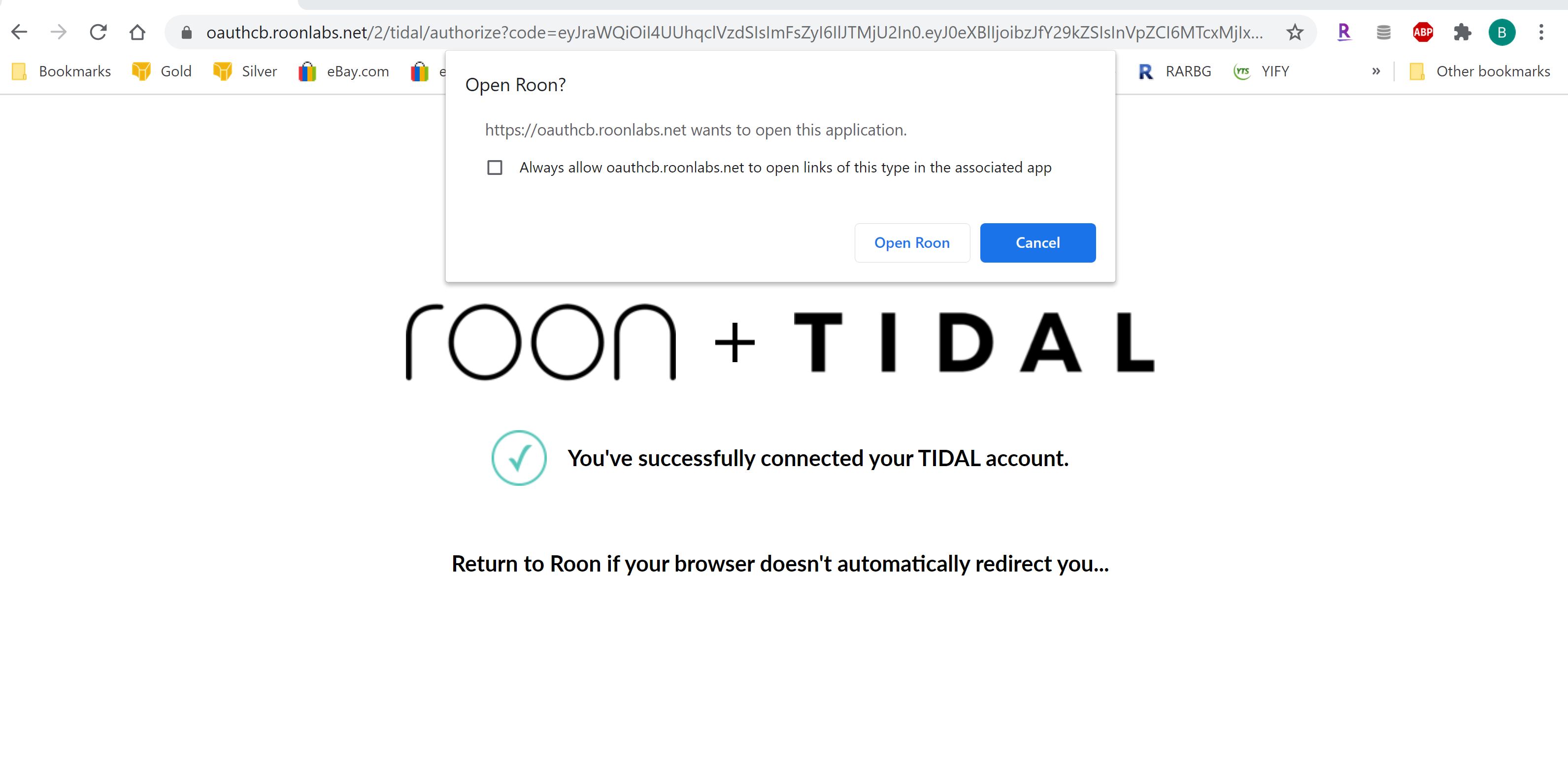
Today I tried to log into Tidal/Roon on the PC. Roon wants me to log into Tidal, so I logout of Tidal, and re-enter the Tidal credentials. See screen shot #1. Then, it asks permission to redirect to Roon after successful Tidal login. When back at Roon, it still thinks Tidal is not logged in. See screen shot #2.
Thanks for doing that, and apologies for the delay due to the long weekend.
We received the diagnostics report from everything but the PC — Can you try sending us logs from that machine instead? Use the directions found here and send us over a set of logs using a shared Dropbox link.