McCartney II, track 4, Waterfalls skips. UK. Surely with all the reports Qobuz can see a pattern or trace these errors automatically and fix the entire problem?
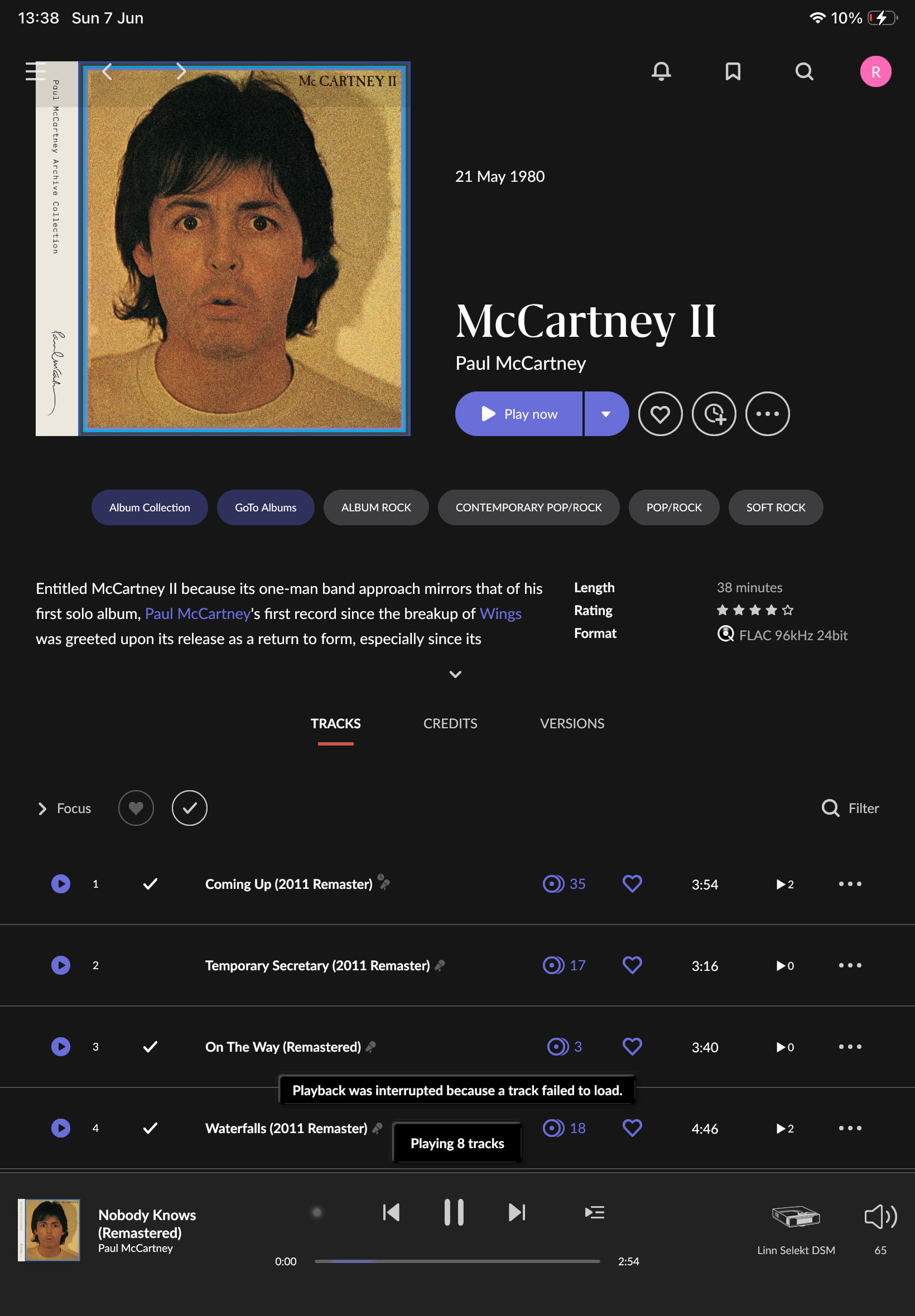
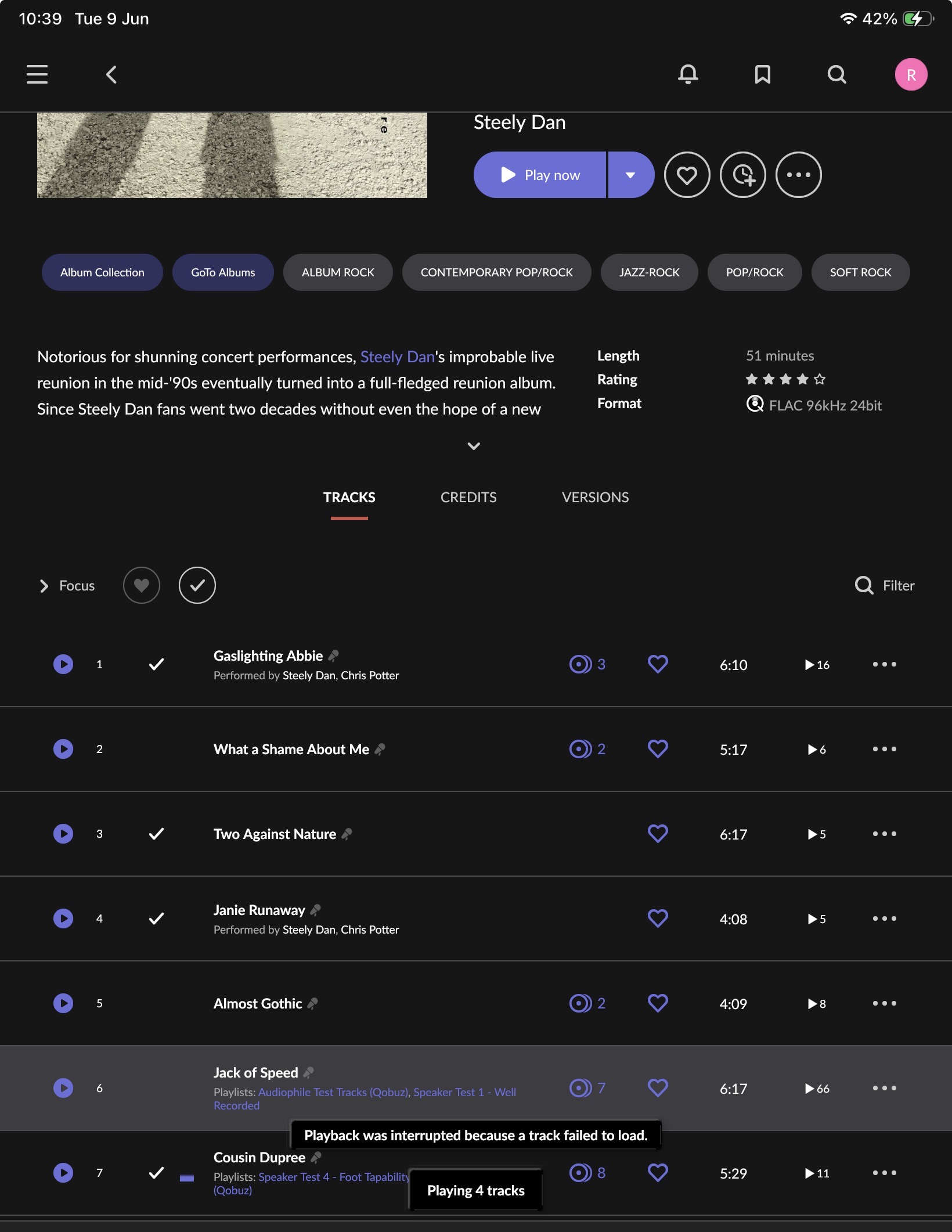
I have had issues with the new Paul McCartney album through Qobuz connection to Roon. It was just a certain track, “We too,” which just stopped playing on all my devices. I tried it on about 1.43 in. I signed out of Qobuz in Roon and back in, and it plays fine now, but it skips one track (again on every device). Very frustrating. I keep having these issues every now and again, and signing out and back in usually fixes it, but it’s not great to do this a few times a month. Signed in/out again and working fine for now!
Hi everyone,
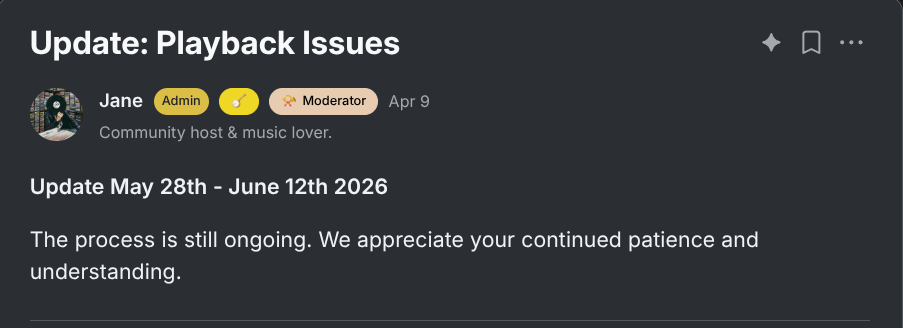
Thank you for your patience. For anyone who recently posted or had a report merged into this tracking thread, here’s where things stand.
Certain Qobuz tracks are failing to play in Roon within specific geographies. This is a more track-specific version of a broader network pathway issue between the Qobuz API and Roon that we investigated directly with their team. Qobuz adjusted their architecture to resolve symptoms for the large majority of users, but intermittent reports are still coming in.
We’re continuing to work with Qobuz directly on these more recent reports. We will share more information as soon as it is available. We recognize this is frustrating, and we’re determined to resolve it as soon as possible.
7 Likes
Hi! What’s not quite right with Roon?
· None of the above quite fits
None of the above quite fits
· None of these quite match
Tell us what's going on
· Certain Qobuz tracks on an album are skipped or won't play in Roon but do play in the Qobuz app
Tell us about your home network
· Not relevant.
The specific track is Woman’s Work on the album Tomorrow Is Today by Papagena. Roon just skips around the track if you are playing the full album. If you create a playlist with just this track it also refuses to play it. However you can play it in the Qobuz app. Why is this happening in Roon? Are certain tracks just not available even though they are listed?
Hey @HAL9001,
Thanks for writing in and for sharing your report!
We were able to review a fresh diagnostic report from your Roon Server and observed the behavior you mentioned. Every time Roon tries to play it, the sequence is the same:
- Roon successfully asks Qobuz for the file URL
- Roon connects and aquires the file from Qobuz
- But when Roon's audio engine tries to actually open/decode the stream, it fails:
Unexpected Failure While Opening Sound ... UnknownFailure, followed by couldn't play URL ... other error.
This is not a network, account, or Roon-config problem. The hand-off from Qobuz succeeds, the failure is when Roon’s decoder tries to open the actual audio data.
That points to a corrupt or malformed file on Qobuz’s side for this specific FLAC, or a content/encoding issue with that particular file that Roon’s decoder rejects but the Qobuz native app tolerates.
Here are some next steps to troubleshoot:
- Unfavorite the track in Roon and remove it from your Qobuz library. Then, re-add it and repopulate it in Roon, and test playback.
- Test format fallback. If the above doesn’t help: the requests use (hi-res 24-bit). In Roon, temporarily set that Qobuz zone's streaming quality lower (CD / 16-bit via Settings>Services>Qobuz) and try the track again. If it plays at lower quality, the hi-res FLAC asset is the corrupt one, useful to report.
- Try a different output zone. The failures appear on both a Pixel 8 endpoint and an HQPlayer zone. Try playing the track to System Output / a basic zone with no DSP or HQPlayer in the chain, to fully rule out the decoder/upsampler path.
Thank you @HAL9001 we’ll be monitoring for your reply and results! 
It will play if I set the output to redbook CD quality but refuses to play at 192/24. I assume this needs to be reported to Qobuz?
Yep, definitely not fixed. I’m in the UK and the problem has been manifesting big time over the last few days. if I play out from the Qobuz app, it doesn’t happen, so I’m assuming that it’s an interaction between the Qobuz and Roon CDNs.

Hello @HAL9001,
Thank you for testing — that confirms the issue is with accessing Qobuz CND via Roon from the specific countries for the specific files, a CD’s quality version plays fine because it is a different file.
We have already reported this type of issue to Qobuz internally and are awaiting a fix on their end. In the meantime, using CD quality as a workaround for affected tracks is the best option available.
Hi @HAL9001,
Please see the main tracking thread for updates on this issue:
I’m using Roon with Qobuz. In Roon - settings - services - Qobuz sound quality is set to „24bit - up to 192khz".
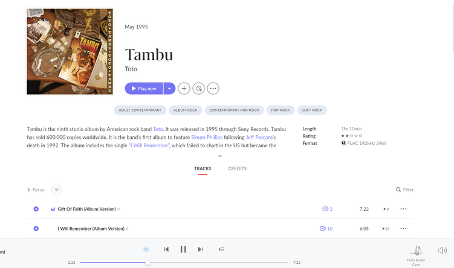
For the Toto album „Tambu" the track „I will remember" does not play. As soon as I try to play that song the next song of that album starts to play. This album/song is not in my local library but streamed from Qobuz.
I asked chatGPT and chatGPT recommeded to change the Qobuz sound quality. So I switched from „24bit - up to 192khz" to „24bit up to 96khz" and now Roon plays the song „I will remember" at 24bit - 96khz.
Using the Qobuz-App the song „I will remember" plays at 24bit 192khz.
I would like to change the settings in Roon back to „up to 192khz" AND listen to the song „I will remember".
Any idea ?
You don’t need to change the Qobuz quality for everything in settings. You can just pick the 96/24 version from the VERSIONS tab of this particular album.
The problem is most likely this:
As @Suedkiez said, this is almost certainly an instance of the Qobuz CDN issue.
What happens if you switch your Qobuz setting back to the normal “up to 192 kHz”? Does the track still play?
Please report what happens. Thank you.
I see. Usually Qobuz lists versions in several resolutions, but here they only have the 192/24. I have a versions tab for this album but that’s because I have Tidal, too, and I didn’t look into the tab.
So in this case, you’d really have to switch the overall resolution in Settings for this.
As soon as I switch my settings back to 192khz the track is NOT played.
OK, then switch to the lower resolution for a workaround. I’ve merged your report into the main tracking thread to give the information to Tech Support.
Should we continue to report the certain tracks from Qobuz not playing? The following track is skipped.
Location: US
Artist: Depeche Mode
Album: Memento Mori
Track: Ghosts Again
FLAC 96kHz 24bit (no other version avaiable)