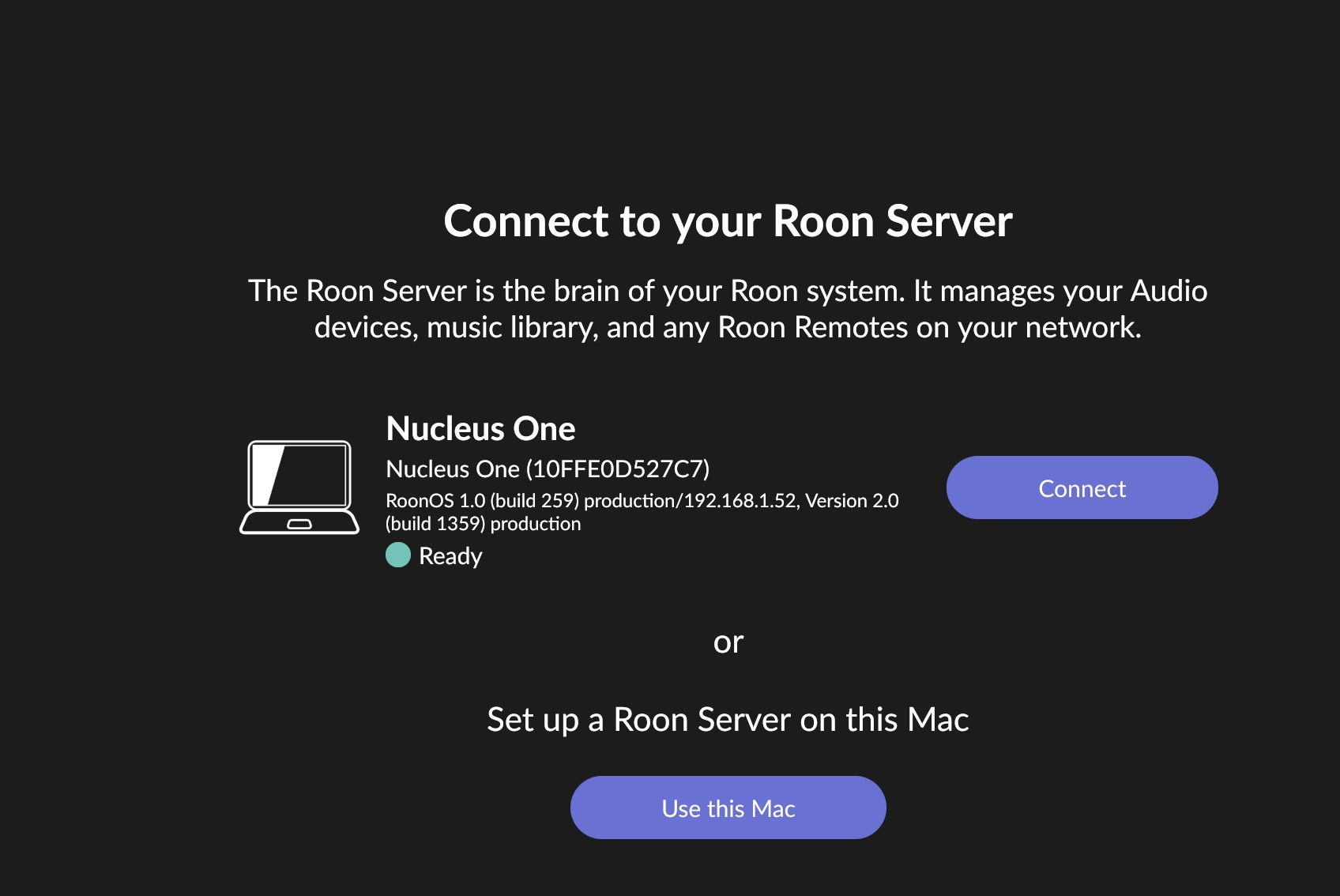
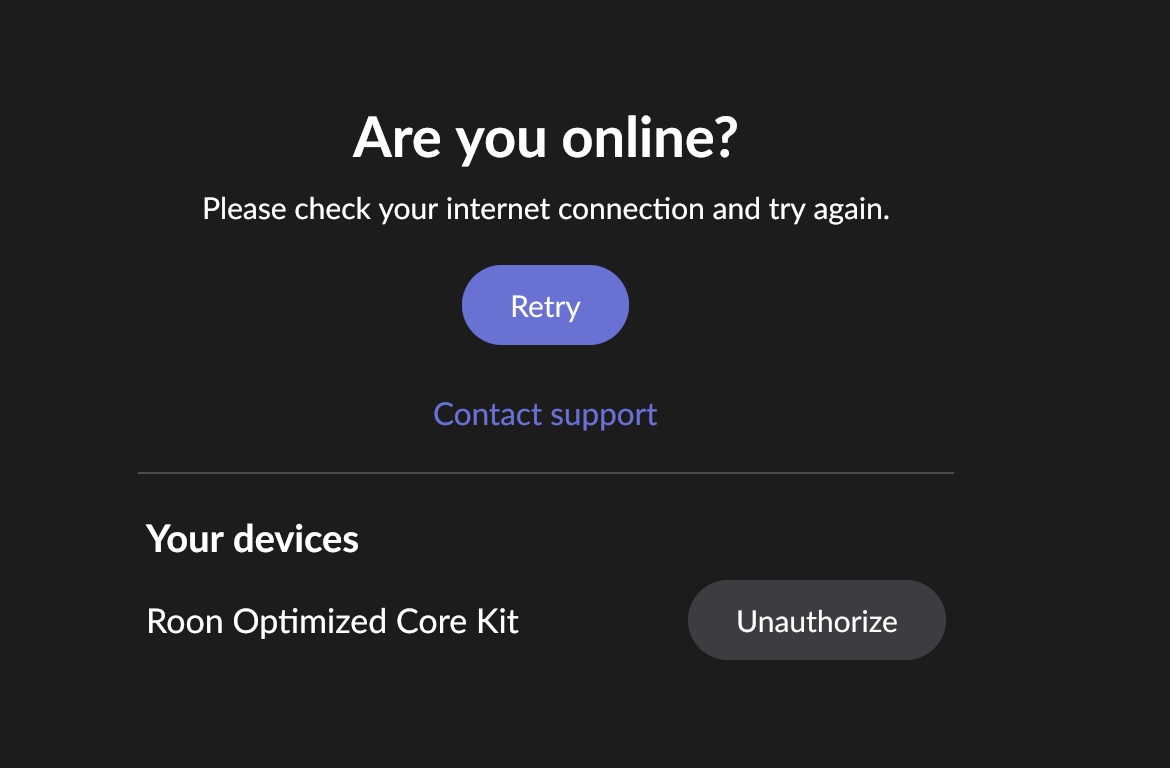
I connected a new Nucleus One and followed this guidance to complete the process. However, I’m unable to unauthorize my old NUC so I can then authorize the Nucleus One.
Here is a screen recording of what’s going on. I already rebooted the NUC. Please advise.
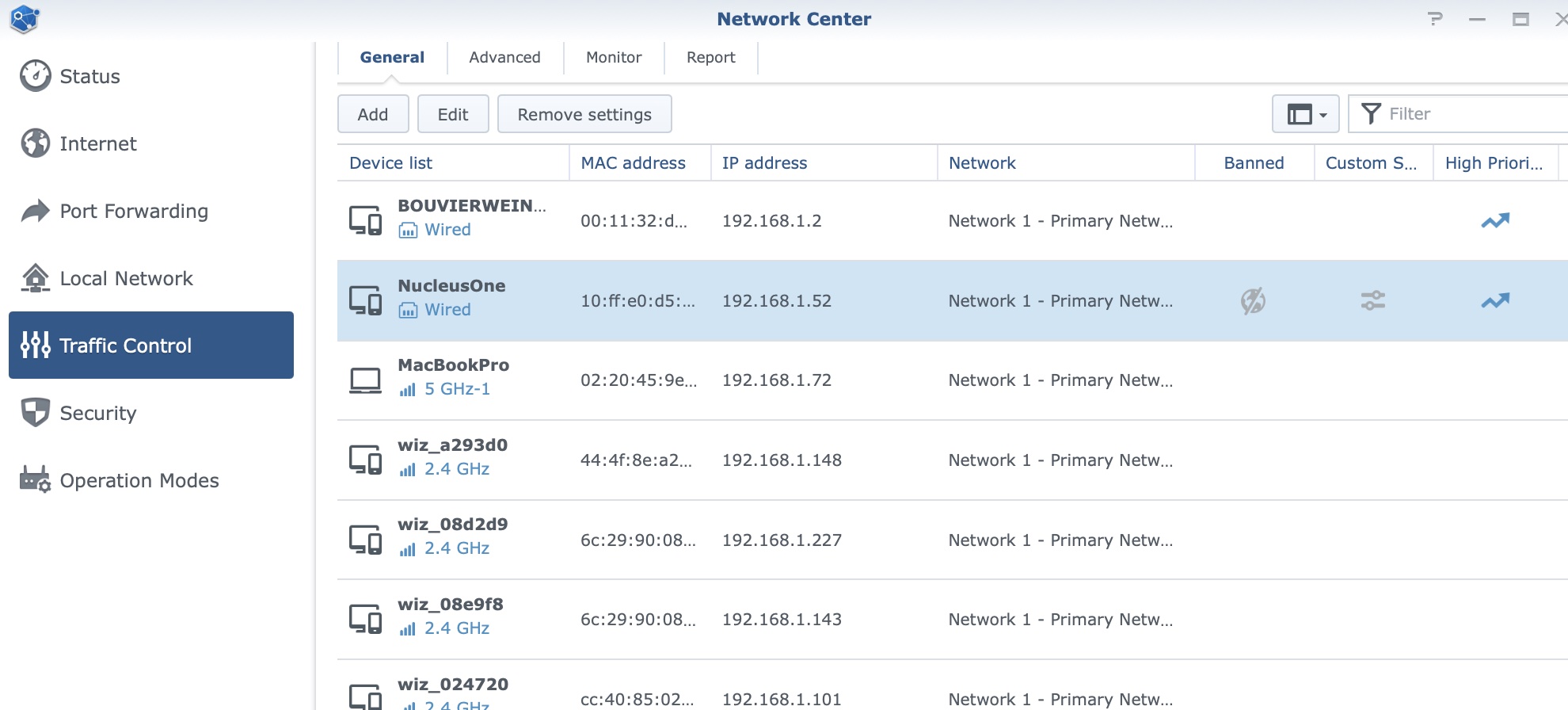
All good for now (so far). I needed to remove the old IP address from Roon and enter the new one for the Nucleus One. Once I did that, then the connection was established. Makes sense now…
I’m doing the restoration, so all is looking good.
Good to see you on the community again! Sorry to hear about your troubles attempting to unauthorize your old ROCK - a good first place to check, we’re seeing the potential for multiple subnets across your local network, and I’m curious if it might be the case that your ROCK and Nucleus are having trouble communicating because of this.
Let me know if you’re able to take a closer look into this, and if you’re able to temporarily disable one of the subnets and properly unauthorize your old ROCK.
Congrats on the Nucleus by the way, if it was a recent purchase!!