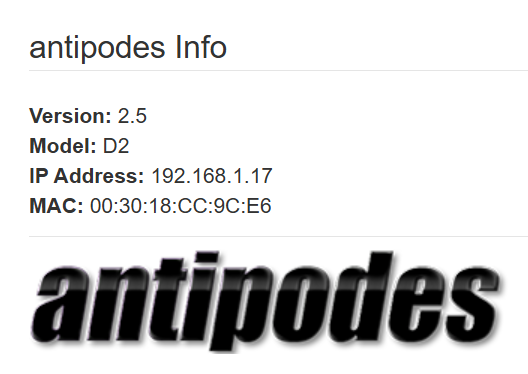
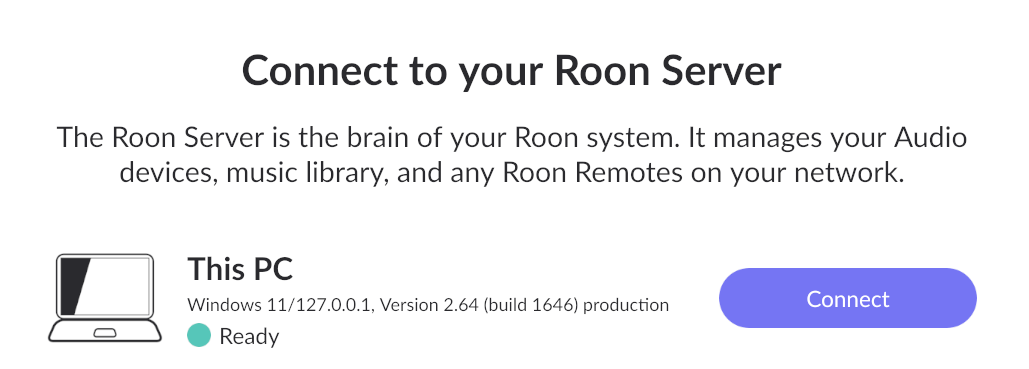
hello, I have accepeted the Roon upgrade about 1 hour ago and since then the connexion with my Roon server is no longer working, both on my laptop and mobile phone (same with ARC as well.
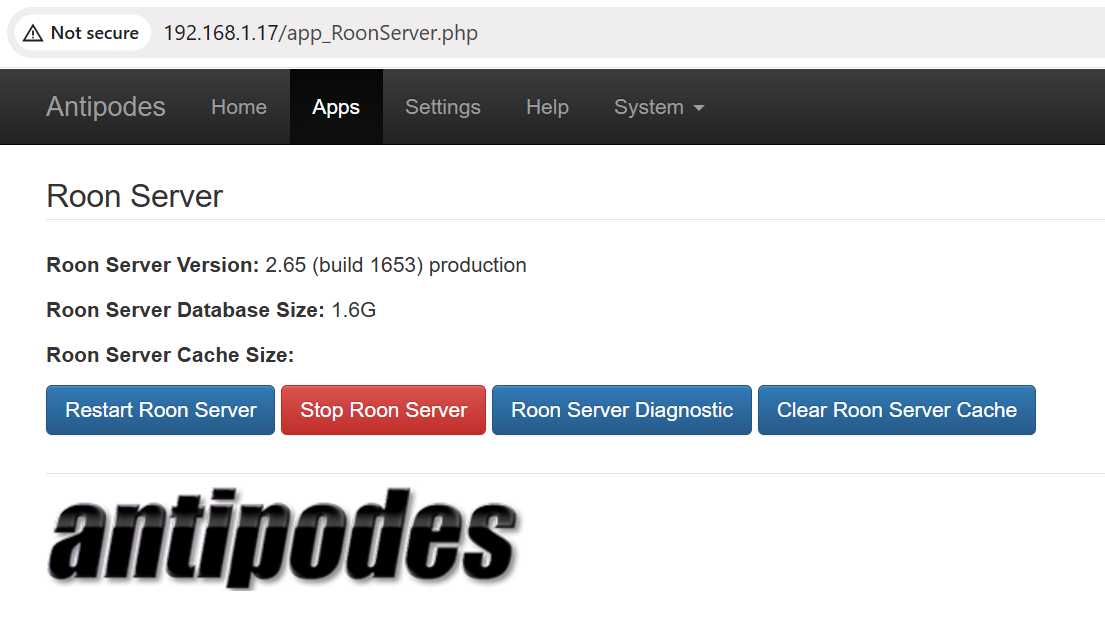
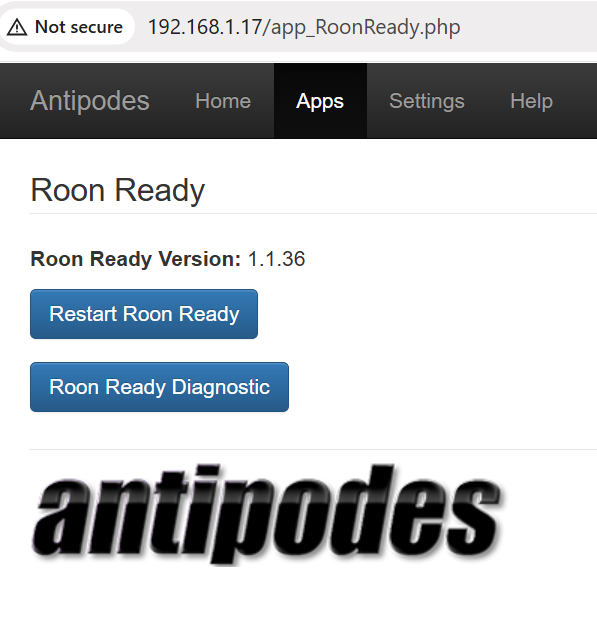
Since the upgrade, I rebooted my Antipodes multiple times and also restarded the Roon Server and Rood Ready apps through their web site (see screenshots below), I disconnected from my DAC, but nether of these actions solves the server access problem.
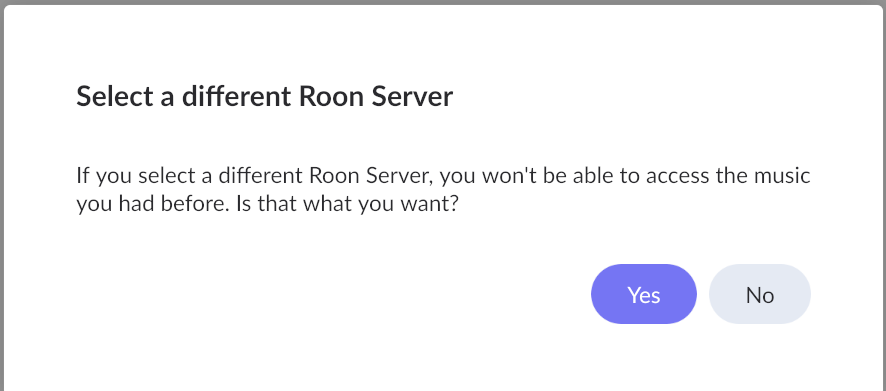
You already lost access to the music you had before, so there is nothing to fear.
If you are able to connect to the same server again, your access is restored.
All it’s saying is that as long as you connect to a different server, you won’t be able to access this one. But you can always switch back anyway - you can have as many Roon Servers as you want and switch between them.
The message could be a bit more explicit about this.
Sometimes Roon gets confused about the identity of the server. If you click the button, it will search for all servers it can find on the network, and it should find your usual one. Then you can reconnect to it.
Unless the issue is with the new Roon update that Blackjack pointed to. But in this case you have to talk to Antipodes anyway.
unfortunately the antipodes server doesn’t show up in the list of available servers, which contains nly my laptop - see below. Not sure it is a good idea to select it as server
Please keep me posted on this. I’m not familiar with antipodes and what might be happening here.
Some quick googling makes me think that this model might be too old to support RoonServer 2.65. I’m not sure about the details, but I think you might able to run 2.64 and prevent auto updates if this ends up being the case.
Thanks Stephen for your message. I suspect this is indeed the root cause. I have scheduled a call with Antipodes support Wednesday at 1am Paris time. If my Antipodes DS server is confirmed to be too old for 2.65 then hopefully I will be able to get back to 2.64 for now until I see what is the best option moving forward.
@marc.escande - there’s a report of an Antipodes DS failing to be seen after today’s upgrade. Will be interested in what Antipodes have to say in your support call.
After some searching I found a post on a site called stereoguide.com saying that Roon was issuing an update that would brick many old installations (on my QNAP, for example) and that some kind of warning would be issued by Roon warning us not to update if we didn’t want our Roon server bricked. I got no such warning. I am told to install Container Station, but that cannot be done (the QNAP page for starting Container Station has a Start button that pops up a message saying that old data was found, and you can choose to replace it or keep it, but you can never avoid having that message pop up again, so there is no way to use Container Station.). I also read that the update cannot be undone. I need either a way to undo the update, or get my $830 back. Roon should have warned of this problem.
This sounds to me like a case for QNAP customer support. They should be able to assist you to get their products working. After you got to that point, you can use the setup instructions to install Roon Server in Docker on your QNAP NAS.