Is the Nucleus showing up after pressing the Configure RoonOS button?
· No
Please try to reboot your Nucleus
· false
Please try rebooting your network equipment
· false
Nucleus Factory Reset
· false
The Nucleus HDMI output can provide very useful diagnostic information. This process will involve connecting the Nucleus via HDMI to a TV or monitor and then checking to see what is being displayed.
· Yes, I am willing to try the HDMI test
When you plug in the HDMI cable to the TV or Monitor, is there something being displayed on the screen?
· true
On the Nucleus HDMI output, what do you see?
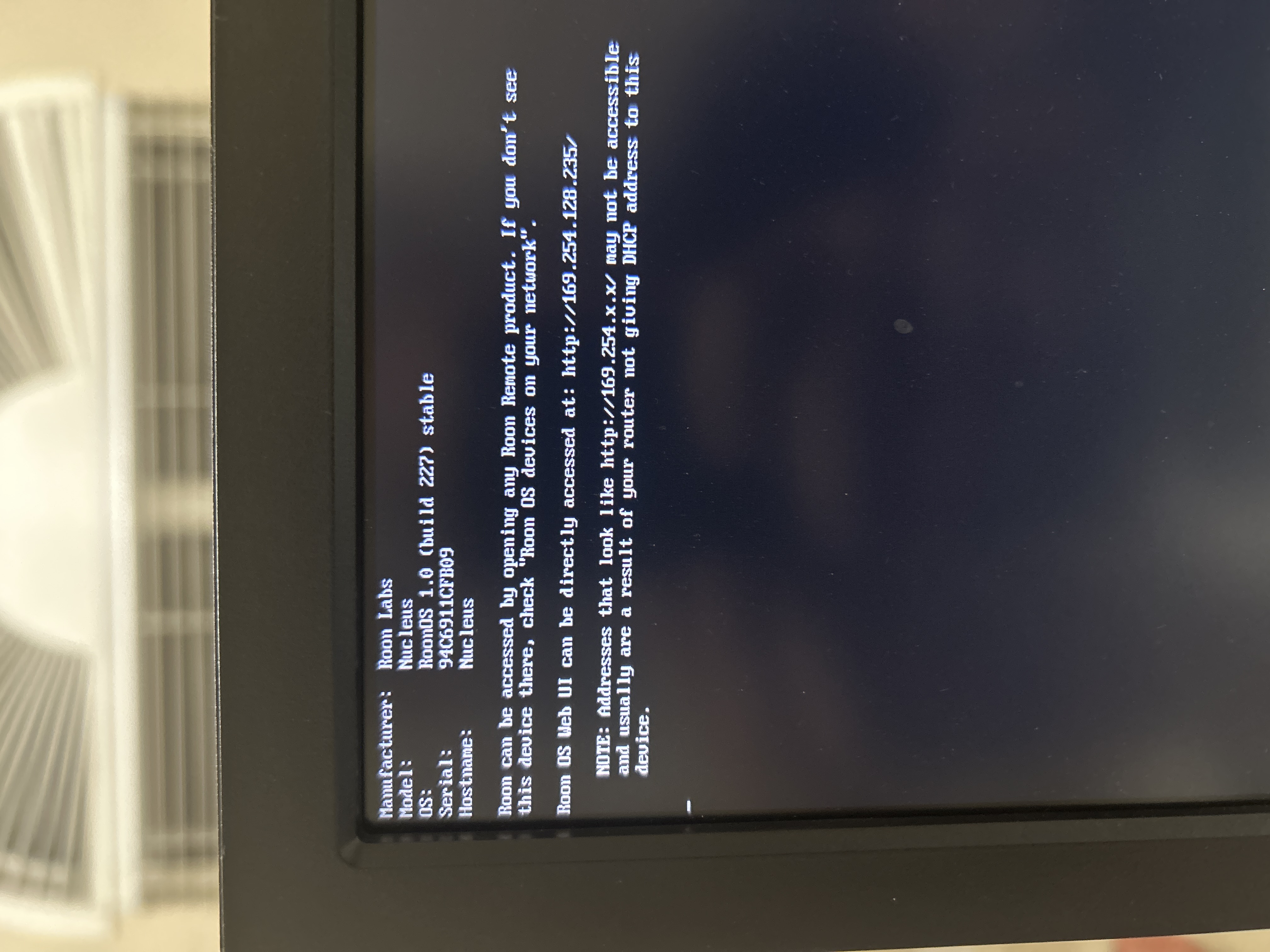
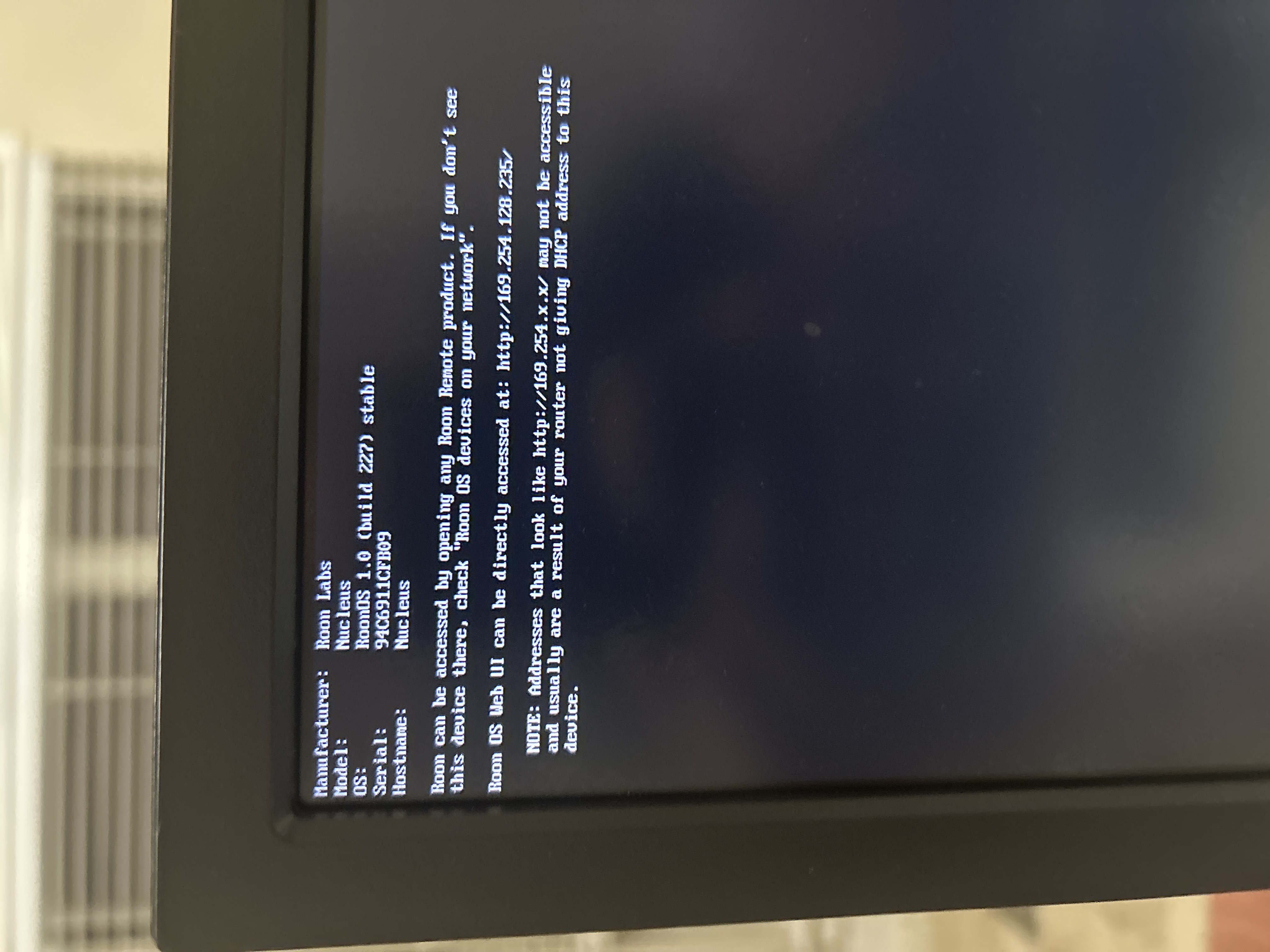
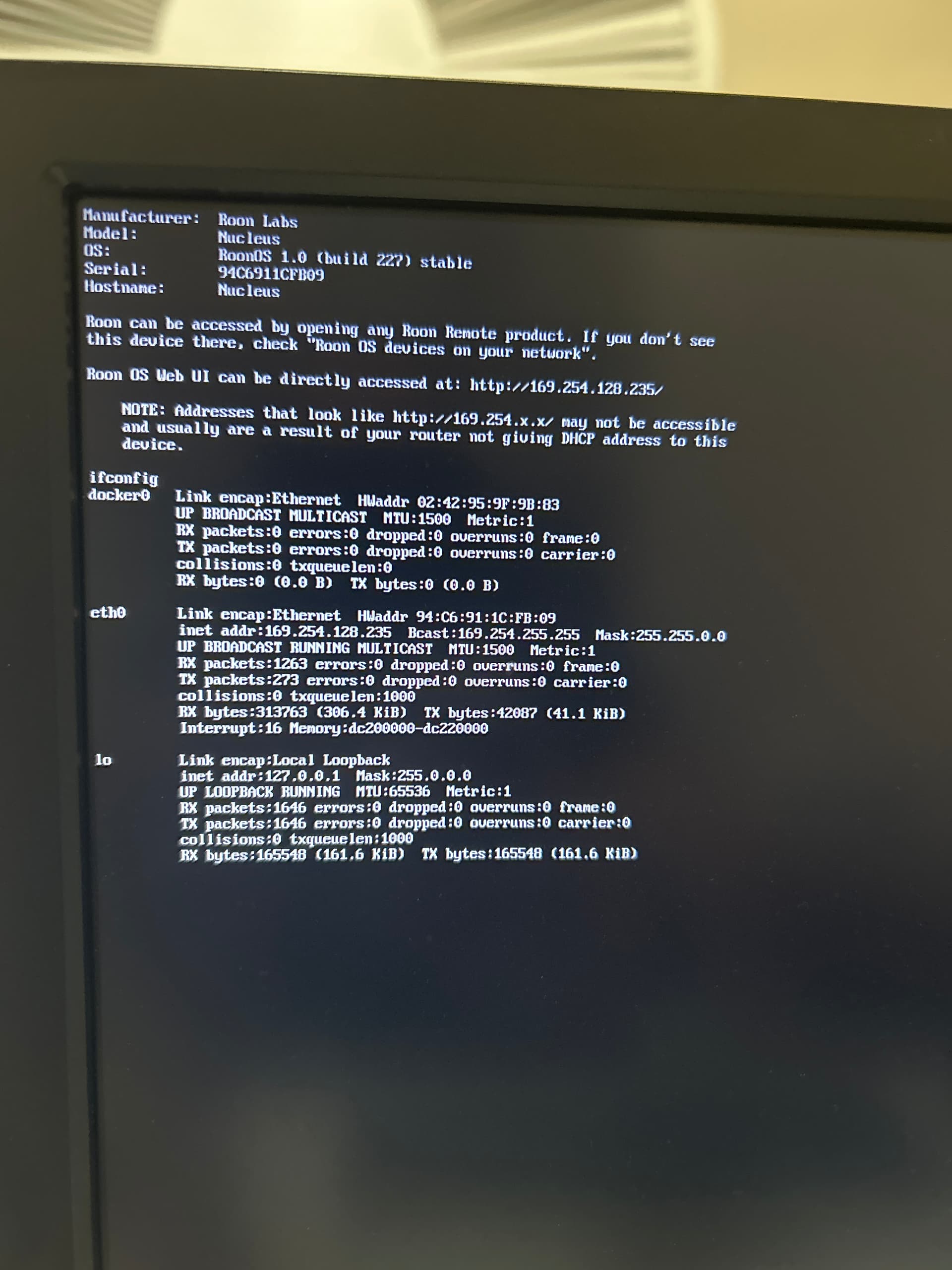
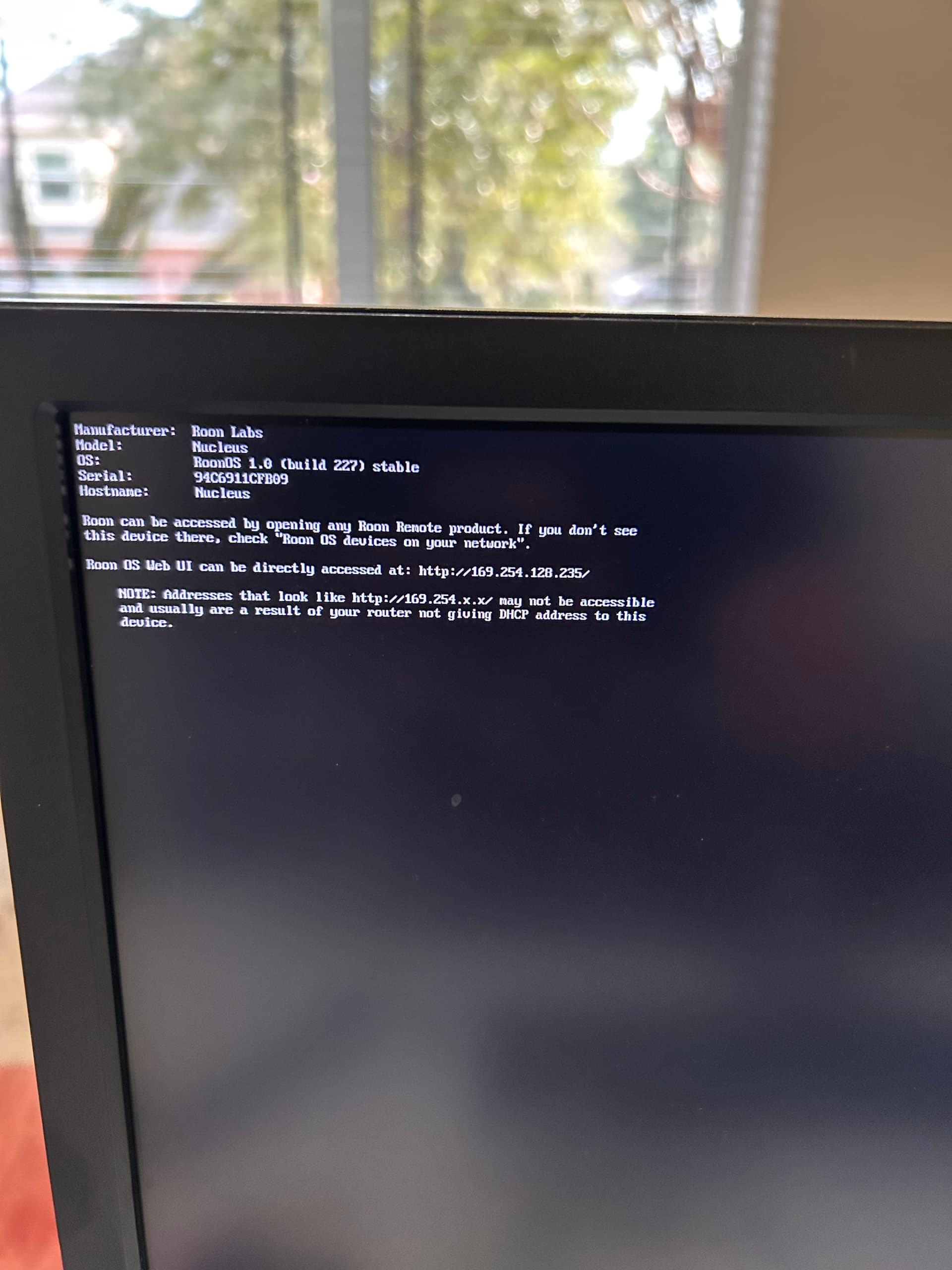
· "Roon OS Web UI can be directly accessed at [https://xxx.xxx.xxx.xxx/](https://xxx.xxx.xxx.xxx/)" and the address starts WITH [http://169.254.XX.YY/](http://169.254.XX.YY/)
Nucleus Reboot
· false
Sometimes, this issue can be caused by a faulty cable to Ethernet port. To eliminate this possibility, please try to connect the Nucleus to a different port, or try to replace the Ethernet cable
· Using a different port or a different cable did not help fix it
Did bypassing additional network gear resolve the issue ?
· false
IPv6 Network Configuration
· No
You can factory reset the Nucleus network settings by plugging in a USB keyboard and having the HDMI connected to a TV or monitor. Please see the steps below and give them a try if possible.
· I reset the network settings, but I'm still having an issue
Sometimes firewalls on the router level or misconfigured router settings can prevent a Nucleus from getting a proper IP address.
· false
If you have or are willing to purchase a USB to Ethernet adapter, you can try to plug it in to the Nucleus to confirm if the Nucleus port is having issues.
· I don't have a USB to Ethernet adapter that I can try with, and I don't want to buy one
To better assist, we'll need to have a comprehensive overview of your network setup.
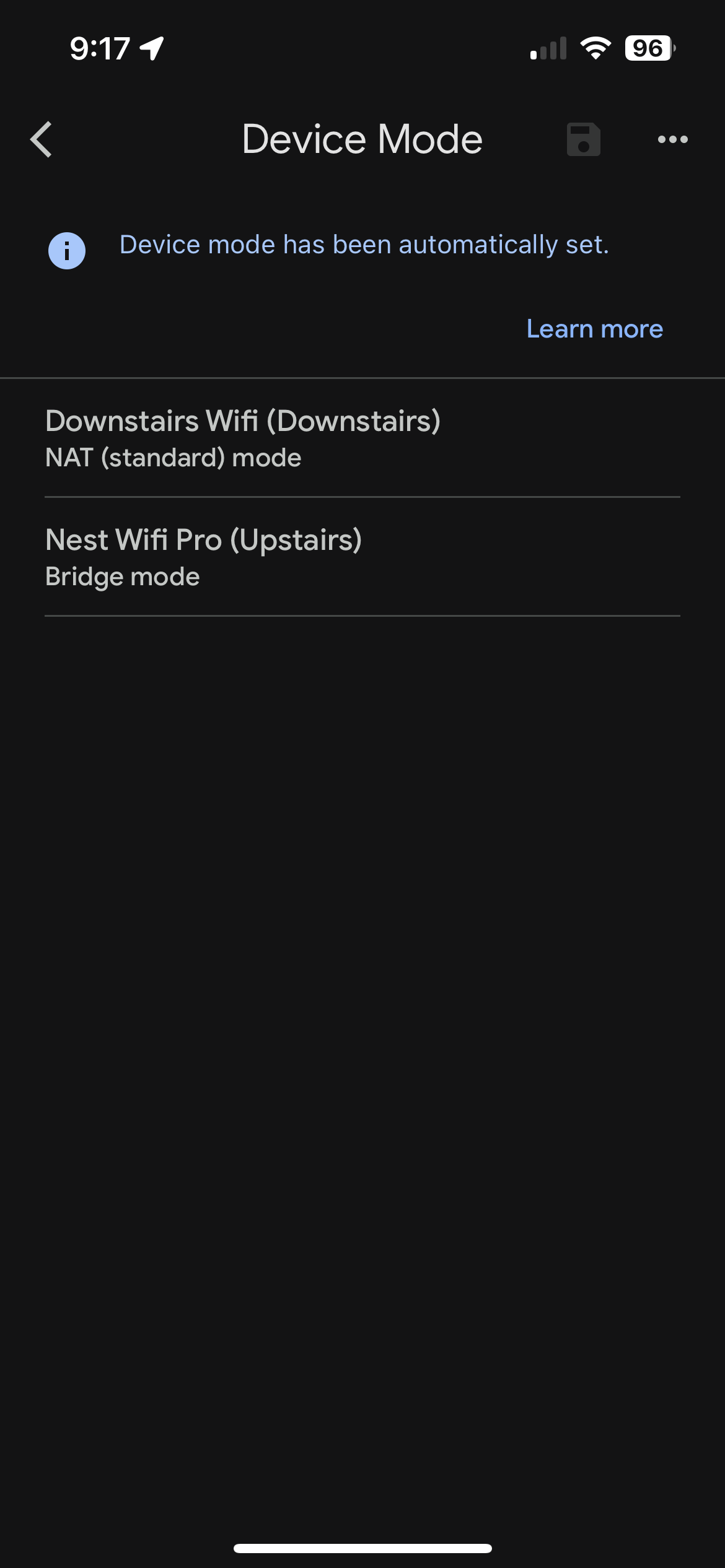
· Google wifi pro mesh
Describe the issue
No matter what I try the roon nucleus doesn't get an IP address from my router
Thank you. I tried the reset network command. It does retry once again to get an IP from the router but fails again and reverts back to the internally assigned one.
mjw
(Here I am with a brain the size of a planet and they ask me to pick up a piece of paper. Call that job satisfaction? I don't.)
5
The address range 169.254.x.x is a failover DHCP address assigned by the Nucleus.
Therefore, there is no DHCP server running on the network segment. Possibly caused by the way the mesh is setup, i.e., a different subnet to the router causing double NAT.
Set up the mesh to obtain IP addresses from the router.
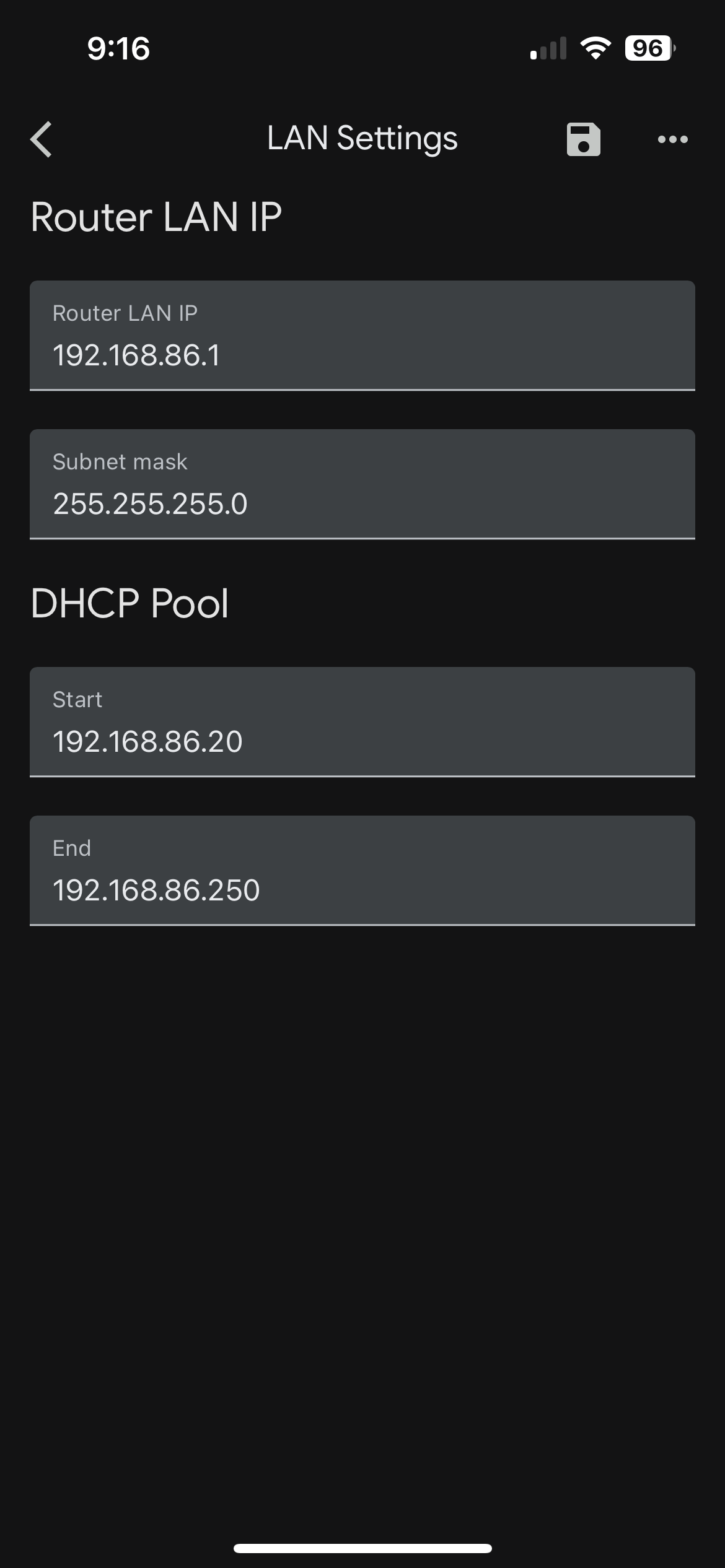
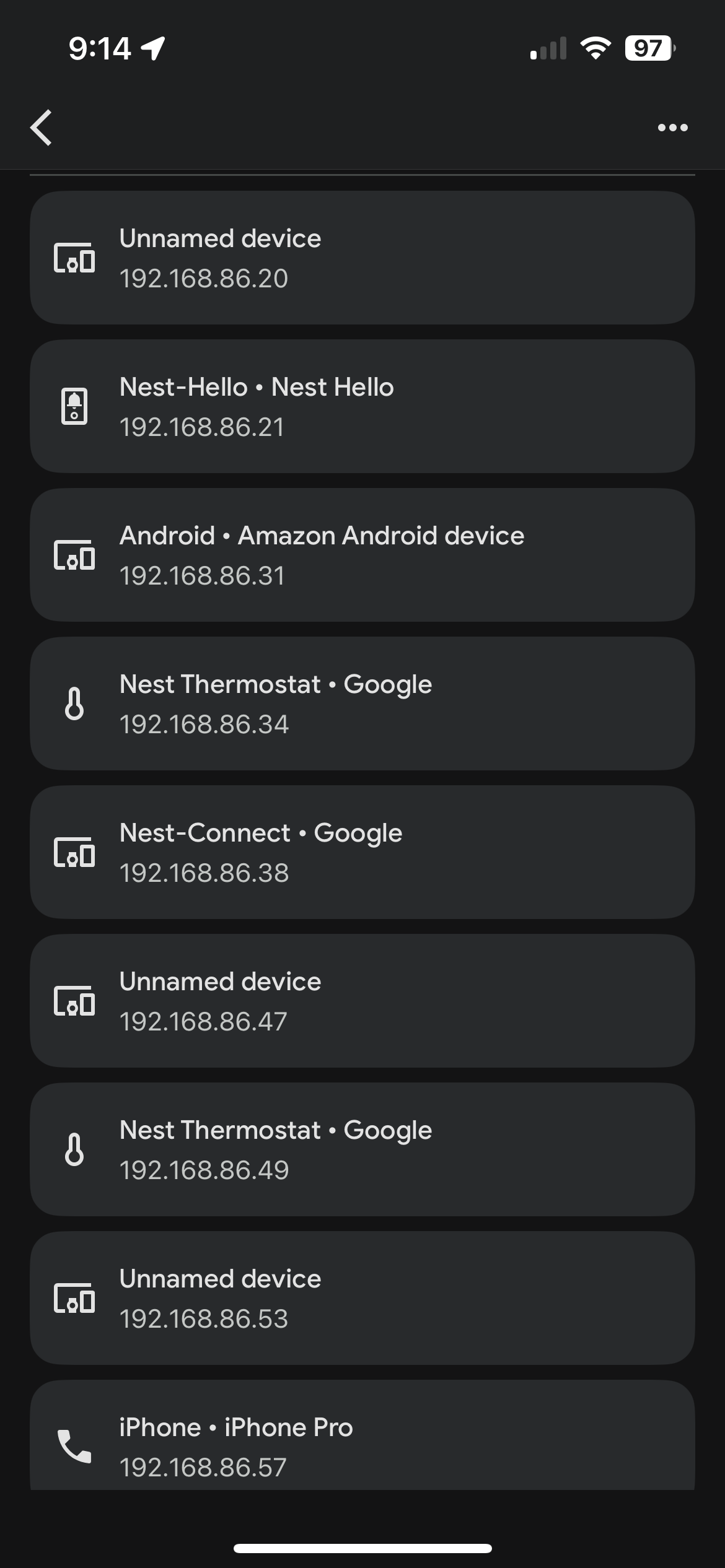
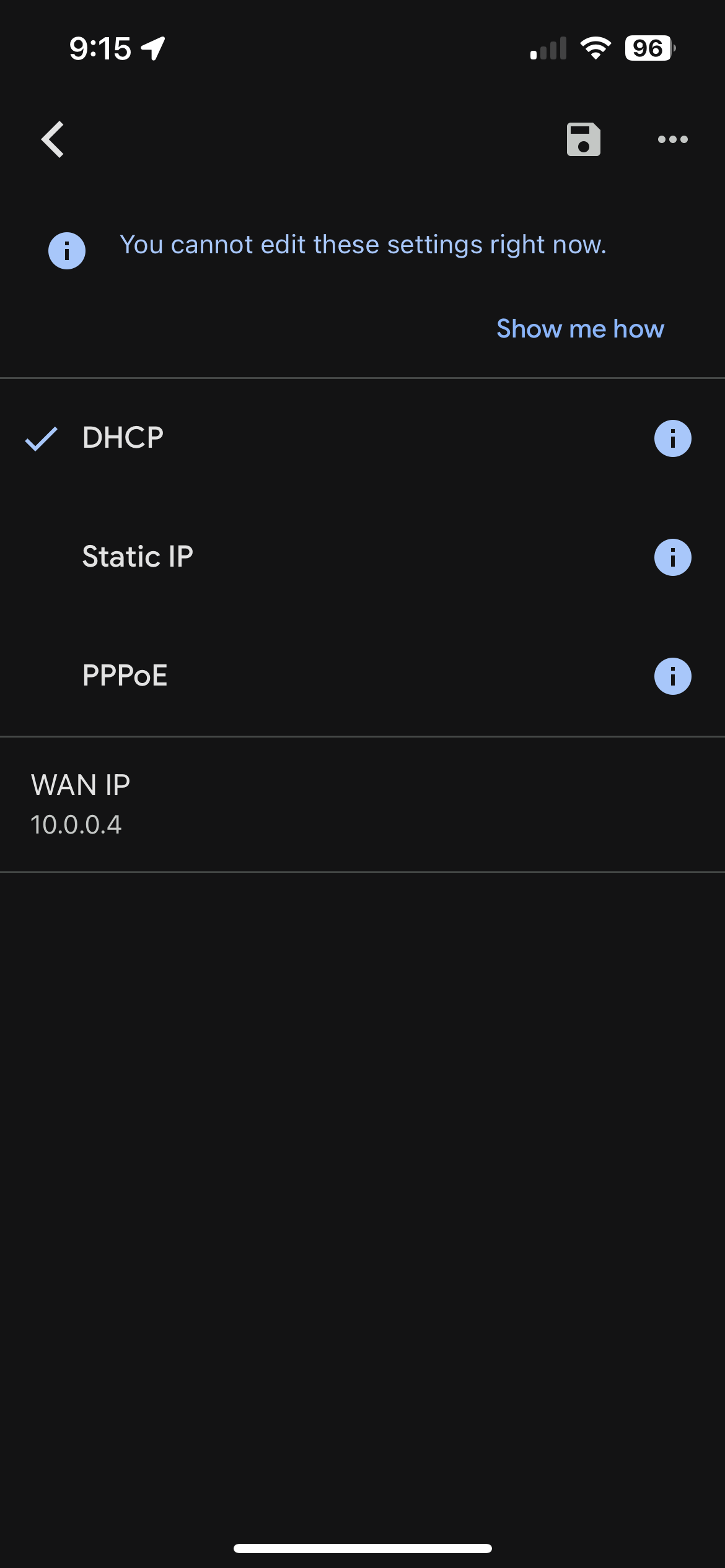
Hello, I’m sharing here the DHCP settings (turned on), and all the other devices on the same network that are receiving IP addresses from the router. I also screenshot some other settings in case they are useful
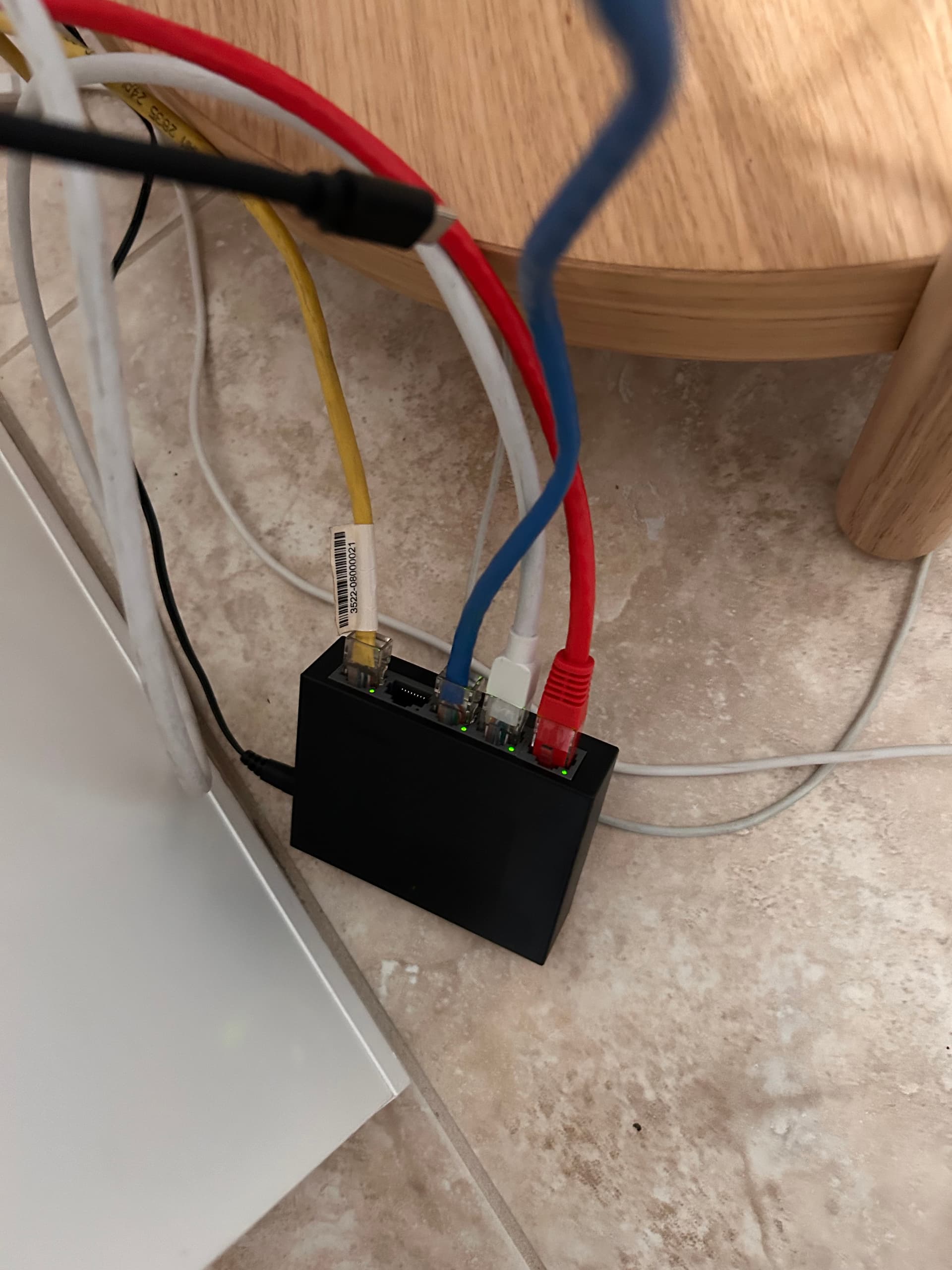
Hi, I have the Nucleus connected through a 5 port switch, which in turn is connected to the router. I have a macbook and a printer also connected to the switch and they are getting IP addresses just fine.
Would it be possible for you to connect your Nucleus directly to the router just for a test purpose in order to check whether it gets an IP without extra node ?
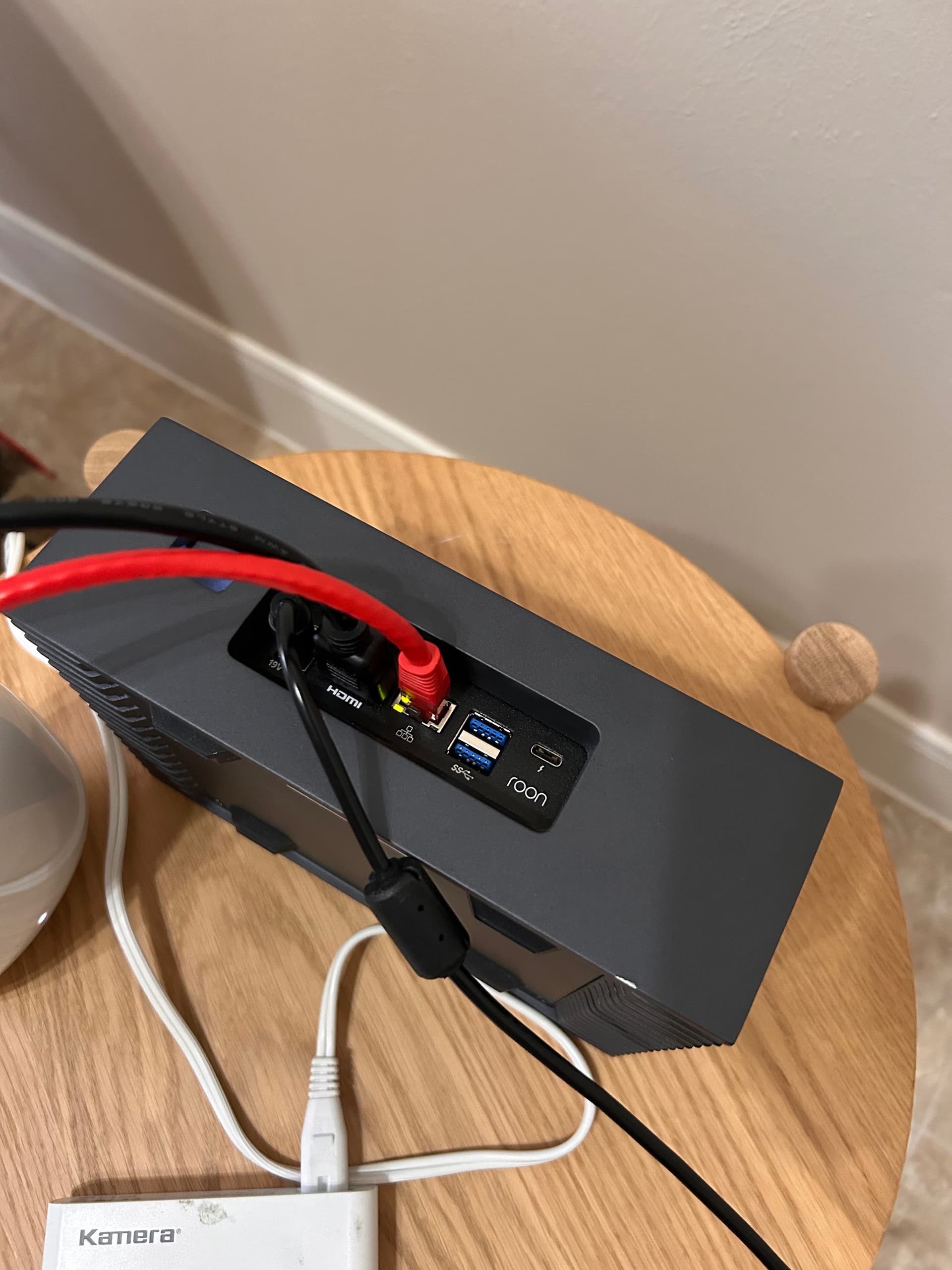
Maybe change the cable for another one, preferably one that you tested and know it is good (use one from a different device that works for example). Make sure the connectors are plugged in firmly and the lock snapped in place.
Hi. I was able to connect the nucleus directly to the router using the same cable (red one on the picture) that was previously going from the switch to the router. Unfortunately same result, it still doesn’t get an IP.
Thanks for giving that a try, and for the screenshots! If you haven’t recently, can you please also reboot your router after you’ve set up the direct ethernet connection?
We have a few additional options for next steps:
Completely power down the Nucleus and leave it unplugged for a few minutes before reconnecting and powering on.
Purchase a USB>Ethernet converter to test out a potential ethernet port failure on the Nucleus.
See if you can test out bringing the Nucleus to a different local network and attempt to connect.
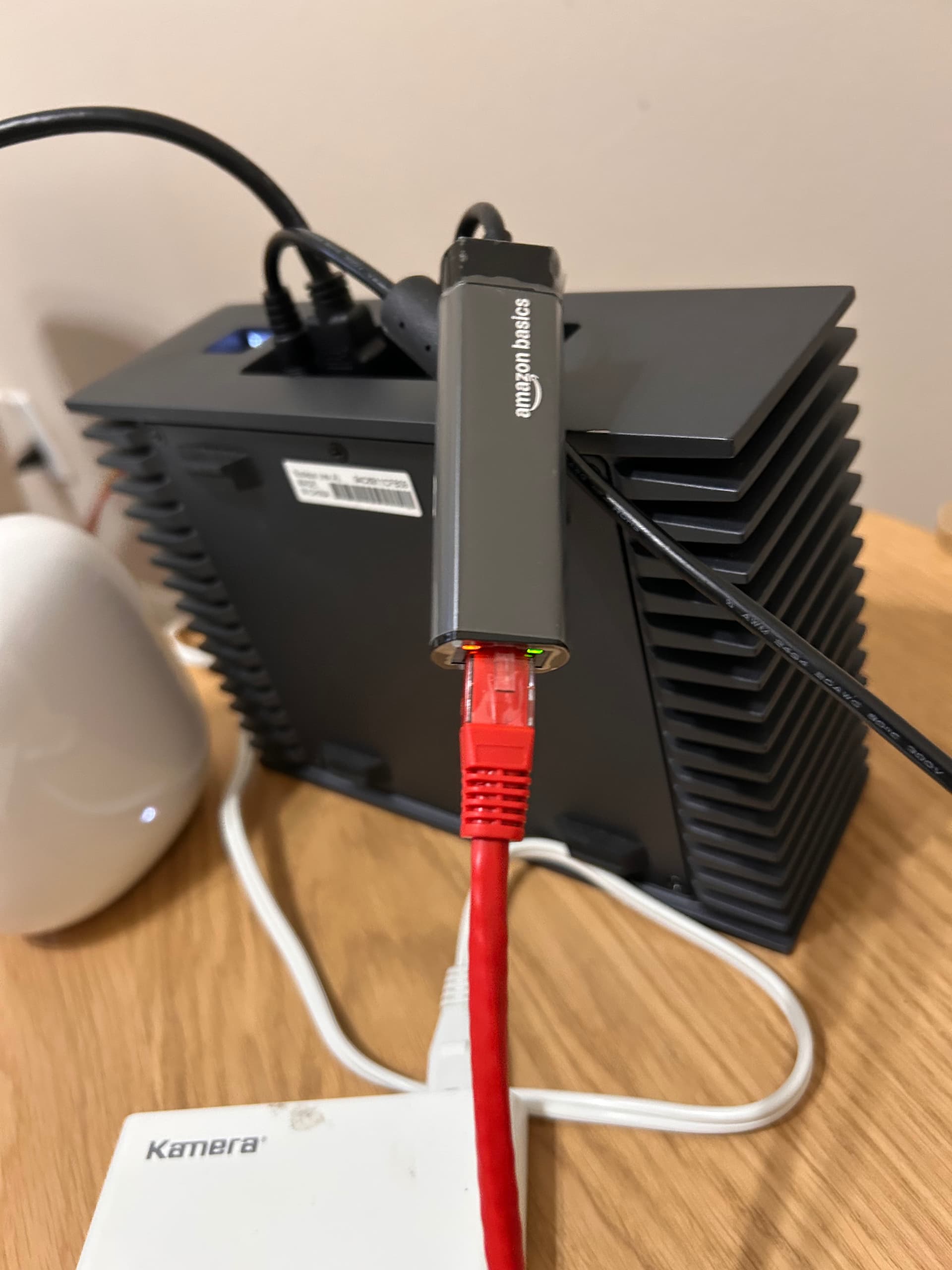
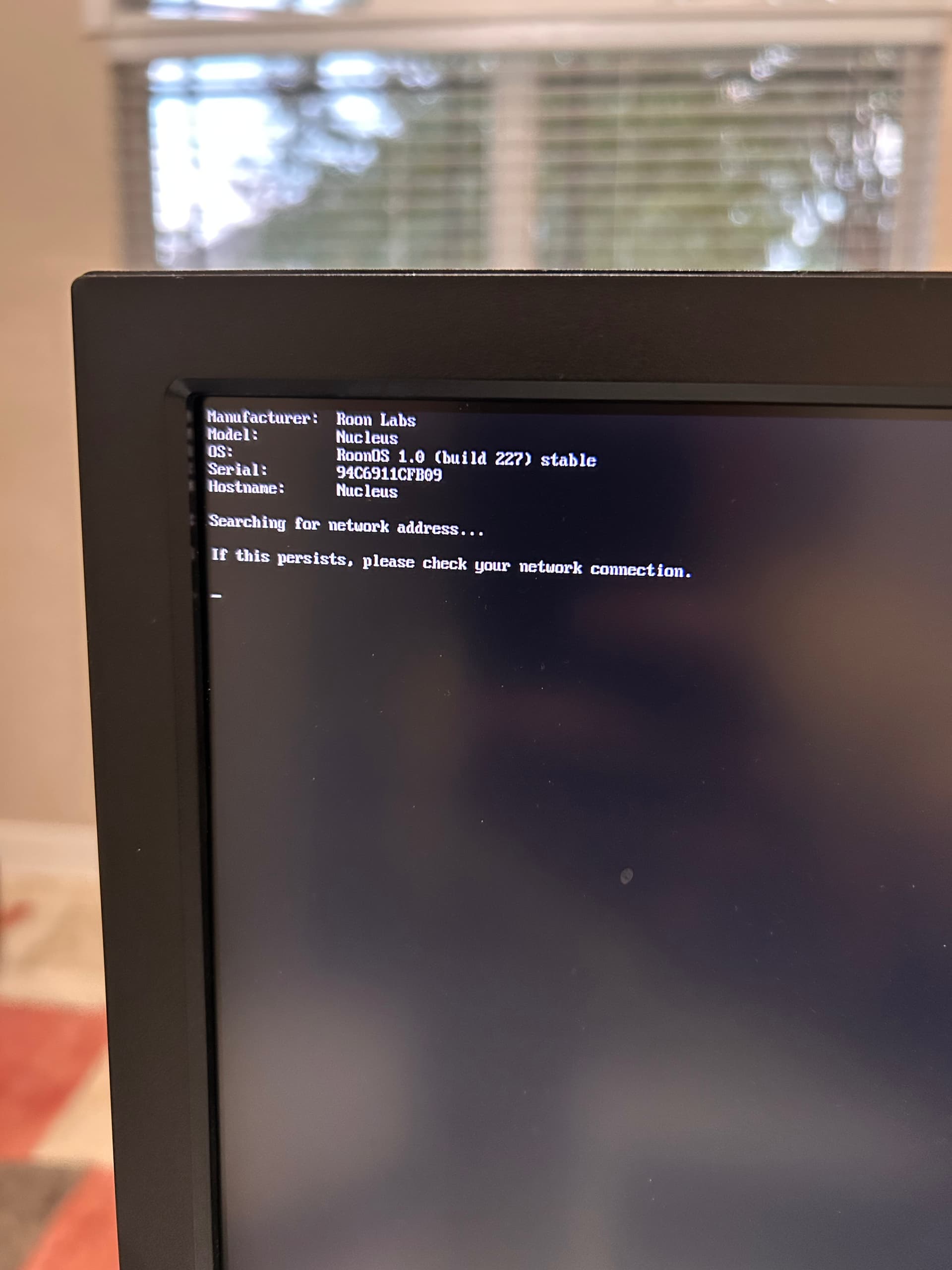
Hi, two more updates here. 1) I did power cycle the router and 2) I got a USB to ethernet adapter. All the lights turn on the adapter so it appears to be transmitting and receiving, but the startup screen now just hangs in “searching for network address”.. It’s been like that for about 5 to 10 minutes before I restarted it, and same behavior.
As we do not have a way to perform the software reinstall via the WebUI to confirm the issue, the next step would be to flash ROCK onto your Nucleus and see if the problem persists. Please follow this guide to flash the ROCK OS:
Once you have completed the flash, let us know how it goes, and we will provide instructions on how to reach out to one of our teams to reinstall the Nucleus OS.
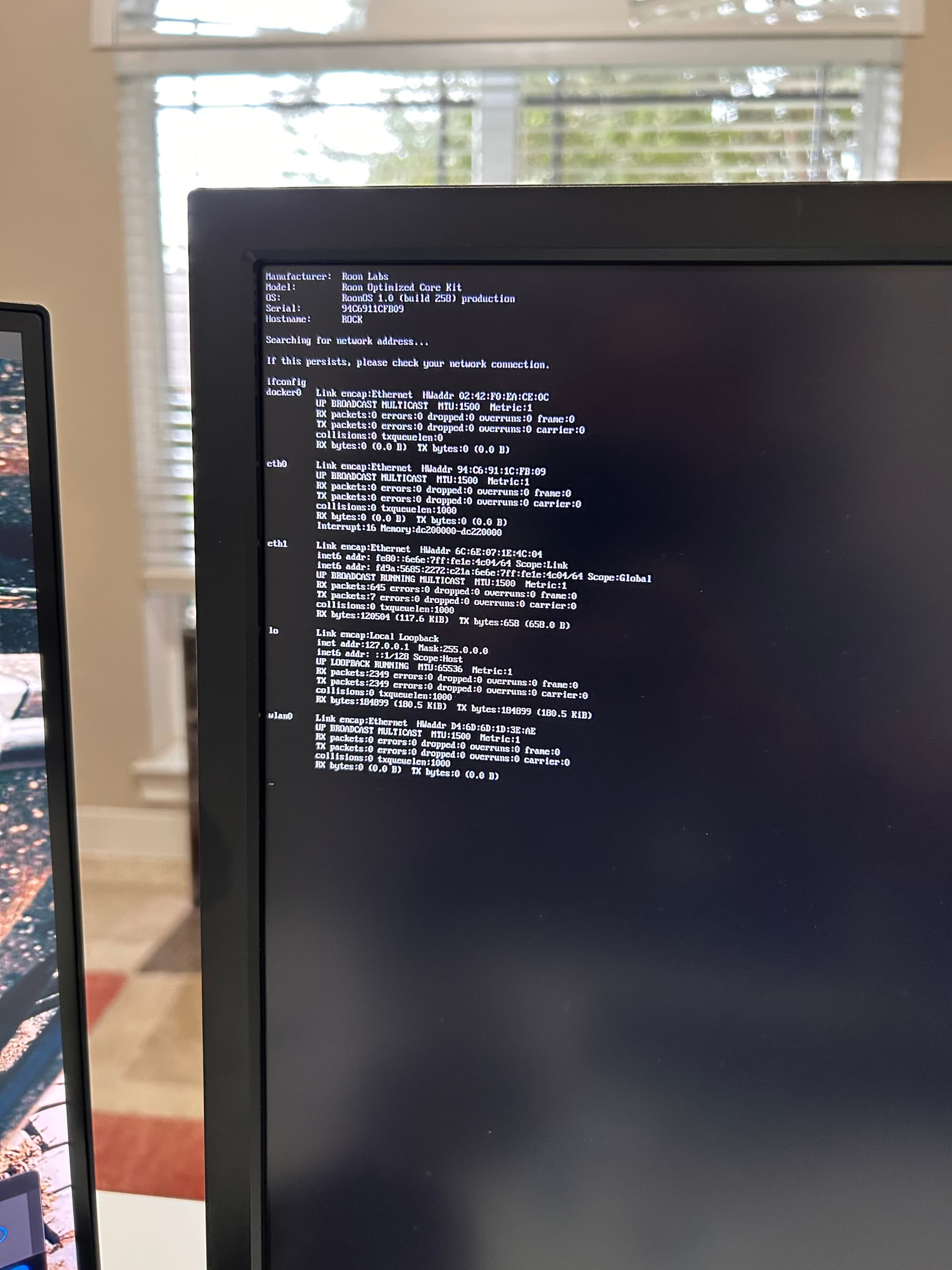
Hello, I performed a ROCK install but unfortunately keep getting the same results. See new image where now the OS identifies itself as ROCK instead of Nuclues, but still fails to negotiate a DHCP lease from the router.
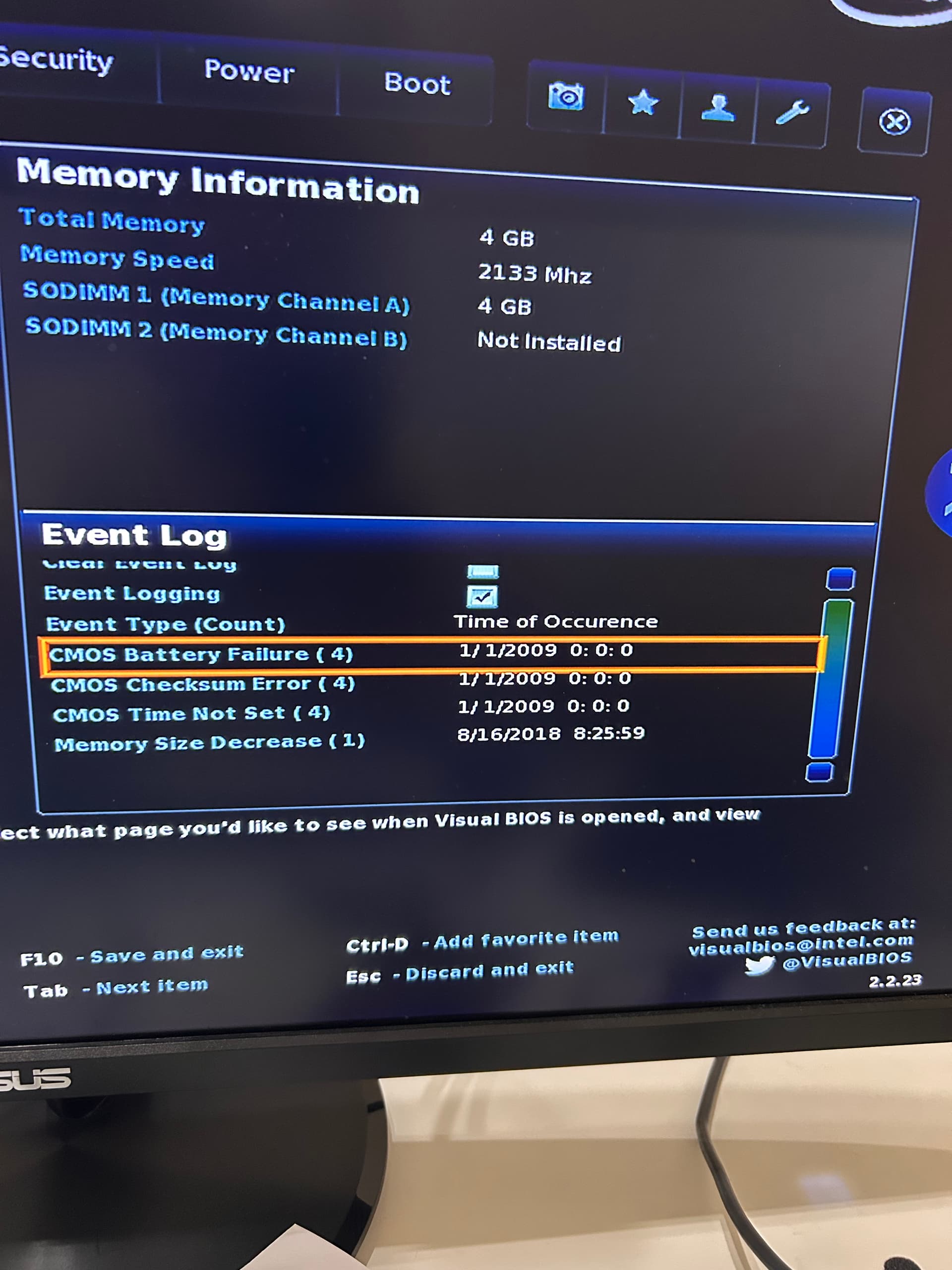
Hello, here are three more pictures, hoping they help further troubleshoot my problem. 1) bios screenshot, I think the log says the CMOS battery died. 2) ifconfig output, showing eth1 (the usb ethernet adapter working and providing the MAC adress. 3) Wireshark output from the same netowrk listening for traffic from the MAC address of the ethernet adapter.. it only shows IPV6 traffic, why? thank.s
Can you check if the current system date/time in the BIOS is set to the actual UTC date/time? Network services may refuse to accept packages with incorrect date/time values set. Replace the BIOS battery if needed.
mjw
(Here I am with a brain the size of a planet and they ask me to pick up a piece of paper. Call that job satisfaction? I don't.)
22
The bios is not set to current time, i updated it but after a power down ir resets beacuse the battery has failed. How do I find the battery? see picture of open Nuclues box.